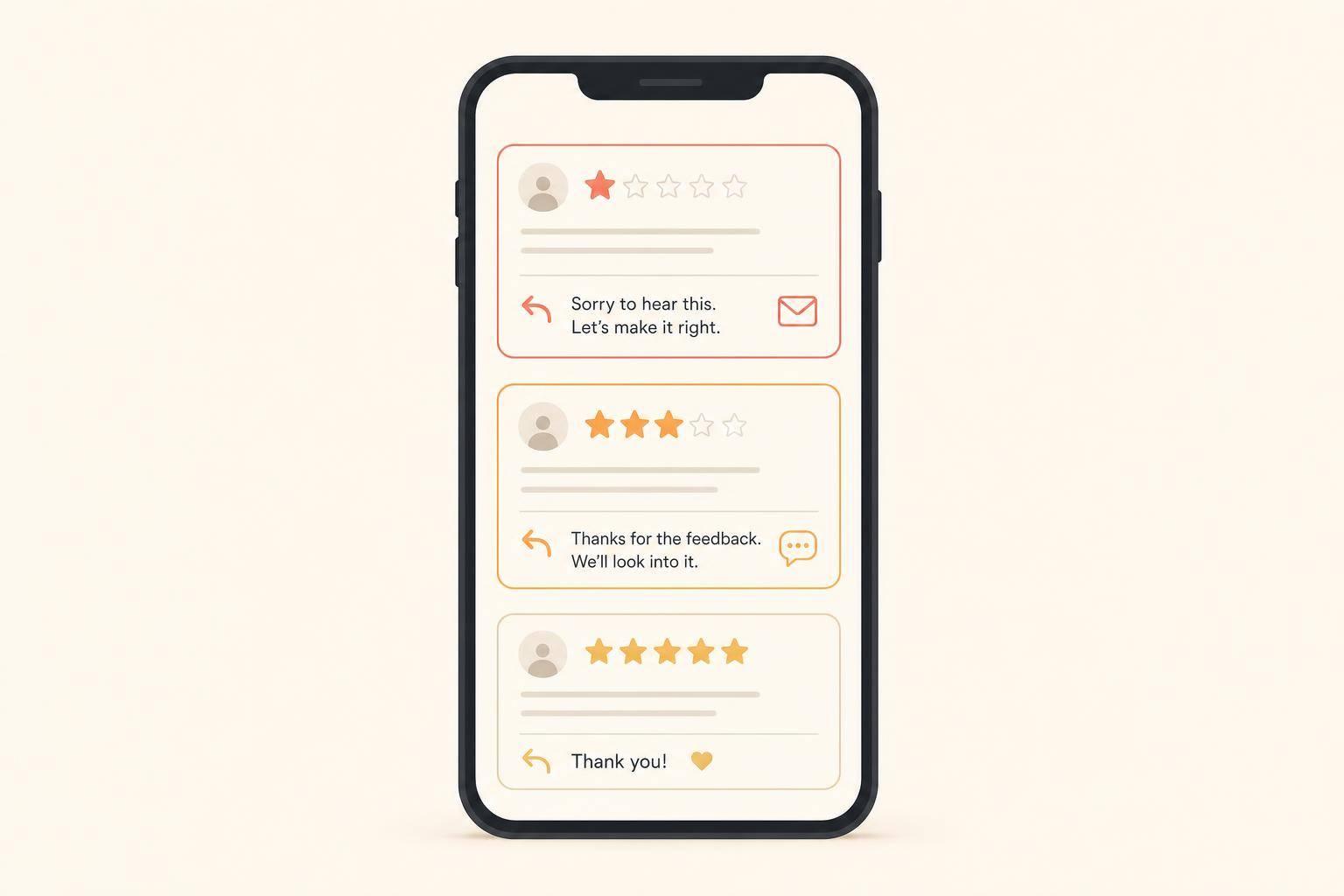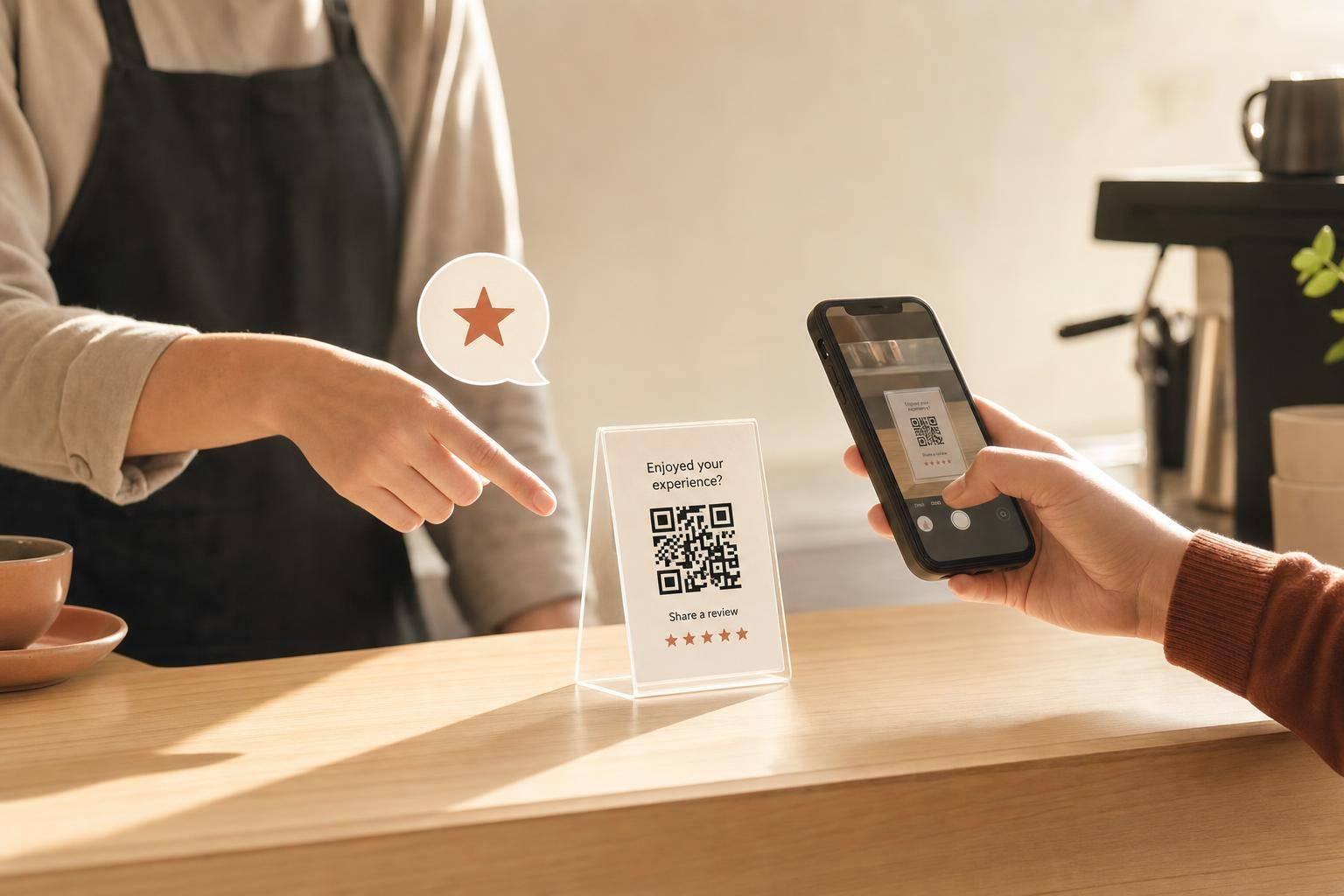
Yes - but only when someone asks. A counter QR code can help drive more Google reviews, but a silent sign by itself often does little. The article’s main point is simple: the ask, the timing, and the link matter more than the code.
Here’s the short version:
If I had to boil the article down to one idea, it would be this: putting a QR code on the counter is not enough - pair it with a direct ask, send people straight to the review form, and track whether it adds reviews month after month.
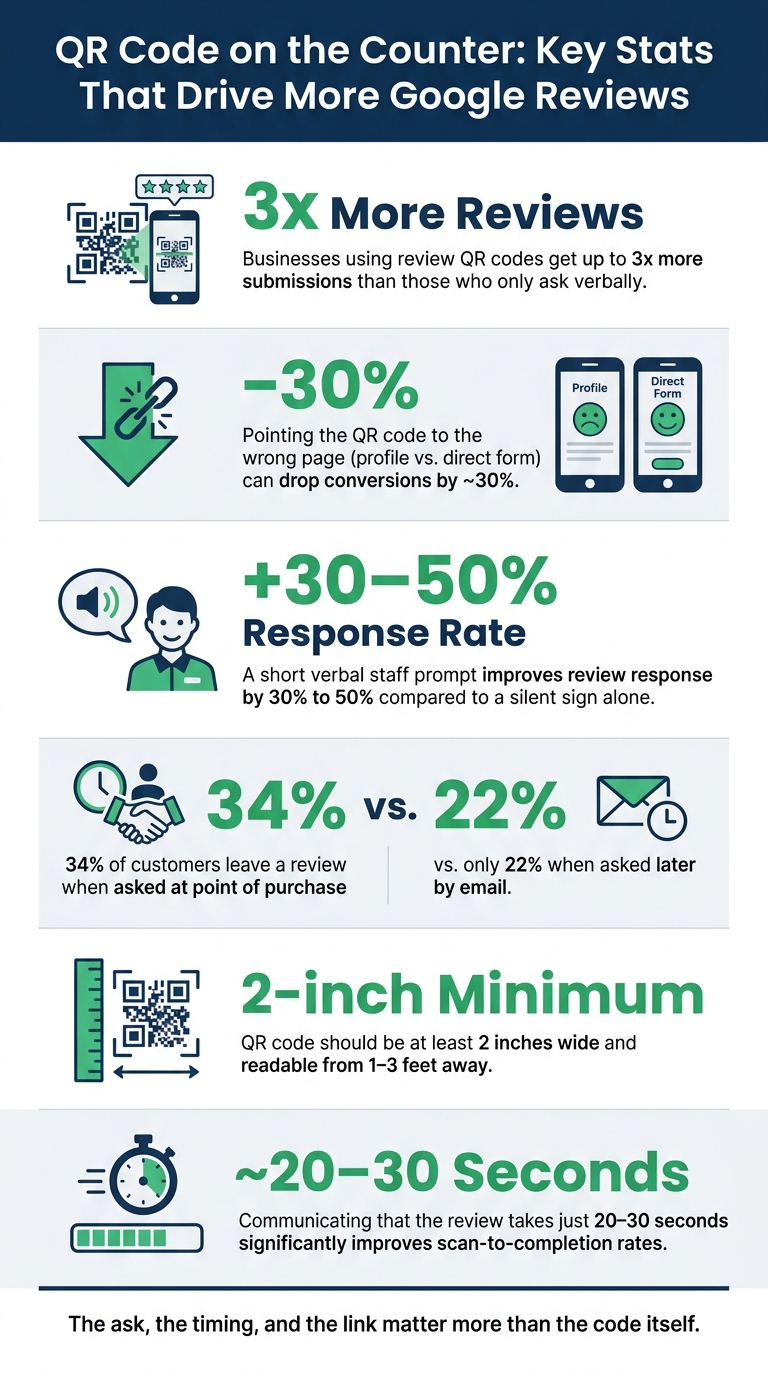
QR Code Review Stats: What Actually Drives More Google Reviews
A counter QR code only works if it reaches customers at the exact moment they're ready to do something. At checkout, on the front counter, or at a service desk, that window can disappear fast. Most of the time, the issue comes down to timing, wording, and setup.
Checkout is a bad time for passive asks because people are focused on paying and getting out the door. A silent sign asks the customer to notice it on their own, with no prompt from staff. Even after a good visit, the checkout routine is often enough to make people move on without scanning.
Even if the timing is right, the prompt can still fall flat if it's vague or hard to spot. Generic copy like "Scan Me" doesn't give people a reason to stop. A prompt like "Enjoyed your visit? Scan to leave a Google review in 20 seconds." gives clear context and a simple reason to act. Without that, most customers will just keep walking. [3][6]
Placement matters just as much as the words on the sign. If the code is tucked next to a messy register or printed too small to scan from arm's length, people may not even notice it. For a counter sign to work, the code should be at least 2 inches wide, placed where customers can see it from the counter, and easy to read from 1 to 3 feet away. [6][8]
Once someone scans, the link and print quality need to do their job. If the code is printed in low resolution or made harder to scan because of a long URL, it may fail to scan at all, especially on older phones. One weak setup choice can wipe out most of the upside. [3][6]
Counter QR prompts work best when they follow a good experience, not when they sit there on their own. The sweet spot is right after a great meal or a finished appointment, before that good feeling starts to fade. For service businesses, the reveal moment is usually the best time to ask.
A counter QR code does its best work when a staff member points it out and adds a short verbal ask. On its own, a sign can get ignored. But a quick spoken prompt changes that. A spoken ask can lift reviews 30% to 50% over a silent code alone. [1][6]
It doesn't need to sound stiff or rehearsed. Just invite the customer to leave a quick Google review and mention that it takes about 20 seconds. [3] Ask for honest feedback, not a star rating. If a customer gives a compliment, that’s the perfect moment to point to the QR code. It feels natural because it connects the request to a real moment of satisfaction.
Where you put the QR prompt also makes a difference. Table tents tend to work best in restaurants. Counter stands fit retail better. In service businesses, invoices or completion forms are often the better spot.
Receipt footers can still help, but scan rates stay low because a lot of customers never even check the receipt. [6]
The next step is turning those placements into a simple system.
Once your placement is set, the link and the message need to do the heavy lifting.
In Google Business Profile, grab the direct review link and QR code from the review tools. Use the direct review form, not your profile page. A shorter URL also makes the QR code easier to scan, especially on older phones and in low light [3]. After that, test the code on both an iPhone and an Android in your actual lighting before you print anything [3][11].
Use one QR code and one prompt across the counter, receipts, and follow-up messages [5][4][12].
That timing gap matters more than most people think. 34% of customers will leave a review when asked at the point of purchase, compared with 22% when the request shows up later by email [12].
A verbal ask sets the intention. The QR code makes it easy for the customer to act on it right away.
Keep the same prompt on the counter sign, receipt, and follow-up message. When the wording stays the same, it becomes much easier to measure which surface is driving reviews.
Your prompt should include:
Something like, "If we did a great job today, a 30-second Google review means everything to our small business" keeps the ask clear and polite [3][11].
Don't offer rewards for reviews. Discounts or freebies in exchange for reviews violate Google's policies and can lead to profile penalties [9][10]. If you want to track which placement is working, use a dynamic QR code so you can change the destination URL without reprinting materials, and give each surface its own code [7].
Track review volume by placement so you can keep the version that works.
Once the code is live, the next step is simple: check whether it leads to more reviews.
Look at your monthly review count before and after you add the QR code. What you want is a steady month-to-month review rate, not just a short spike that fades out [3][2].
It also helps to read new reviews closely. Watch for mentions of:
If you use separate codes in different spots, compare review counts by placement to see which surface does the job best [5][13].
If review numbers go up, the tactic has earned a spot in your process. If nothing changes, the issue may be the wording of the ask, the placement, or the channel itself.
For small businesses, a counter QR code should work as a support channel, not the main review system.
Keep the QR code only if it brings in more reviews at a low cost. If it doesn't, fix the link, change the placement, or tighten up the staff ask.
It depends on your business type and how many customers you serve.
Restaurants and retail stores often get 5 to 15 new reviews a month from table tents or counter signs. Service businesses that ask through invoices or follow-up messages may see 3 to 8.
As a general benchmark, small businesses can aim for 5 to 20 more reviews per month. A strong setup may lead to 3 to 5 times more reviews than an organic baseline, but steady results matter more than the occasional spike.
Use open, neutral language that centers on the customer’s experience, not a certain rating. For example: “We’d appreciate it if you could share your experience on Google,” or “If you have a minute, an honest Google review means a lot to us.”
If you’re using a QR code, work it in naturally: “There’s a QR code right there that makes it easy.” Don’t beg, ask for 5 stars, or tell customers what to mention.
Use dynamic QR codes with tracking data so you can measure scans instead of just guessing. That matters because Google doesn’t show which link led to a review, so you can’t track review submissions directly.
What can you watch? A few signals tell you a lot:
It’s not a perfect system, but it gives you a clear read on what’s working and what needs attention.
Discover strategies to elevate your business.