Yes - but only if the review breaks Google’s rules. If it’s just negative, vague, or one-sided, Google will usually leave it up. In most cases, I’d do this first: check whether the reviewer was a real customer, look for a clear policy issue, flag it if it breaks a rule, and reply in public if it does not.
Here’s the short version:
A simple way I’d look at it:
| Review type | Likely result | What I’d do |
|---|---|---|
| Fake review or spam | May be removed | Flag it |
| Threats, slurs, harassment | May be removed | Flag it and save screenshots |
| Competitor or former employee review | May be removed | Flag it with proof |
| Real complaint about service, price, or staff | Usually stays | Reply in public |
| One-star review with little or no text | Usually stays | Reply if needed |
One fact matters most: negative does not mean removable. So before spending time on a report, I’d match the review to a Google policy and gather proof like screenshots, order records, or account details.
These are the review types Google is most likely to take down.
Google removes bot- or AI-generated reviews, review-bombing, and posts that are clearly off-topic. Fake reviews include bot- or AI-generated posts and coordinated review-bombing that does not reflect a real customer experience [3]. One common red flag is a sudden wave of suspicious reviews from brand-new accounts.
Off-topic posts can also be removed. If someone uses the review section to rant about politics, religion, or some other unrelated issue instead of the actual business experience, that review may be eligible for removal [3].
Google removes reviews that use slurs, threats, explicit sexual content, or harassment aimed at a named person [9][3]. A rude review by itself usually won't cross the line.
The big difference is personal abuse vs. business criticism. A customer can say they had a bad experience. But if a review threatens a named employee, that's a different story. In that case, save timestamped screenshots before you report it [8][3].
Google's "Conflict of Interest" policy covers reviews from current or former employees, business owners reviewing their own business, and competitors trying to hurt a listing [3]. Reviews posted by someone pretending to be a customer or another person can also be removed [3]. When you report one, it helps to describe the issue using Google's policy language instead of just saying the review feels unfair.
A few signs can point in that direction:
Before reporting, compare the profile with your own records, such as orders, appointments, and employee schedules. If a review doesn't fall into one of these policy categories, Google will usually leave it up.
There’s another side to this rule: most negative reviews stay up unless they break Google policy [10][1]. If a review comes from a real customer experience, Google will usually leave it in place [10][2].
Complaints about slow service, billing disputes, poor communication, food quality, or rude staff will often stay up if they come from a real customer interaction [1][5]. And yes, that includes reviews that feel harsh or one-sided.
A customer doesn’t need to tell the full story - or spell out their own part in the problem - for the review to count as valid. If the review is tied to a genuine interaction, Google may still keep it posted [3].
A vague one-star rating or a short comment is usually allowed unless it includes spam, harassment, or some other policy issue [3][5]. That’s the key point.
Before you report a review, check whether it breaks a specific Google policy [1][2]. If it’s just unfair, vague, or annoying, removal usually won’t happen. In that case, it makes more sense to respond.
| Removable (Flag It) | Usually Kept (Respond to It) |
|---|---|
| Fake or bot-generated reviews [1] | Complaints about wait times or slow service [1] |
| Reviews from competitors, owners, or ex-employees [3] | Billing disputes or overcharge claims [1] |
| Slurs, threats, or harassment of named staff [1] | Subjective accounts of rudeness or poor attitude [1] |
| Rants about politics, religion, or a different business [3] | Negative opinions on food quality or products [5] |
| Posts revealing an employee's home address or phone number [1] | One-star ratings with no text or little detail [3] |
If a review fits the removable column, the next move is to flag it in your Google Business Profile.
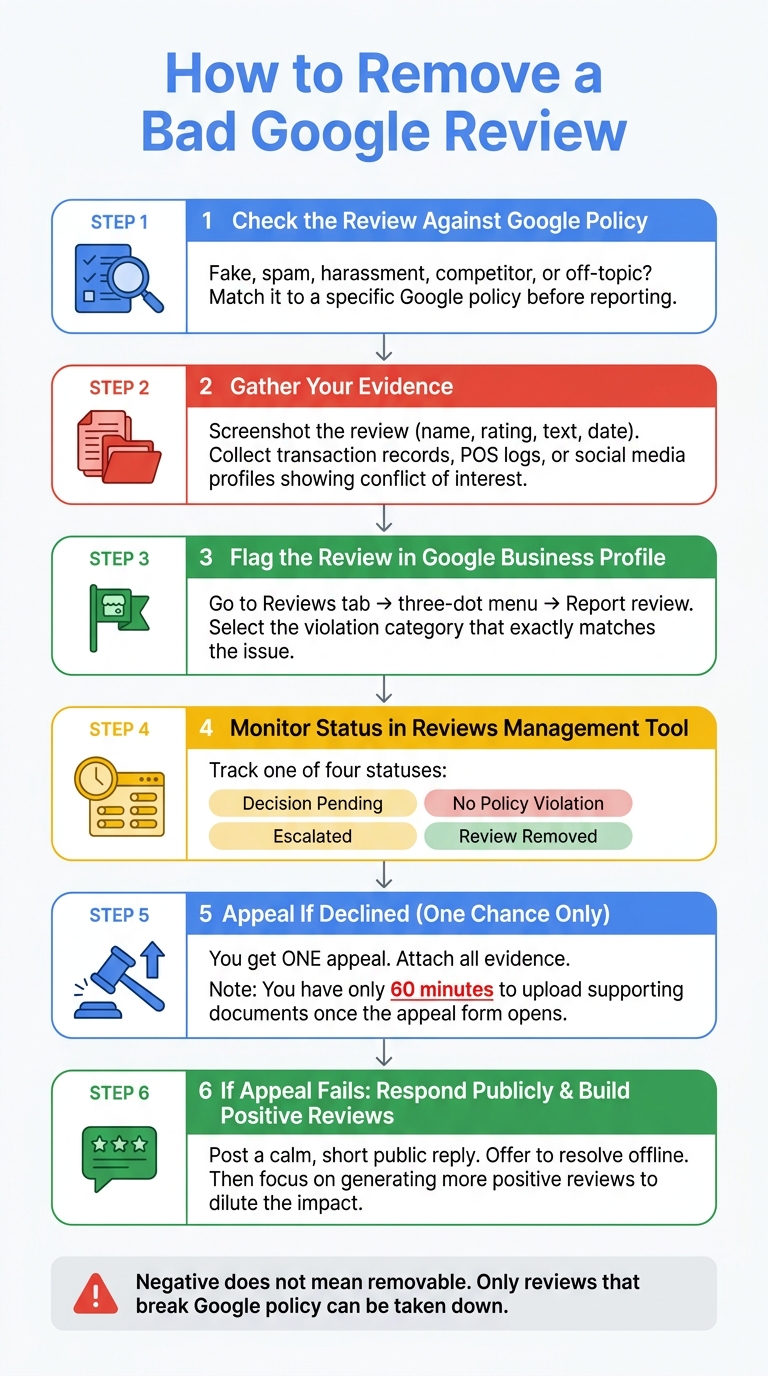
How to Remove a Bad Google Review: Step-by-Step Process
If a review clearly breaks policy, this is the point where you flag it. Google gives you three ways to do that: the Google Business Profile (GBP) dashboard, Google Maps or Search, and the Reviews Management Tool [7][1]. After you submit the report, use the Reviews Management Tool to check what happens next [7][2]. In short: file the report first, then monitor the status.
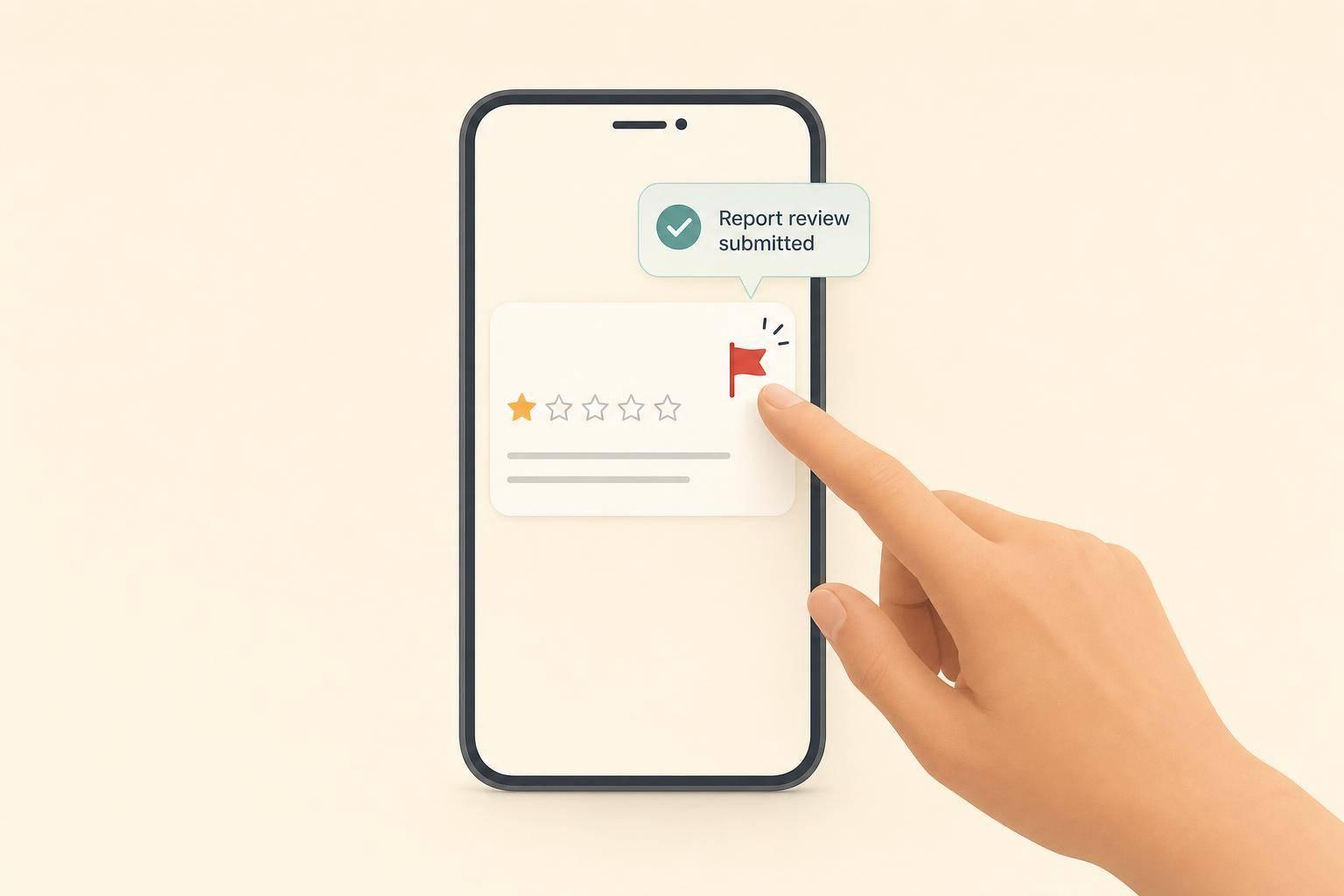
Sign in to the Google Account that manages your business. Then search for your business name on Google or open your GBP dashboard. Click the Reviews tab, find the review you want to report, and open the three-dot menu (More). Choose Report review, then select the violation category that best fits the actual issue [1].
That last part matters more than most people think. Google checks your report against the category you picked. So if the review is harassment but you file it as spam, the system may reject it right away [2].
Track your report in the Reviews Management Tool:
| Status | What It Means |
|---|---|
| Decision pending | Your report is in the queue [2]. |
| Report reviewed - no policy violation | Declined on first pass; you can appeal once [2]. |
| Escalated - check your email | A human moderator is reviewing your appeal [2]. |
| Review removed | The review has been taken down [2]. |
If you get a "no policy violation" result, you have one appeal [2][7]. Don't rush into it. Use that single appeal only after you've attached evidence. Appeals go to a human moderator, which gives you your best shot at getting the review removed [2][7]. One detail is easy to miss: when you open the appeal form, you get exactly 60 minutes to upload your supporting evidence before the window closes [11].
If Google rejects the first report, your evidence becomes the backbone of the appeal. Gather it before you submit anything. Waiting until after a rejection can slow you down and leave gaps in your case.
The most useful items are:
These records help support your appeal if Google declines the report.
After you submit, save every screenshot and record. If the appeal is denied, post the case in the Google Business Profile Community forum, where Product Experts can escalate clear policy violations [2][6]. If the issue involves defamation or impersonation, use Google's legal/support submission route and cite the exact policy violation [1][8].
If the appeal fails, switch to reputation management. At that point, removal isn’t happening, so the next step is a calm public reply.
Your response is for future customers as much as the reviewer. Keep it short, calm, and helpful. Start with a sincere apology, then move the conversation offline by sharing a direct contact name, phone number, or email address [5][6][7].
A simple reply format works well:
"I'm sorry your experience didn't meet our standards. I'd like to make this right - please reach out to me directly at [phone/email]."
If the review includes a factual error, correct it politely in one sentence. Don’t sound argumentative. For example:
"Our records show this service was completed on [date]."
Keep the tone calm and helpful [5][7]. And don’t offer discounts, refunds, or perks in exchange for an edited review.
Once you’ve replied, the next job is to shrink the review’s impact by bringing in more positive feedback.
If a bad review stays up, the best long-term move is a steady flow of positive reviews [4][6]. Happy customers often just need a nudge, so ask right after a finished job or visit. Make it easy with a direct review link.
More reviews reduce the weight of each negative one [2]. A larger review profile helps build trust. If the review breaks policy, keep pushing for removal. If it doesn’t, respond, then put your energy into getting more happy customers to speak up.
Google usually reviews a flagged review within 2 to 14 days.
When the issue is clear-cut, like spam or hate speech, Google often acts within a week. In some cases, obvious violations are handled in just a few hours or a few days.
If you still haven’t received a decision after 14 days, check the status of your report through Google Business Profile tools or submit an appeal. Appeals usually take up to 5 business days.
Before you report or appeal a review, save evidence first.
Take full-page screenshots that show the reviewer's name, the date, and the full review text. That gives you a clear record in case the review changes or disappears later.
Then pull together any records that conflict with the review. This can include:
When you write your appeal, don't just dump in the files and hope for the best. Tie each piece of evidence to a specific Google policy violation. That makes your case much easier to follow and much harder to brush off.
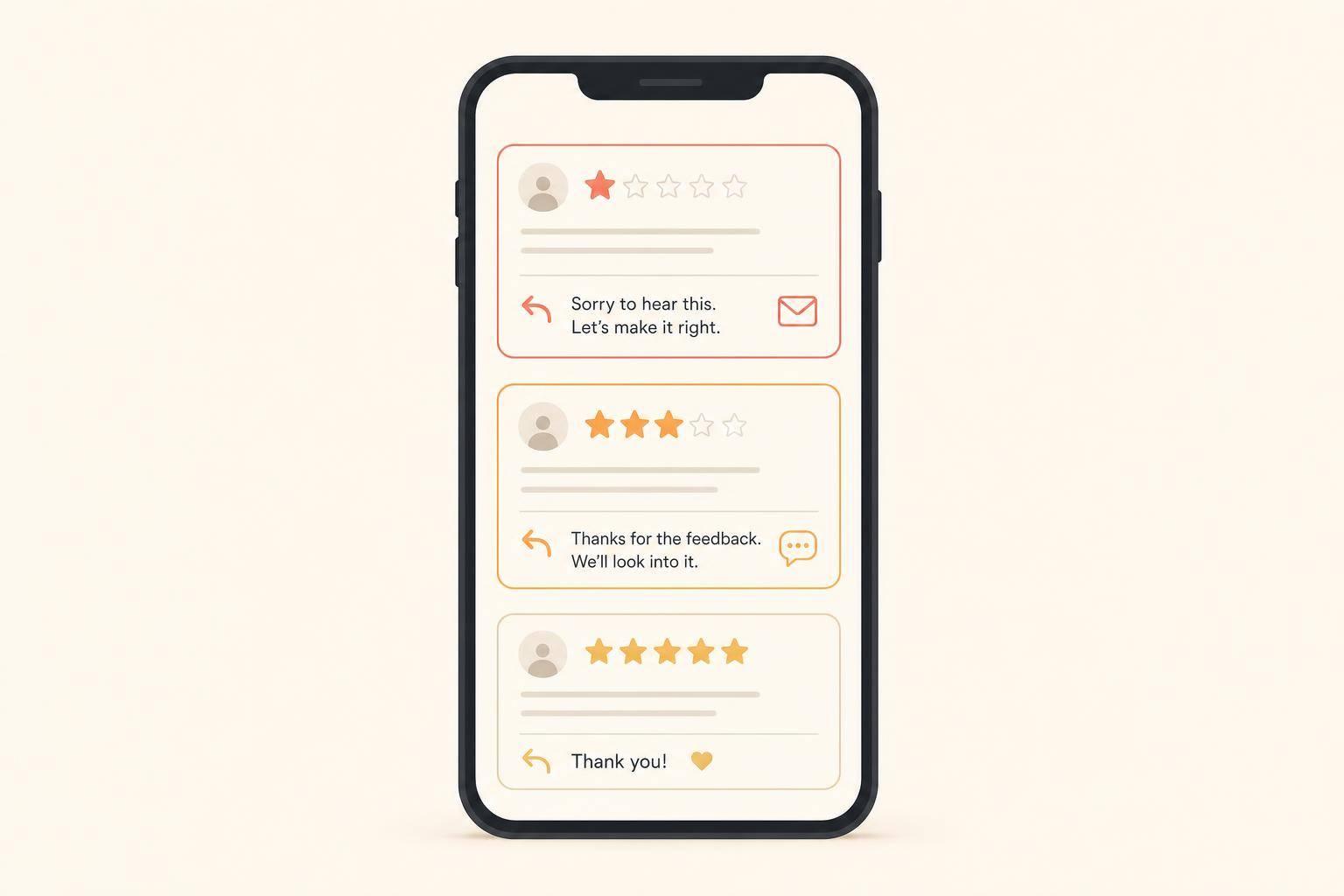
Yes. Most reviews stay up, so a calm, professional public reply can help in two ways: it reassures potential customers, and it shows Google that your business is active and paying attention.
Start by acknowledging the concern. Then correct any factual errors in a clear, non-argumentative way, and invite the reviewer to continue the conversation in private.
A few ground rules matter here:
Discover strategies to elevate your business.