

When Bay Area residents need a local service, they turn to the internet first. With 98% of people reading reviews before making decisions and 88% of mobile searches leading to purchases within 24 hours, your online presence is your first impression. If your profiles are incomplete or outdated, you risk losing potential customers to competitors.
Key Takeaways:
To stand out, focus on:
In the Bay Area’s competitive, tech-driven market, your digital reputation determines whether customers pick up the phone or move on to your competitors.

Bay Area Local Search Statistics: Why Your Online Presence Matters
Trust isn’t just a nice-to-have - it’s the foundation for turning online searches into phone calls. In the Bay Area, a striking 67% of consumers say they need to trust a brand before making a purchase [3]. And where does that trust begin? Your online profile. It’s the first impression potential customers get, and it often determines whether they’ll even consider calling you.
When people search for services, they’re scanning for trust signals. If your Google Business Profile is incomplete, your directory listings are outdated, or you don’t have reviews, customers notice. And not in a good way. These gaps suggest your business might not be professional or reliable enough to manage its online presence. That’s a big deal in a world where 93% of consumers turn to Google to find local businesses [5]. Any hint of doubt could mean you’ve already lost the lead.
Lauryn Chamberlain from Yext puts it plainly: maintaining consistent online trust isn’t optional if you want lasting success [3].
This issue is even more critical in the Bay Area, where customers aren’t just browsing for fun - they’re tackling urgent problems. A search like “emergency plumber SOMA” or “same-day electrician Mission District” means someone needs help ASAP. If your profile has outdated hours, conflicting addresses, or no photos, potential customers will move on without a second thought. And here’s the kicker: 73% of consumers are likely to ditch a brand after just one bad experience [3].
The trust problem doesn’t just stop at perception - it directly affects engagement. Businesses with fully completed Google Business Profiles get 7x more clicks than those with incomplete profiles [5]. That’s not just a minor difference; it’s the gap between being seen and being ignored.
Inconsistent details across platforms create another hurdle. If your business information isn’t aligned, AI tools like Siri, Alexa, and ChatGPT won’t recommend you when customers ask for help [1][4]. And in the Bay Area, where voice search usage is 40% higher than the national average [2], being left out of AI-driven recommendations can mean losing a huge chunk of potential leads.
Then there’s the power of visuals. Profiles with photos get 42% more requests for directions and 35% more clicks to websites [5]. Without photos showcasing your work, team, or location, your business might come across as outdated or unprofessional. That perception alone can stop potential customers from picking up the phone.
These aren’t just minor details - they’re revenue killers. For example, a single 1-star increase on Yelp can boost revenue by 5% to 9% [3]. And with 88% of location-based mobile searches leading to an offline purchase within 24 hours [1], having a polished online presence isn’t just helpful - it’s essential for capturing customers who are ready to buy now.
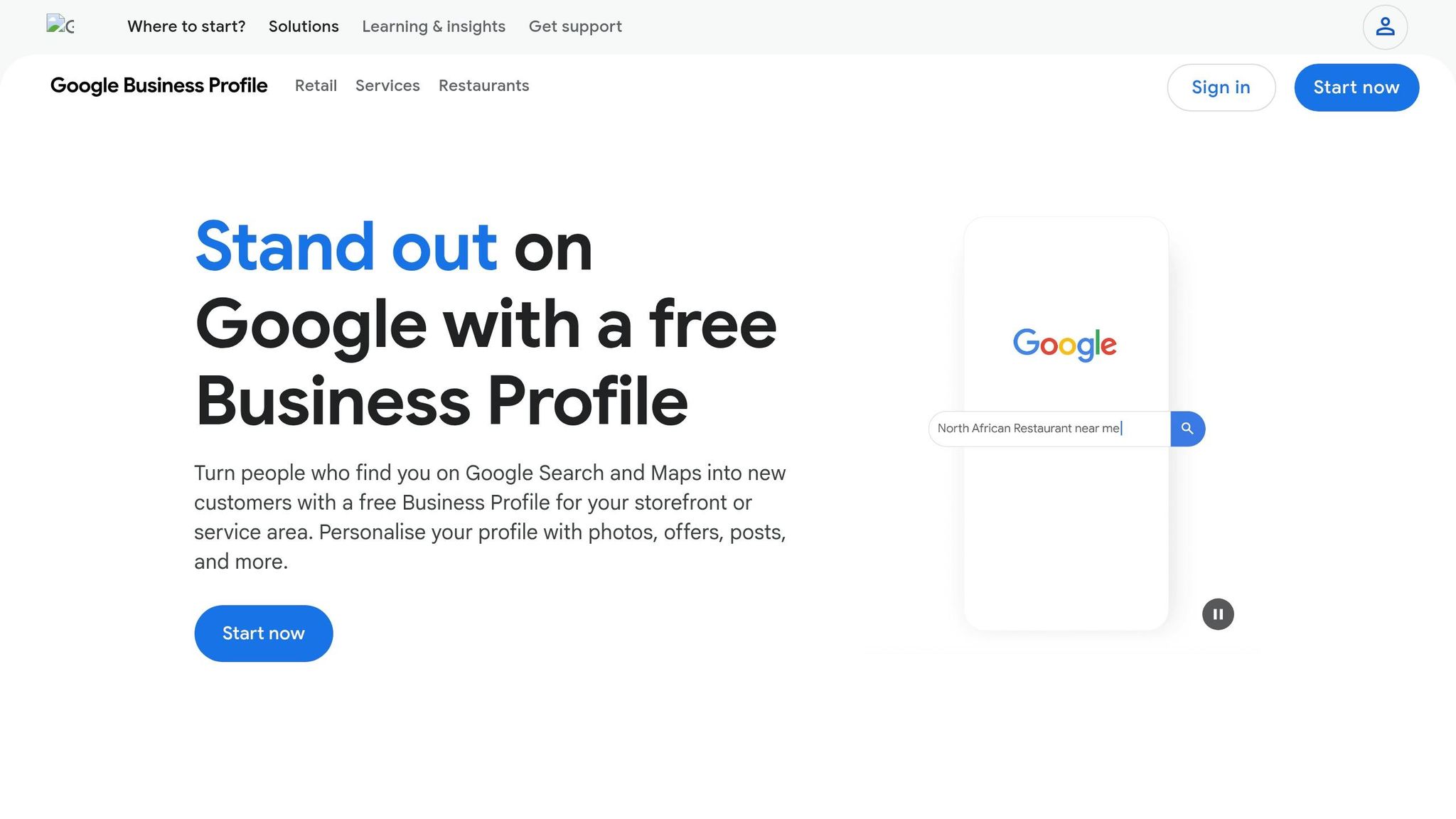
Your Google Business Profile is often the first thing Bay Area customers notice when searching for your services. It appears prominently - above organic results, ads, and alongside the map [6]. Businesses with fully optimized profiles see up to 35–50% more customer actions within the first two months [8].
Start by setting up your profile correctly. Use your exact legal business name as it appears on your signage - don’t try to add extra terms like "Best Plumber San Jose", as this could lead to suspension [6]. Select the most specific primary category that fits your business, such as "Italian Restaurant" instead of the broader "Restaurant"; this choice significantly impacts your ranking. You can also add up to nine secondary categories to cover related services and improve local visibility.
For your contact details, opt for a local phone number with a Bay Area area code (e.g., 415, 510, 408, or 650) rather than a toll-free number. This helps establish local trust. If you’re a service-area business, like a plumber or cleaner, you can hide your address and list up to 20 specific service areas by city or zip code. For storefront businesses, ensure your address is accurate and consistent across your website and third-party directories. Even small inconsistencies - like "St." versus "Street" or "Suite 100" versus "#100" - can confuse search engines [6].
Don’t skip verification. Your profile won’t go live until you verify it, which can be done via postcard (usually within 5–14 days), phone, email, or video walkthrough. Avoid making changes to your business details during this time, as it could reset the verification process [6].
Photos can significantly boost engagement. Businesses with at least 20 high-quality images see a 35% increase in clicks compared to those with fewer photos [2]. Aim to upload 10–15 photos at a minimum, but 25 or more can drive even better results. Include a mix of exterior shots, interior views, team photos, and work-in-progress images. For best results, upload photos in JPG format with a resolution of at least 720×720 pixels [6].
Take advantage of Google’s attributes, such as wheelchair accessibility, women-owned status, or outdoor seating. Many customers use these filters when searching for businesses. You can also prepopulate your Q&A section by asking and answering common questions like, "Is there parking nearby in SOMA?" or "Do you offer same-day service in the Mission District?" This reduces barriers for potential customers.
Once your profile basics are complete, boost its visibility by incorporating strategic keywords. Your business description is capped at 750 characters, but the first 250 characters are the most critical - they appear before the "Read more" link [6]. For instance, instead of saying, "We’re a plumbing company", try something like, "Emergency plumber serving SOMA, Mission District, and Nob Hill with same-day service for leaks, clogs, and water heater repairs."
Bay Area searchers often include specific neighborhood names in their queries - 67% of searches use location details beyond just "San Francisco" [2]. Phrases like "emergency electrician Sunset District" or "Italian restaurant near Market Street" are common. Include these neighborhood names and local landmarks, such as Coit Tower or Ferry Building, in your profile description and Google Posts to improve your "near me" search rankings.
Keep your profile active by posting updates once or twice a week. Standard posts expire after seven days [6]. Share neighborhood-specific promotions, seasonal deals, or updates about local events to stay relevant and engaging.
Lastly, track your profile’s performance by adding UTM parameters (like ?utm_source=google&utm_medium=gbp) to your website link. This allows you to measure how much traffic comes from your Google Business Profile, helping you identify what’s effective and where you can improve [7]. These keyword strategies lay a strong foundation for building your online presence and reputation.
Online reviews are a game-changer for driving customer calls in the Bay Area. Businesses with 50+ reviews generate 266% more leads than those with under 10, and a single one-star boost on Google can increase revenue by 5–9% [11].
Timing is everything. Ask for reviews 1–2 hours after completing a service, when satisfaction is at its peak. This timing makes customers three times more likely to leave a review. For businesses like hotels, waiting 1–2 days after check-out works better [11][13].
Make it easy for customers to leave reviews. Send direct links via SMS and email - SMS has a 45% open rate compared to email's 20%, and combining both increases response rates to 26% [11][12]. You can also use QR codes on receipts, checkout counters, or even salon mirrors to guide customers directly to your review page [12].
Train your team to ask for reviews naturally and sincerely. A simple line like, "We're so glad we could help today! A quick Google review would really help others know what to expect" works well [12]. If you use payment systems like Square or Stripe, enable automated review requests to go out immediately after transactions. This can generate 5–10 times more reviews than manual requests [11].
It’s essential to follow the rules of each platform. Don’t offer incentives for reviews or engage in "review gating" (only asking happy customers for reviews). Google strictly penalizes this practice [10][12]. On platforms like Yelp, avoid direct review requests altogether [10][12][13]. Instead, use tools like Net Promoter Score surveys to identify highly satisfied customers (those who rate you 9 or 10 out of 10) and send them review requests immediately [12].
Once reviews start coming in, engage with every single one. Quick responses show you value feedback and help build trust.
Responding to reviews isn’t just polite - it’s a signal to search engines that your business is active and engaged. In fact, businesses that reply to reviews see 35% higher revenue, and customers spend 50% more with businesses that respond [15][16]. Plus, 89% of consumers expect businesses to reply promptly [15][18].
Aim to reply to all reviews - positive or negative - within 24–48 hours, prioritizing negative ones within 24 hours to prevent further frustration [14][15][17]. Personalize your responses by using the customer’s name and referencing specific details from their review. Avoid cookie-cutter replies; 97% of consumers read responses, and they can spot generic templates from a mile away [16].
For positive reviews, express genuine gratitude and invite customers to return. You can also include keywords naturally to improve local SEO. For example: "Thank you, Maria, for choosing us for your plumbing repair in the Mission District! We’re thrilled the same-day service worked out. Hope to help you again soon" [14][18].
When handling negative reviews, use the HEAR framework:
Always move the conversation offline by providing a direct phone number or email. This approach shows professionalism and helps resolve issues privately.
"A negative review isn't just a critique - it's an opportunity to demonstrate transparency, care, and professionalism." - Backlinko [12]
Sign off your responses with a name or initials, such as "- Sarah, Manager", to make them feel personal and authentic [14][16]. For fake or spam reviews, don’t delete them yourself. Instead, flag them through your Google Business Profile dashboard [15][16]. And here’s a bonus: 45% of customers will update or remove a negative review if you handle their concerns properly [18].
After refining your profile and reviews, the next step is ensuring your business information is consistent everywhere. Why? Because inconsistent details - like a mismatched address or phone number - can quickly erode trust. In fact, 73% of consumers lose trust in a brand when online listings contain errors [24]. For businesses in the Bay Area, where 92% of consumers rely on online directories to find local services, even small discrepancies (like "St." versus "Street") can cost you leads.
Search engines and AI assistants, such as ChatGPT, Siri, and Gemini, depend on accurate and consistent data to recommend businesses. If your Name, Address, and Phone number (NAP) vary across platforms, algorithms may downgrade your visibility. This means fewer calls, lower rankings, and potential customers turning to competitors with cleaner, more reliable profiles [19][21].
"Directories are the plumbing of the local search ecosystem. You don't see them; you don't think about them; but when they break, everything stops working properly." - Gombos Atila Robert, CEO, Jasmine Business Directory [26]
Businesses with 95% or higher NAP consistency across their top 50 citations rank an average of 3.2 positions higher in local search results [25]. In competitive areas like SOMA or the Mission District, those three spots could mean the difference between a packed schedule and empty time slots.
Start by conducting a thorough audit of your current listings. Create a master document with your official business name, full address (including suite number), phone number, and website URL. Use this exact format across all platforms.
Begin with the most important directories: Google Business Profile, Apple Maps, Yelp, and Bing Places. Then, expand to industry-specific directories like Healthgrades for healthcare providers or Avvo for legal professionals [9][20]. It’s crucial to match your online business name to your real-world signage - don’t add extra keywords or city names unless they’re part of your legal name, as this can lead to penalties from Google [6][19].
Consistency is key. For example, if you use "Suite 100", make sure it appears that way everywhere [6][19].
Verify your listings on each platform through methods like postcard, phone, or video verification. Verified listings not only rank higher but also build trust with potential customers [6][23].
Also, keep your operating hours updated - especially during holidays or seasonal changes. With 88% of consumers contacting a business within 24 hours of an online search, incorrect hours can easily send them to a competitor [20].
Once your listings are consistent, take advantage of tools to maintain them efficiently.
Manually managing your listings can be tedious and prone to errors. Tools like Humble Help's free Business CRM can simplify this process by helping you track updates and set reminders to review your top citations quarterly [24].
For businesses with multiple locations, consider platforms like Moz Local (starting at $14/month per location) or BrightLocal (starting at $39/month). These tools can automatically distribute accurate information to hundreds of directories using aggregators like Foursquare and Neustar Localeze [6][22][24]. This automation saves time and ensures your information stays consistent across the board.
If you're just getting started, a simple spreadsheet can work wonders. Record each listing, its status, and the last verification date. Regularly updating your listings signals to search platforms that your business is active and trustworthy [6][22].
Here’s a real-world example: In early 2026, a 12-location restaurant chain partnered with Netco Design to streamline their multi-location management. Within six months, they saw a 34% increase in Google Business Profile views and a 28% rise in direction requests - all thanks to maintaining identical NAP data across platforms [24].
Accurate information isn’t just about avoiding penalties - it’s about showing up when and where customers need you most.
Once you've optimized your profile and gathered reviews, the next step is staying on top of your results. Local SEO is not a one-and-done task - it’s an ongoing process. Algorithms shift, competitors step up their game, and customer behaviors change over time. Businesses in the competitive Bay Area that regularly monitor and refine their strategies are the ones that stay ahead[2].
The good news? You don’t need expensive tools or deep technical skills to track your progress. Google offers free resources to show how customers discover your business and what they do next. These insights are the key to fine-tuning your local SEO efforts.
Google Business Profile (GBP) Insights gives you access to valuable data about how customers interact with your business online. This "local intent data" reveals how people find you and what actions they take afterward[27]. You can view these insights directly in Google Search by typing your business name or through the Google Business Profile Manager.
Focus on these key metrics:
If your profile views are high but engagement is low, consider updating your photos or sharpening your service descriptions to build trust.
"The most important metrics are the number of calls, number of requests for directions, and how often your local listing is shown in Google search results." - Ross Taylor, President, Alameda Internet Marketing[27]
GBP Insights also breaks down searches into two categories: Direct (customers searching specifically for your business) and Discovery (customers searching for a product, service, or category). By analyzing the "How customers search for your business" tab, you can identify high-intent keywords and refine your business description to align with what people are looking for.
Here’s a staggering stat: nearly 46% of the 3.5 billion daily Google searches are for local businesses[28]. With mobile and desktop searches now evenly split, keep in mind that desktop users often dial phone numbers manually rather than clicking the "Call" button. This means your actual phone leads could be twice what GBP Insights reports. To measure real growth, compare your metrics month-over-month or year-over-year, while accounting for seasonal trends.
In addition to GBP Insights, there are other free tools that can help refine your strategy. For instance, Humble Help's free Analytics Dashboard provides a simple yet detailed view of your website traffic, visibility, and overall performance. This can help you determine which channels are driving the most leads.
If your business operates in multiple locations, the Google Business Profile Manager makes it easy to compare metrics across sites and export bulk data. For example, you might discover that your Oakland location sees more direction requests, while your San Jose branch gets a higher volume of phone calls[2].
It’s not just about the number of leads - quality matters too. Track where your inquiries are coming from and assess the lifetime value of customers acquired through local search. If customers from "Discovery" searches are converting at a higher rate than those from paid ads, it might be time to double down on your local SEO efforts.
For step-by-step guidance, Humble Help’s Milo AI Marketing Coach can walk you through what to fix or improve next. This tool eliminates guesswork, helping you make smarter decisions without needing to hire a professional agency.
To stay consistent, set a monthly reminder to review your metrics. Note any trends or significant changes and adjust your strategy to keep improving[27].
In the Bay Area's tech-driven market, potential customers often check out businesses online before reaching out. For many, your Google Business Profile serves as their first - and possibly only - impression before deciding to contact you.
This highlights the importance of having a strong online presence. The good news? You don’t need a massive budget to stand out. Focus on optimizing your Google Business Profile, gathering reviews, keeping your business information consistent, and monitoring your performance. Did you know profiles with high-quality photos see 35% more engagement? Plus, nearly 50% of local searches lead to a store visit within 24 hours[9]. Every small improvement can have a direct impact on your success.
Take advantage of tools like Humble Help’s Analytics Dashboard, Business CRM, and Milo AI Marketing Coach to refine your profile, manage reviews, and track your progress - all without breaking the bank.
To begin, make sure your business name, address, and phone number (NAP) are accurate and up-to-date. Getting these details right is crucial for building trust and improving your visibility in local search results.
Once that's handled, focus on optimizing your profile by including relevant categories, business hours, and high-quality photos. These elements can make your business more appealing to potential customers. However, always prioritize verifying and correcting your basic business information first - this ensures customers can easily locate and reach out to you.
Getting reviews the right way means making the process simple and straightforward for your customers. Share direct links or QR codes that lead them straight to the review page - no extra steps, no confusion.
Timing matters too. Ask for feedback when your customers are happy and relaxed, like right after a successful purchase or positive interaction. Avoid catching them when they’re busy or distracted; it’ll increase the chances they’ll take the time to leave a review.
And don’t forget to play by the rules. Platforms generally frown upon offering incentives or asking specifically for glowing reviews. Stick to requesting honest feedback - it’s better for compliance and builds genuine trust with your audience.
Start by taking a close look at your online presence to spot any outdated or incorrect information. Tools designed for managing local listings can help streamline this process. Make sure to claim or verify your profiles on key directories, including Google Business Profile, Yelp, and Bing Places.
Consistency is crucial - your business name, address, phone number (NAP), hours of operation, and website should match across all platforms. Regularly updating this information and reviewing your listings helps ensure accuracy while reinforcing trust with your customers.
Discover strategies to elevate your business.


