Here’s why your competitor is winning the review game:
How to close the gap:
Focusing on these steps will help you boost visibility, attract more customers, and compete effectively in the Bay Area market.
If your Google Business Profile is missing key details - like categories, photos, or updated hours - you’re not just losing credibility; you’re also hurting your search rankings. An incomplete profile feels unprofessional and fails to grab attention. For example, listing yourself as a generic "Contractor" won’t do much to attract specific searches. A more precise label, like "Plumber", will match targeted queries and get you noticed.
Here’s a surprising stat: Businesses with over 100 photos on their profile get 520% more calls and 2,717% more direction requests than those with the average number of photos (18) [8]. This shows that a polished, detailed profile matters. But even the best profile won’t work magic unless you have a solid system for gathering reviews.
"Your competitors did not build a better business. They built a better profile." - MustHavesAI [8]
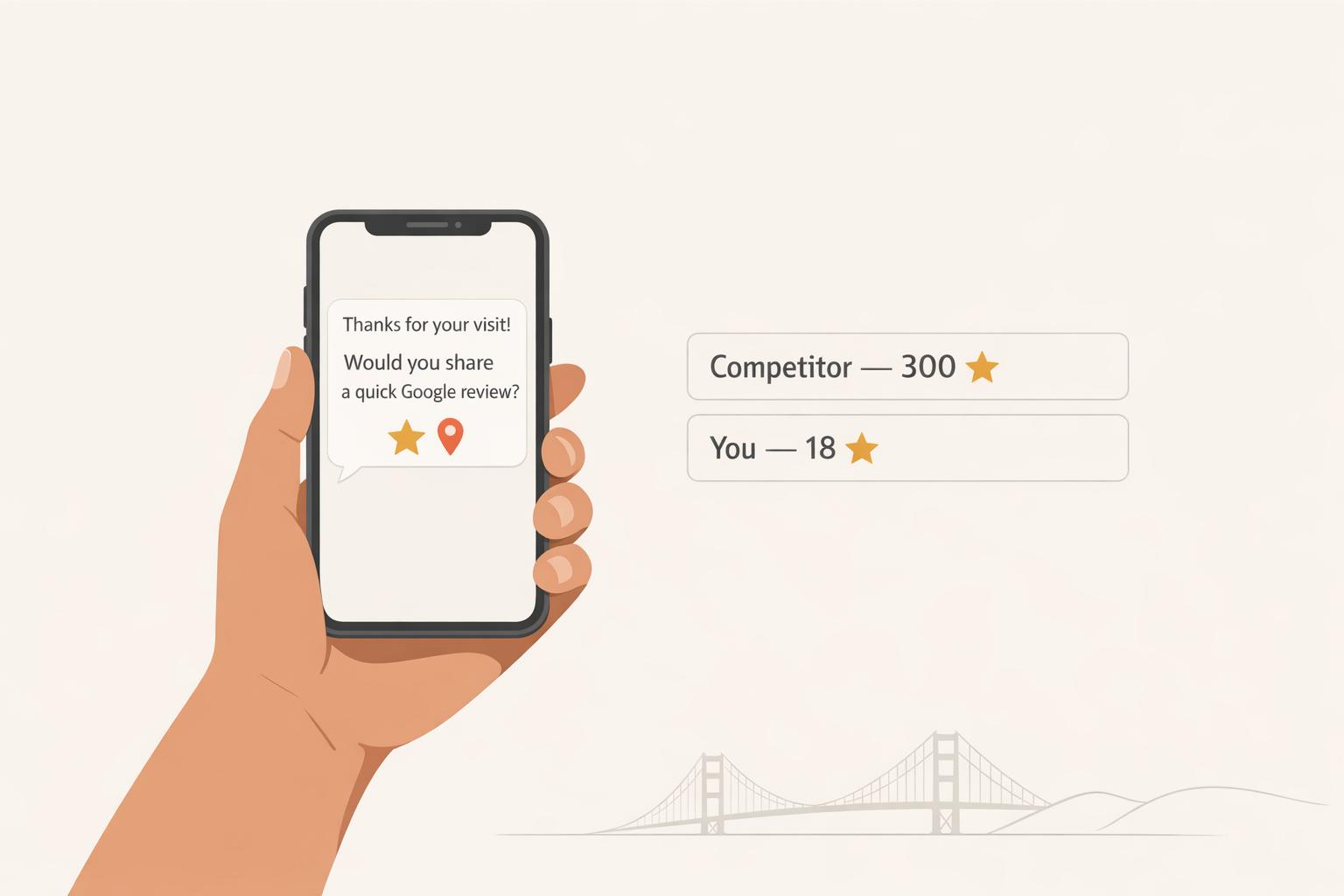
Let’s face it: Satisfied customers rarely leave reviews on their own. In fact, 76% of people only leave reviews when asked [5]. Timing is everything here. Sending a quick SMS request within 1–2 hours of completing a service can boost response rates to 65%, compared to just 12% if you wait more than two weeks [7][2]. Including a one-tap link in your message makes it even easier for customers to follow through.
The key difference between businesses with 30 reviews and those with 300? Consistency. Asking every customer directly and regularly is a game-changer.
"The fastest way to get more Google reviews is to ask every customer directly... That single system change - asking consistently instead of hoping - is what separates businesses with 30 reviews from those with 300." - Mark Shvaya, Founder, Verlua [11]
In the Bay Area, having a solid online presence isn’t optional - it’s expected. Customers here are digitally savvy, and they don’t just glance at star ratings. They dive into review counts and recency. Here’s the reality: 74% of consumers ignore reviews older than three months, and 47% won’t even consider a business with fewer than 20 reviews [6].
"A business with 300 reviews absorbs a one-star outlier almost invisibly. A business with 18 reviews is permanently defined by it." - ReviewBounce [10]
Looking ahead, the bar is getting higher. By 2026, 68% of consumers will require at least a 4-star rating to consider a business, up from 55% just a year ago [11]. If you’re not keeping up, you’re getting filtered out before customers even contact you. Closing the gap between your 18 reviews and your competitor’s 300 starts with two things: an optimized profile and a system that consistently asks for reviews.

SMS vs Email vs In-Person: Review Request Channel Comparison
Timing is everything when it comes to asking for reviews. The sweet spot is during the customer’s peak satisfaction moment - usually 2–4 hours after the service is complete. Why? That’s when up to 70% of potential responses can be captured [12]. For example:
To find your ideal moment, look for the "finish line" (when the service is clearly complete) and align it with the peak satisfaction moment. That overlap is your golden window.
The easier you make it, the more likely customers are to follow through. If they have to hunt for your business, scroll through search results, and locate the review tab, chances are they won’t bother.
"Friction is what kills review conversion." - Vizologi [16]
Eliminate that friction by creating a direct shortlink through your Google Business Profile. Here’s how:
This link takes customers straight to the "Write a review" box - no extra steps. Just this one tweak can double your conversion rate [14].
Next, choose the right channel to share the link. SMS is your best bet - it boasts a 98% open rate and converts at 15–25%, far outperforming email’s 2–5% [13]. Send the link via text, and if no review appears within 48 hours, send a single follow-up. Two reminders max - any more feels pushy [13].
| Channel | Open Rate | Review Conversion Rate |
|---|---|---|
| SMS | 98% [13] | 15–25% [13] |
| 20–30% [13] | 2–5% [13] | |
| In-Person | 100% [13] | 5–10% [13] |
For businesses in competitive areas like the Bay Area, this streamlined process can help you keep up with rivals who have hundreds of reviews. Consistency is key - make sure your team is on board.
Once your system is in place, your team becomes the driving force behind it. They’re the ones who interact directly with customers, so it’s crucial they know how to ask for reviews in a way that feels natural and not pushy.
Equip your team with a simple 30-second script, like: "I’ll send you a quick text with a link - it only takes a minute and helps us out a lot." Pair this with a QR code card they can hand out, so customers have another easy option. Just make sure these practices align with Google’s policies [13] [14].
This in-person approach sets expectations before the digital request even arrives, increasing the chances that customers will follow through.
"The difference between a business that consistently generates 15–30 new reviews per month and one that gets 1–2 is almost never service quality - it is a system." - PinpointPromote [2]
Having a well-optimized Google Business Profile (GBP) can make a big difference in generating reviews and improving your visibility in local search results. On the flip side, an incomplete or poorly managed profile can cost you customers and hurt your rankings.
Start by heading to business.google.com and claiming your profile. Use a professional email address for this step. Once claimed, you'll need to verify your business. Verification methods include postcard (5–14 days), phone/SMS, email, or the faster video verification option. The video verification process, introduced as a standard in 2025–2026, was designed to tackle fraudulent listings in competitive areas like the Bay Area [18].
After verification, focus on completing your profile. Choose a highly specific primary category and write a business description using all 750 characters. This description plays a big role in your service relevance ranking, contributing about 32% to it [18]. For example, being specific - like using "Personal Injury Attorney" instead of "Law Firm" - can significantly boost your relevance [9][20]. Also, keep in mind that in 2026, Google's Gemini AI will use this information to generate AI Overviews for search results [18].
"Your profile is no longer just a listing: it's a data source that feeds Google's AI engine." - MediaSearchGroup [18]
If you're a service-area business, such as a plumber or mobile dog groomer, define up to 20 cities or ZIP codes you serve and hide your home address if customers don’t visit your location. Use a consistent local area code to further emphasize your regional presence [19][21].
Once these basics are in place, it’s time to enhance your profile with strong visuals and detailed service descriptions.
Businesses with more than 100 photos see 42% more direction requests and 35% more website clicks compared to those with fewer than 10 images [18]. Start by uploading 10–30 authentic photos of your storefront, interior, team, and completed projects. Avoid using stock photos - they lack authenticity and don’t represent your business accurately.
Before uploading, rename your image files with descriptive names like "emergency-plumber-san-jose.jpg" rather than something generic like "IMG_4823.jpg" [22]. After your initial upload, aim to add 2–4 new photos each month. This regular activity signals that your business is active and well-maintained [17][23].
For service descriptions, use up to 300 characters for each service. Write in a clear, conversational tone that matches how customers search. For instance, instead of generic descriptions, include details like "same-day AC repair in Fremont" to match specific queries and attract customers who are ready to make a decision [18][23].
An optimized profile also means staying on top of customer feedback.
Responding to reviews can directly boost your local ranking. Google has confirmed that replying to reviews contributes to your business's local prominence. Plus, 89% of consumers read how businesses respond to reviews before deciding to visit [15][25].
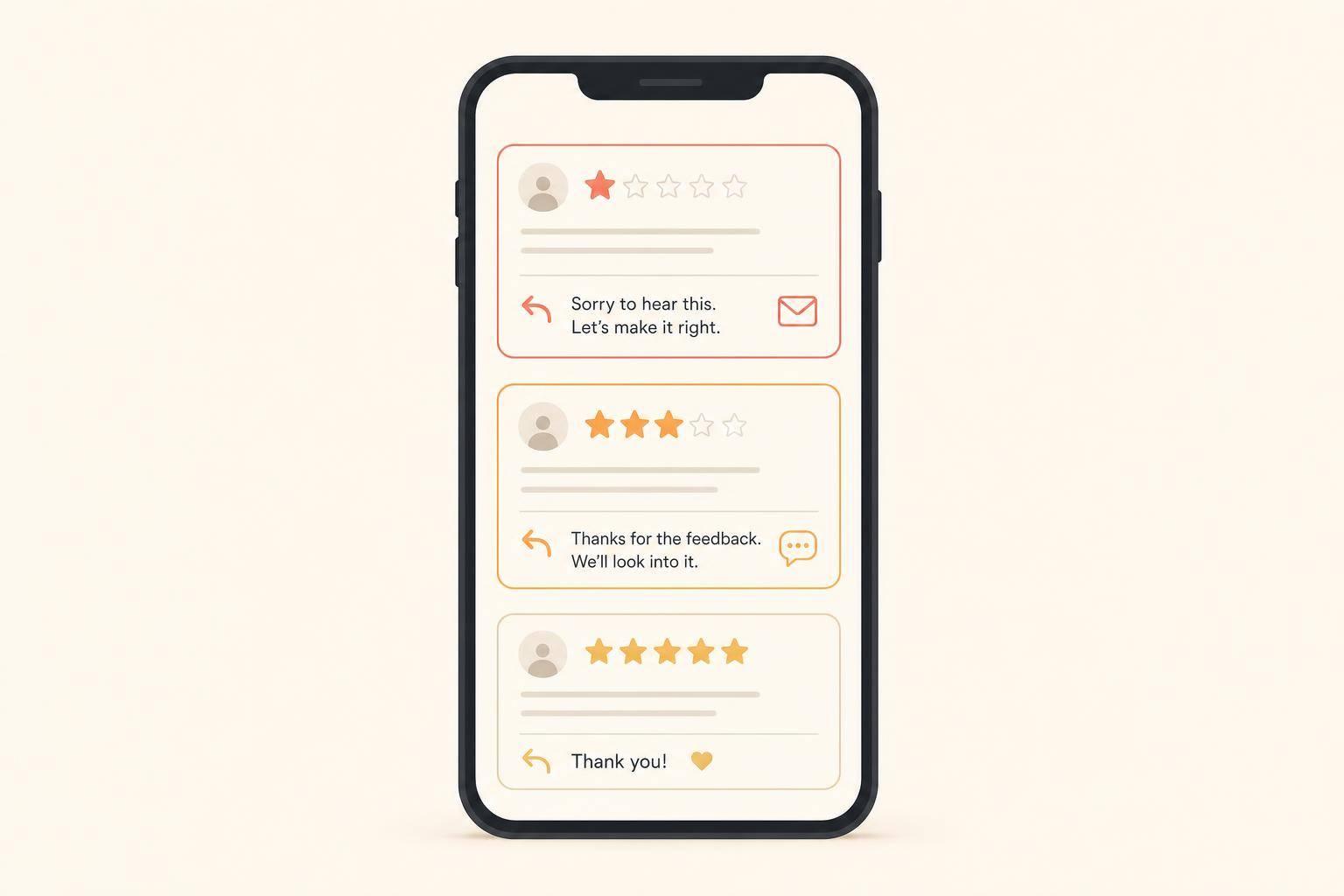
Make it a habit to reply to all reviews - both positive and negative - within 24–48 hours. For positive reviews, personalize your response by addressing the customer by name and referencing a specific detail they mentioned. For negative reviews, acknowledge the issue, apologize if necessary, and offer to resolve the matter offline. Remember, your responses are public and reflect your customer service standards [24][12].
When appropriate, weave in natural references to your services or location. For example, a response like "Thank you for trusting us with your HVAC repair in Sunnyvale" subtly reinforces your local relevance. Avoid using generic, copy-paste templates, as both Google’s AI and potential customers value authentic engagement [18][12].
"A review response is public customer service. Write it for the reviewer, but also for the next customer reading it." - Matty Carter, Head of Growth & SMB Marketing, HearBack [12]
Proactively managing reviews not only strengthens your online presence but also helps you stay ahead of competitors who might be overlooking this crucial aspect.
Once you've set up a solid system for collecting reviews, the next step is making sure your business gets noticed - and that's where local SEO comes in. It's not just about optimizing your profile; it's about driving traffic to it. When your local search rankings improve, more people visit your profile, which leads to more reviews. And more reviews mean better rankings. It’s a cycle that keeps building. In fact, review signals are expected to make up about 17% of your Map Pack ranking in 2026, showing just how closely local SEO and reviews are tied[26]. Here’s how to fine-tune your local SEO strategy to turn visibility into reviews.
When it comes to local searches, specificity is key. For example, someone in Fremont isn’t searching for a generic "Bay Area plumber" - they’re typing "plumber Fremont" or "emergency plumber near me." To help Google connect your business with these searches, include specific city and neighborhood names in your business description, service listings, and website content. Whether it’s San Jose, Oakland, Palo Alto, Sunnyvale, the Mission District, or the East Bay, make sure you reference the areas where you actually provide services. As the Fuel Online Editorial Team put it:
"Specificity is the new keyword density." - Fuel Online Editorial Team[28]
If you’re a service-area business, you can even define up to 20 specific cities or ZIP codes in your GBP settings. This helps Google pinpoint your service area and match you with the right local searches[27][19].
Your Name, Address, and Phone number (NAP) need to be consistent across all platforms - Google, Apple Maps, Yelp, Bing Places, Facebook, and anywhere else your business appears. Even small differences, like using "Street" on one platform but "St." on another, can confuse search engines. This issue, known as entity fragmentation, can lower your rankings because Google may lose trust in your business information[29][30].
"A single wrong phone number or address variation across local business directories triggers entity fragmentation, and Google stops trusting your business data across all surfaces." - Saood Zafar, ClickRank[29]
Studies show that 40–60% of small business listings have NAP inconsistencies. Start by reviewing your Tier 1 directories to ensure every detail matches your GBP exactly. This not only supports better rankings but also prevents customer frustration caused by incorrect contact details.
Keeping your Google Business Profile active tells Google your business is engaged and relevant. Posting weekly Google Posts can boost your visibility and encourage more reviews[27][19]. By 2026, Google’s algorithm will prioritize the recency and frequency of reviews over having a large but outdated review count. This means consistently earning new reviews each month is more impactful than relying on old ones[26][28].
Managing reviews isn’t just about collecting them; it’s about keeping your online presence active and credible. Reviews can shape how potential customers perceive your business, so staying on top of them - monitoring, learning, and responding - is essential to maintaining trust and engagement.
Tracking your reviews requires more than a casual glance. Focus on metrics like how quickly reviews come in, how often you respond, and how fast you reply. Aim for 2–5 new reviews weekly to keep your profile fresh and show Google that you're engaged. Ideally, respond to reviews within 24 hours, as nearly 40% of customers expect a speedy reply [33].
Your star rating also matters. The ideal range falls between 4.0 and 4.8 stars. A perfect 5.0 can seem suspicious, while anything below 4.0 tends to deter potential customers [31][32]. As one expert explains:
"A profile with 400 reviews and zero replies in 18 months looks dead. A profile with 60 reviews and consistent responses appears active. Google notices the difference. So do customers." - Wiremo [32]
If you manage multiple locations, manual tracking can become overwhelming. Tools like ReviewSense (starting at $14.99/month) or ReviewPanel (free) simplify the process by consolidating reviews into one dashboard. These tools can even alert you if Google removes a review without notifying you [33][34].
Reviews aren’t just about reputation - they’re a direct line to customer insights. They highlight what’s working and what isn’t.
"Reviews are not only marketing assets. They are conducting customer research." - Wiremo [32]
For example, if several reviews point out the same issue - like slow service, confusing pricing, or an unhelpful staff member - it’s a sign to make changes. Treat recurring complaints as actionable data. If three reviews mention the same problem, it’s time to tweak your processes or provide additional training.
On the flip side, when customers consistently praise specific aspects of your business, emphasize those strengths in your marketing. Use their exact words, such as "fast delivery" or "friendly staff", in your content to align with what resonates most. This approach not only improves your messaging but can also enhance your SEO [32].
Responding to negative reviews is an opportunity, not just damage control. A thoughtful response can actually build trust. The golden rule? Respond within 48 hours. Keep your reply concise and professional: acknowledge the issue, apologize without excuses, and offer to resolve the matter offline by providing a direct contact method [35][32].
"A well-handled negative review can actually build more trust than ten positive ones. Prospects are reading those responses to see how you behave when things go wrong." - Ivana Taylor, DIYMarketers [4]
To streamline your responses, create a small library of 3–4 templates for common complaints, like scheduling problems or pricing misunderstandings. Personalize each reply with the customer’s name and specific details - never send a generic, copy-pasted response. For reviews that seem fake or irrelevant, flag them under "Conflict of Interest" or "Spam" rather than ignoring them [31][32].
The difference between having 18 reviews and 300 reviews isn’t about luck or even offering better service - it’s about having a reliable, structured review system in place. The good news? This gap is fixable.
Right now, the businesses dominating Bay Area local search aren’t necessarily the best at their craft - they’re the most consistent in their approach. And that consistency isn’t just about delivering quality service; it’s about engaging with customers systematically. They ask for reviews from every customer, respond to every review, and keep their Google Business Profile fresh. As Pia Larson, Founder of Fingerprint Marketing, wisely says:
"Stop focusing on the count. Start focusing on the flow." [36]
Generating reviews consistently can have a significant impact on revenue, but it doesn’t mean you need to aim for 300 reviews overnight. A realistic goal is to close the gap by adding 30–50 reviews over the next six months through steady efforts [3]. Here’s how: send review requests via SMS within 2–4 hours of service, reply to reviews within 24–48 hours, and keep your profile updated with new photos and posts. These steps might seem small, but they add up over time.
There are tools available to make this process almost effortless. Platforms like NiceJob ($75–$150/month) or Broadly ($149–$249/month) can automate review requests so you’re not relying on memory or manual effort [2]. Ignoring this need comes at a steep price - every month without a system is another month your competitors gain more ground in the Map Pack rankings.
"Reviews are the only signal in local SEO strategy that scales with operational quality. Every other signal - categories, schema, citations - is a one-time setup... Reviews are produced every week, by every customer interaction, and the ranking lift compounds over years." - SEOTopSecret [1]
In a competitive market like the Bay Area, delaying action on reviews only widens the gap. Start today by creating a direct review link using the Google Place ID tool and sending it to your five most recent, happy customers. This simple step can jumpstart your review pipeline and get you back in the game.
There isn’t a magic number of Google reviews required to stay competitive in the Bay Area. The ideal count depends on your industry and the local competition. Start by analyzing the top three businesses in your area. A good rule of thumb? Aim to have about 20% more reviews than their average.
But don’t just focus on the total number - review velocity matters, too. Make it a priority to collect new reviews consistently each month. Fresh, recent feedback often carries more weight than an impressive but outdated review total.
The most effective review requests are personal, short, and include a direct link to your Google review form. For SMS, keep it under 160 characters and send it shortly after a positive interaction with the customer.
Example SMS:
Hi [First Name], thanks for choosing [Business Name] for your [service]. If you enjoyed your experience, we'd love a quick Google review: [review link]. It would mean a lot to us!
Framing the request as a personal favor can make it more compelling.
If you come across a fake or unfair review, the first step is to gather evidence. Check your records to verify whether the reviewer was actually a customer. Once you’ve confirmed it’s not legitimate, take the following steps:
Keep in mind, Google will only remove reviews that clearly violate their policies. For all other cases, maintaining a professional tone in your responses can go a long way in protecting your reputation.
Discover strategies to elevate your business.