

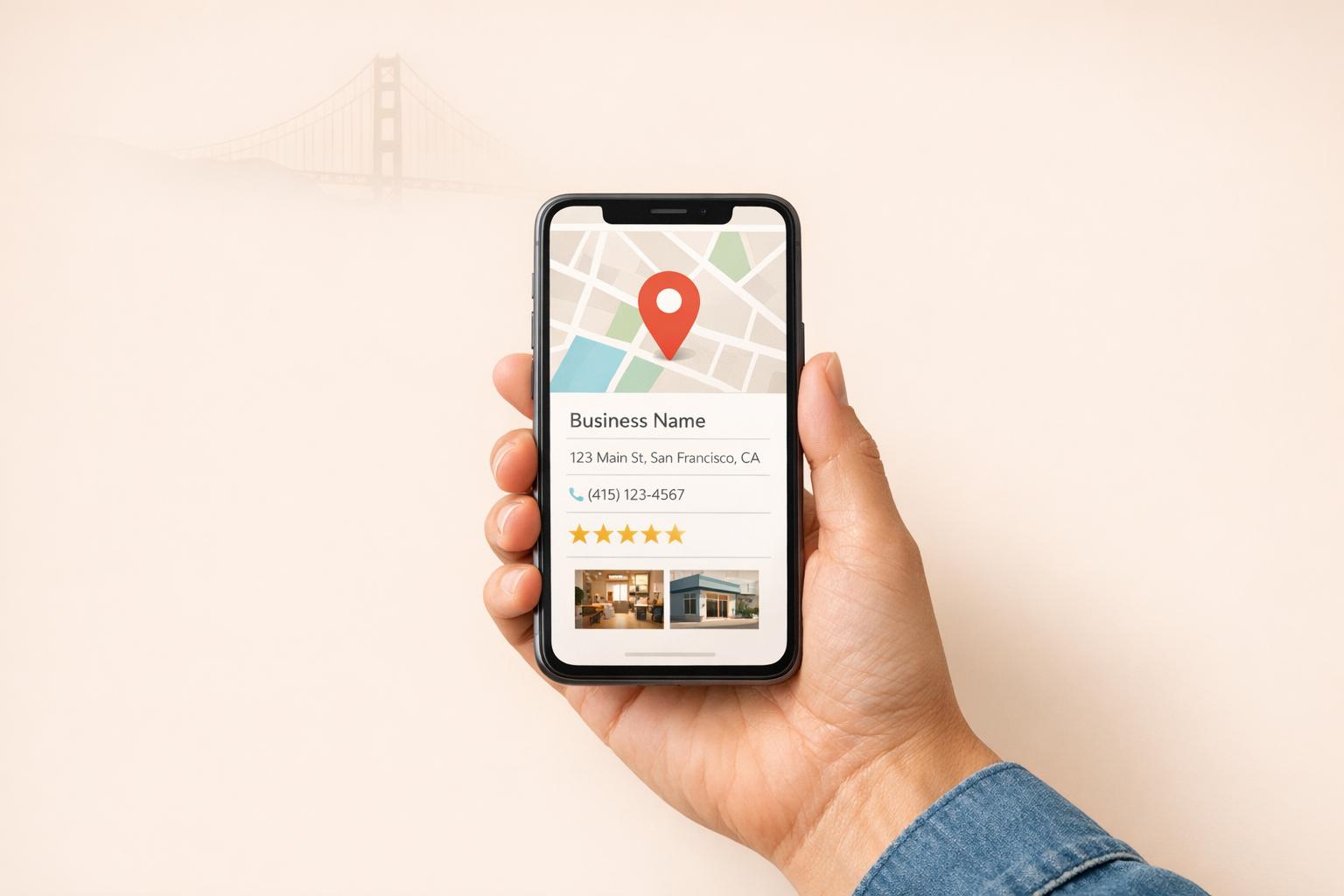
Your Google Maps listing is more than just a pin on a map - it's often the first impression customers have of your business. In the Bay Area, where 89% of residents use smartphones and local searches dominate, an incomplete or outdated listing can cost you. Businesses with optimized profiles see 7x more clicks, 67% more calls, and 35% more direction requests. On the flip side, errors like incorrect hours, misplaced pins, or inconsistent details can lead to lost customers and revenue.
These steps can help you stand out in the competitive Bay Area market and turn your Google Maps listing into a powerful tool for growing your business.

Google Maps Listing Impact Statistics for Bay Area Businesses
Now that you know why your Google Maps listing is crucial, let’s dive into some common problems that might be holding your business back. For Bay Area businesses, these issues can directly impact both visibility and credibility on Google Maps. Here’s a closer look at three major challenges.
Inconsistent business details - like whether you write "Street" or "St." - can confuse Google and hurt your authority. In fact, over 70% of unoptimized profiles suffer from NAP (Name, Address, Phone number) inconsistencies [1].
"Over 70% of unoptimized profiles have NAP consistency issues, and most business owners don't even realize it. 'Street' vs 'St.' - that's enough to confuse Google's trust signals." - GMBMantra [1]
Choosing the wrong primary category is another big mistake. For example, if you're a restaurant but select "Food Service" as your main category, you could miss out on about 80% of relevant searches [1]. Your category should align with your main source of revenue, not just describe your business in general.
Other common issues include map pin drift, where your pin shows a parking lot instead of your actual entrance, and keyword stuffing, which can now lead to severe ranking penalties [2]. Google also enforces their business name guidelines strictly - violations can result in profile suspensions.
Outdated business hours are another problem. Google prioritizes businesses marked as "open" in search results, so incorrect hours can hurt your visibility. Worse, customers arriving during posted hours only to find you closed are likely to leave frustrated - and might leave a negative review [2].
For service-area businesses, like plumbers or electricians, failing to hide your residential address or setting an overly wide service radius can even result in listing deletion. A notable example is Rossi & Rovetti Flowers in San Francisco, whose Google listing was removed in 2012 due to a technical glitch. Despite being a legitimate storefront, the business remained invisible on Maps for months, forcing the owner to cut staff to the lowest levels since 2003 [4].
Your listing’s visuals are just as important as the data. Photos act as proof that your business is real and operating at the stated location [6]. Listings with outdated, blurry, or too few photos tend to see lower engagement. The stats back this up: profiles with at least one photo get 42% more requests for directions and 35% more clicks to their websites [7][8].
"Photos in your Google Business Profile (GBP) are often the first 'proof' that your business is real and actually serves customers at a specific location." - Julia Stelmach, Local SEO Specialist, Rating Captain [6]
Businesses ranking in the top three Google Maps positions typically have an average of 250+ images, compared to about 170 images for those ranked 11–20 [7]. Poor-quality photos can create an "expectation gap", where customers arrive and find the experience doesn’t match what they saw online, often leading to negative reviews [6]. Stock photos don’t help either - Google discourages generic imagery, and 60% of customers prefer listings with high-quality, locally relevant photos [8].
Your reviews are critical to your Google Maps ranking. They’re one of the top three ranking factors, and 68% of customers check reviews before choosing a local business. Plus, 93% of consumers say online reviews influence their buying decisions [5][9].
Unanswered negative reviews can give the impression of poor customer service, while a lack of recent reviews might make your business seem inactive. Google now emphasizes "review velocity", or the steady flow of new reviews, over just having a high total count [1]. For instance, if your competitors are gaining 2–4 reviews weekly while you’re only getting one per month, you’ll fall behind in rankings, no matter how many reviews you’ve accumulated overall.
The financial impact of reviews is clear. Take Michael Chen from Chen’s Automotive: his business recovered from a ranking drop by implementing a review generation system. By training staff to ask for reviews and following up with direct links, he gained 67 reviews in 90 days, which helped his listing climb to position #3. This ultimately boosted his revenue by 20% [2]. With Google hosting nearly 80% of all online reviews in 2024, managing your reviews here is essential for staying competitive [9].
Follow these steps to take charge of your Google Maps listing and attract more customers in the Bay Area.
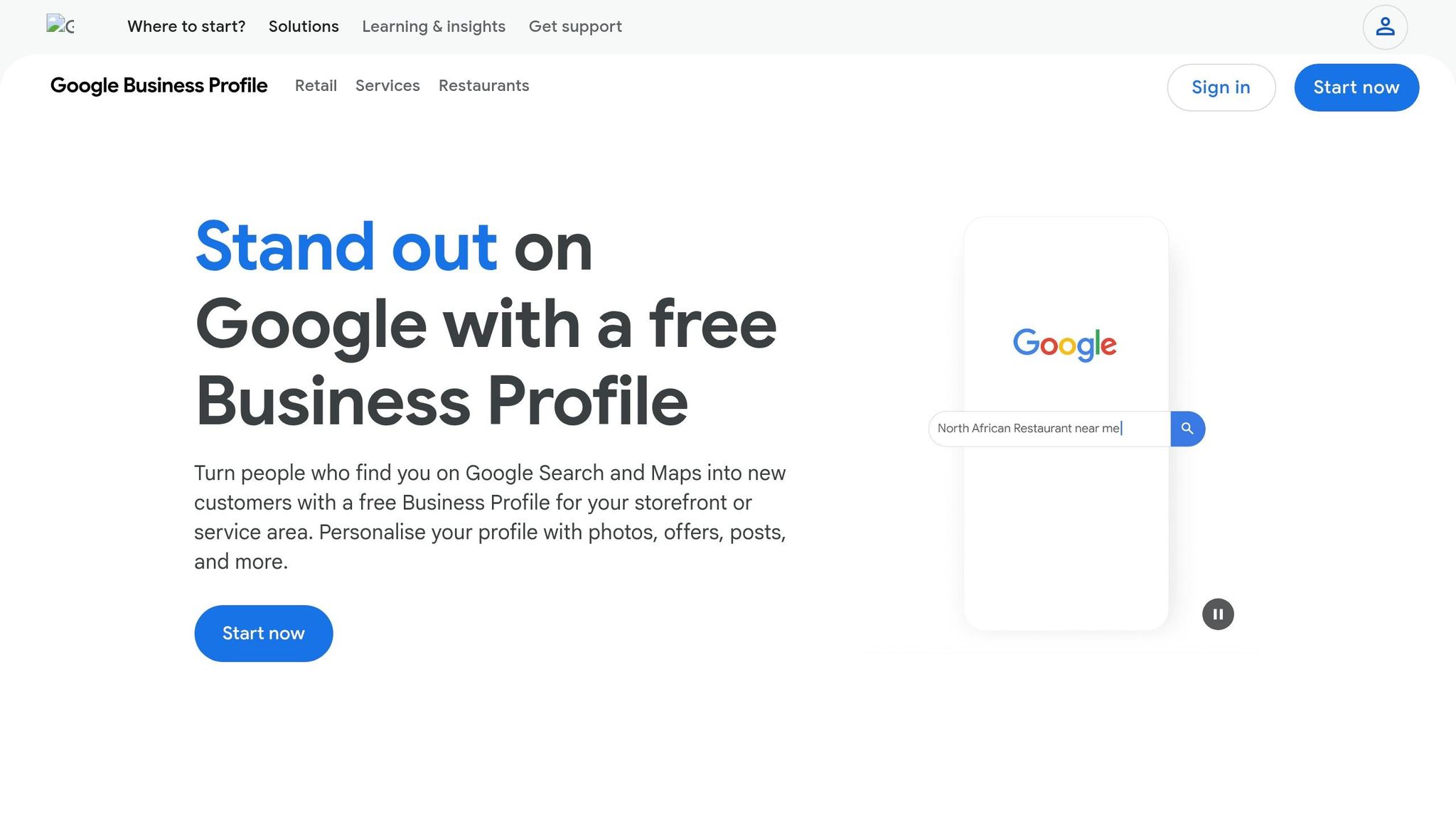
The first step is to claim your business listing. Search for your business on Google Maps, and if it appears, click "Claim this business" or "Own this business?", then select "Manage now" [10]. If your business isn’t listed, you can create a new profile at business.google.com/add [10].
Verification is crucial - it officially links your business to the listing. Google typically sends a verification code by postcard, which takes about 14 days to arrive [11]. During this waiting period, avoid making changes to your business name, address, or category, as even minor edits can invalidate the process [11]. Verified listings can see up to 70% more visits than unverified ones [13].
Use a company email address to set up your Google Account for better organization [11]. If someone else has already claimed your profile, such as a former owner or marketing agency, use the "Request ownership" option to contact them [10]. Keep in mind that only businesses with physical customer interactions - like storefronts or service-area businesses - qualify for a listing. Online-only businesses are not eligible [12].
| Verification Method | Requirements | Typical Timeline |
|---|---|---|
| Postcard | Physical address (not a P.O. box) | ~14 days [11][13] |
| Phone or SMS | Business phone or text capability | Instant [11][13] |
| Access to the provided email address | Instant [11] | |
| Video Recording | Footage showing your location, equipment, and management proof | Up to 5 business days [11] |
After verifying, ensure your business's Name, Address, and Phone number (NAP) are consistent across your website, social media, and Google Maps [13].
Photos play a huge role in engaging customers. Google’s AI has become stricter in rejecting overly edited or AI-generated images, so stick to real, high-quality photos [15]. Listings with strong visuals can attract 60% more engagement from potential customers [8].
Upload at least three photos for each category: Exterior, Interior, Products, and Team [14]. For your cover photo, use a 1024 x 576 pixel image (16:9 ratio) that highlights your business’s unique appeal [8]. If you’re in the Bay Area, include exterior shots from multiple angles to help customers find your location [14][6].
To keep your listing fresh, update photos every 3–6 months. Listings with over 100 images can see massive increases in engagement, including a 2,717% jump in direction requests and a 1,065% boost in website clicks [8].
Encouraging reviews starts with timing. Reach out to customers within 24 to 48 hours of a positive experience [16][17]. Provide a direct link or QR code to your review page, as SMS requests typically yield 3 to 5 times higher response rates than email [16][17]. Train staff to ask for reviews after positive interactions, and include review links in email signatures, receipts, or in-store signage [16][17].
Be cautious - offering discounts or freebies in exchange for reviews is against Google’s policies and can lead to your listing being suspended [16][17][18].
Always respond to reviews, whether they’re positive, negative, or neutral. Nearly 89% of consumers read review responses before deciding to make a purchase, and replying can make them 45% more likely to visit your business [16][19]. For negative feedback, acknowledge the issue, apologize sincerely, and invite the reviewer to discuss it further offline via phone or email [16][18]. Personalize your responses by using the reviewer’s name and addressing specific points they’ve raised [16][18].
"A mix of positive and negative feedback often feels more trustworthy." - Google Business Profile Help [18]
If you spot a fake or malicious review, flag it using the "Flag as inappropriate" tool in your Google Business Profile dashboard [16][9][18]. While Google’s AI is improving at filtering spam, legitimate reviews can sometimes be removed accidentally [18]. On average, businesses with at least 40 reviews and a rating of 4.0 or higher are more trusted by consumers [16].
Making sure your business information is consistent across all platforms is a crucial step in boosting your local visibility. Even small discrepancies - like using "Street" on one platform and "St." on another - can confuse search engines and hurt your local rankings. This practice, often referred to as NAP (Name, Address, Phone), plays a key role in how your business appears in local searches.
Start by auditing your listings on Yelp, a critical platform for businesses in the Bay Area. Don't stop there - check your profiles on the Better Business Bureau, local Chambers of Commerce (such as those in San Francisco or Oakland), and the Yellow Pages. Use your official business name consistently and avoid adding keywords unless they are part of your registered name (e.g., "Bay Area Web Design"). Regularly review these directories to ensure they align with your verified profile.
The Bay Area is one of the most competitive local markets in the country. In fact, 67% of searches here include specific location modifiers beyond just the city name [3]. Many residents identify strongly with their neighborhoods, leading to searches like "SOMA web design" or "Mission district marketing." To stay competitive, keep your business hours accurate across all directories, including updates for holidays. Tools like Google Alerts can help you monitor mentions of your business and maintain consistency. Accurate and uniform information not only builds trust with customers but also strengthens your credibility with search engines.
Once your data is consistent, tracking your listing's performance is the next step to improving its impact. Free tools can help you monitor and optimize your presence on Google Maps. For example, Humble Help offers three tools designed to simplify this process: a Business CRM to manage leads and deals, Milo AI Marketing Coach for personalized improvement tips, and an Analytics Dashboard that reveals how customers are discovering your business [20].
"Marketing shouldn't be confusing or expensive - so we give you the tools to grow, and real human support whenever you need extra help." - Humble Help [20]
Milo AI Marketing Coach provides tailored advice to tackle issues like NAP inconsistencies, verification challenges, or duplicate listings. Meanwhile, the Analytics Dashboard tracks discovery metrics, helping you understand your SEO performance in the highly competitive Bay Area market. These tools make it easier to identify and resolve problems that might be holding your business back in search results.
A properly managed Google Maps listing is more than just a nice-to-have - it’s your digital storefront. With nearly 50% of local intent searches leading to physical store visits, even minor errors can cost you potential customers[21].
Focus on maintaining consistent NAP (Name, Address, Phone Number) details - since over 70% of profiles with inconsistencies, like "Street" vs. "St.", lose out on visibility. Build review momentum by aiming for at least five new reviews monthly and responding to them within 24–48 hours. Don’t forget to double-check your map pin placement, upload high-quality photos, post updates weekly, and ensure your website is mobile-friendly and loads in under 3 seconds. These efforts can lead to up to 7x more clicks compared to incomplete profiles[1].
These strategies lay the groundwork for immediate improvements.
To start improving your visibility, conduct a quick audit of your Google Maps listing. Confirm that your map pin is placed at your exact entrance, verify that your NAP details match across platforms like Yelp, and check that your primary category reflects what your customers are searching for. These adjustments can deliver noticeable results within 2–4 weeks[1].
For more guidance, tools like Humble Help's Milo AI Marketing Coach offer personalized recommendations to fine-tune your listing. Pair that with their Analytics Dashboard to see exactly how customers are discovering your business. Both tools are free and take the guesswork out of local SEO.
The Bay Area is a competitive market, but by optimizing your Google Maps listing, you can capture those high-intent "near me" searches before your competitors do.
To figure out if your listing is behind a ranking drop, start by examining key factors such as recent algorithm updates, inconsistencies in your profile, or increased competition. Double-check that your NAP (Name, Address, Phone number) data is accurate and consistent across platforms. Make sure your profile is fully updated with fresh reviews, photos, and the correct categories.
You can use rank tracking tools or perform manual searches to compare your current rankings with past performance. If you notice a noticeable drop, it's a strong sign that your listing might be the culprit.
If someone else controls your Google Business Profile, you can request ownership by selecting your business and clicking Request Access. Once you do, the current owner has three days to either approve or deny your request. If the profile is already verified and under someone else's ownership, follow the necessary steps to request access or resolve any duplicate profiles. Just make sure you're authorized to manage the business before moving forward.
To gather reviews the right way, simplify the process for happy customers. Share a direct Google review link or provide a QR code they can easily scan. After a service or purchase, kindly ask for their feedback and make sure to respond to reviews to show your gratitude. However, steer clear of offering incentives like discounts or freebies - that's against Google's rules. By sticking to these practices, you can grow your reviews while maintaining integrity and trust.
Discover strategies to elevate your business.


