


When Bay Area customers choose your competitor online, it’s often due to fixable issues. Here’s why they might not pick you:
Quick Fixes:
Addressing these issues can help you attract more customers in a highly competitive market.

5 Reasons Bay Area Customers Choose Competitors: Key Statistics and Quick Fixes
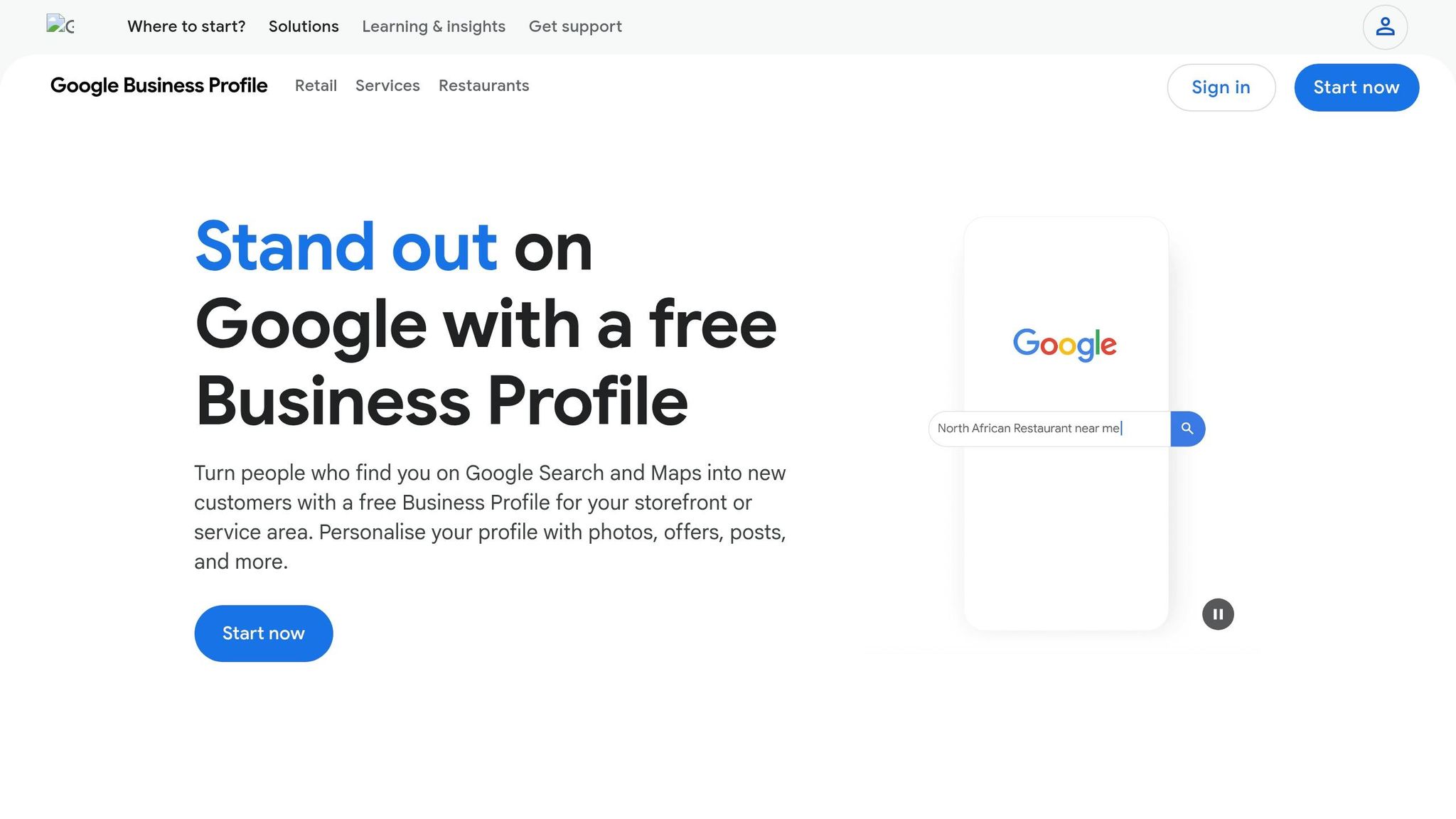
Your Google Business Profile (GBP) shows up in 93% of searches with local intent [4]. This means that if you're running a business in the Bay Area, your profile is likely one of the first things potential customers see when they search for your services. Here's the catch: complete profiles are 7 times more likely to get clicks compared to incomplete ones [4]. If your listing has outdated details or missing information, you might as well be sending customers straight to your competitors who have polished, up-to-date profiles. Let’s break down why this matters and how to fix it.
Imagine you're a customer searching on your phone and the business you're considering has no hours listed, the phone number is wrong, or there’s no address available. What do you do? You move on. Studies show that customers are 2.7 times more likely to trust a business with a complete Google Business Profile [7].
On top of that, inconsistent Name, Address, and Phone (NAP) information across your website and directories can confuse Google's algorithm. This confusion can hurt your local rankings and make it harder for customers to find you [7]. Missing or outdated details don’t just damage trust - they also cost you visibility.
Here’s how you can take control of your GBP and make it work for you:
If your Google Business Profile is like your business's front door, local SEO is what ensures people can find that door in the first place. When someone in the Bay Area searches for services you offer, your position in search results can be the difference between gaining a customer or losing them to a competitor. The businesses that land in the top three spots - the "Local Pack" - get the lion's share of clicks. If you're stuck on page two or three, you're essentially invisible to most potential customers. Let's break down why nailing local SEO is a must in a tech-driven Bay Area market.
Nearly half of all local-intent searches lead to a store visit within 24 hours [3]. Think about it: when someone types "emergency plumber SOMA" or "best tacos Mission District", they're not just browsing - they're ready to take action. And in a region like the Bay Area, where 89% of residents own smartphones and voice search usage is 40% higher than the national average [1], your business needs to be optimized for how people search in real life - not just for what they search.
What sets the Bay Area apart is its hyper-local search behavior. 67% of searches here include specific location modifiers beyond just "San Francisco" [1]. People aren’t just looking for "plumber" or "electrician"; they’re searching for "plumber Noe Valley" or "electrician Palo Alto." If your local SEO strategy doesn’t cater to these neighborhood-specific searches, you’re losing out on the customers closest to you and most likely to convert.
Three key factors drive local SEO success: on-page optimization, NAP consistency, and local backlinks. Mastering these can help you climb the rankings and attract more local customers.
Online reviews are a cornerstone of trust. A staggering 98% of consumers check reviews before deciding on a local business [10][11]. If a competitor boasts more reviews or higher star ratings, potential customers might make up their minds before even visiting your website.
Once you've worked on your online profile and SEO, the next step is refining your review strategy. Reviews directly influence your visibility in Google's Local Pack, making them a vital factor for attracting Bay Area customers.
Reviews act as social proof, reduce perceived risk, and even improve search rankings. It's worth noting that 85% of people trust online reviews as much as personal recommendations [13]. Meanwhile, 87% of consumers avoid businesses with an average rating under three stars [11].
In the Bay Area, where everything moves quickly, review freshness matters. About 73% of consumers only consider reviews written in the last month [10]. A business stuck with outdated reviews might appear inactive, especially when competitors consistently gather new feedback. On top of that, Google factors in review velocity and recency, which together account for around 17% of your Local Pack ranking [10].
Interestingly, ratings between 4.0 and 4.5 tend to feel more genuine to potential customers. Even a few well-managed critical reviews can enhance your credibility [10].
Don’t leave reviews to chance - ask for them proactively within 24 to 48 hours after a service [10][12]. Make it easy for customers by providing a direct Google Review link or a QR code on receipts or business cards. If they have to hunt for your review page, they’re less likely to follow through.
Combining SMS and email requests can also boost response rates. SMS alone typically gets about a 20% response rate, while email hovers around 15%. But using both together can push that number to roughly 26% [12]. Personalizing your request - like including the customer’s name and referencing the service they received - can make a big difference. Generic messages often get ignored.
When it comes to negative reviews, timing is everything. Respond within 24 to 48 hours, acknowledge the issue, apologize sincerely, and offer to resolve it offline. This approach matters: 89% of customers are more likely to choose a business that actively responds to all reviews [13]. Plus, 73% of unhappy customers are willing to give you a second chance if their concerns are handled well [15]. Addressing reviews shows all your customers that their feedback is valued.
"People treat reviews like decoration. They're not. They are the content. They're your brand."
– Mike Blumenthal, Local SEO Expert [15]
Lastly, steer clear of offering incentives like discounts or freebies for reviews. Not only does this violate Google’s policies, but it can also lead to your profile being suspended [12]. Similarly, avoid "review gating" - only asking satisfied customers for feedback. This practice undermines trust and could result in hefty FTC fines, up to $51,744 per violation [14][12].
Your website is often the last stop before a customer decides whether to choose your business or go with a competitor. In the Bay Area, where 89% of residents own smartphones [1], your site needs to work seamlessly across all devices. If it doesn’t, you’re essentially sending potential customers straight to your competition.
Bay Area customers are known for being tech-savvy, and their expectations are higher than in many other regions. A website that’s slow or hard to navigate frustrates users and sends the message that your business might be outdated. Consider this: 53% of mobile users will abandon a website if it takes more than three seconds to load [17]. Even slight delays can have a big impact - bounce rates jump by 32% as load time increases from one to three seconds, and at five seconds, bounce rates can soar to 90% [17].
Speed isn’t just about keeping users happy - it also affects your search rankings. Google considers page speed a ranking factor, and high bounce rates signal to search engines that your content isn’t meeting user needs. This can push your site further down in search results, reducing visibility and driving potential customers to competitors.
Technical issues are a major culprit when it comes to losing visitors. For example, 77% of users who encounter a 404 error page don’t try again to access the content they were looking for. On average, 7 out of every 100 visitors will hit a 404 error [16]. Other common problems include:
These issues can frustrate users and push them toward competitors with faster, mobile-friendly sites [17]. As Mark Baese from SFGate explains:
"A website is just a delivery system for information, and the best thing a site can do is offer the user a simple way to find the information they need." [16]
To keep customers on your site and improve your rankings, focus on addressing these technical issues. Here’s how to get started:
For example, in 2025, a San Diego roofing contractor with more than 40 reviews struggled to rank in the Map Pack due to a slow website with a 7.2-second load time and thin content. After launching dedicated service pages and improving mobile load times to under 3 seconds, the contractor climbed into the top Map Pack positions and tripled phone inquiries [20].
"Bay Area users have high expectations for website performance and functionality. Technical SEO issues that might be tolerated elsewhere can significantly hurt your local search performance here." – Bay Area Web Design Agency [1]
Just like your Google Business Profile (GBP) and website, maintaining an active and consistent online presence across multiple platforms is critical. Outdated photos, infrequent updates, or incorrect business hours send a message of unreliability. In a fast-paced market like the Bay Area, such inconsistencies can make your business seem unprofessional and push potential customers toward competitors who appear more engaged and dependable.
Search engines don’t reward businesses for simply existing online. Instead, they prioritize those that actively update and maintain accurate, consistent information. As rankingCoach puts it:
"Search engines do not reward existence alone - they prioritize relevance, engagement, and consistency" [21].
When your business name, address, and phone number (NAP) aren’t uniform across platforms, it creates confusion. This not only weakens trust with search engines but also with potential customers. Such inconsistencies can harm your online visibility, while competitors who post regularly and respond to reviews build what experts call "visibility momentum." This is crucial because nearly 50% of all local-intent searches lead to a store visit within 24 hours [3]. However, this only happens when customers trust the accuracy of the information they find. Outdated profiles, unanswered reviews, or conflicting details can erode that trust, making your business less credible. On the flip side, consistent, active engagement signals to search engines that your business is well-managed, which can boost your local search rankings.
In a tech-savvy region like the Bay Area, customers expect businesses to maintain an up-to-date digital presence. This consistency not only builds trust but also amplifies the benefits of your earlier local SEO and review strategies.
Your online presence is more than just a digital footprint - it’s a system that fosters trust and visibility. Customers find you through search, evaluate your credibility based on what they see, and decide whether to engage. Regular updates reassure search engines that your business is actively managed, which can improve your rankings. For Bay Area consumers, who are often highly informed and discerning, a current and consistent digital presence is non-negotiable.
Start by ensuring your business details are consistent across all platforms. Synchronize your NAP information on Google Business Profile, Yelp, Facebook, and any relevant industry directories. Consistency strengthens "entity clarity", helping search engines confidently display your business to users.
Next, establish a regular posting schedule. Focus on one or two platforms where your audience is most active. Use tools like Google Business Profile posts, Q&A sections, and messaging features to show ongoing engagement.
Refresh outdated photos with high-quality, current images, and use digital marketing tools to determine the best times for updates. Many tools, like free Analytics Dashboards, can help you track which channels drive the most engagement. Finally, stay on top of reviews - respond promptly to both positive and negative feedback. This shows customers you’re attentive and engaged, further boosting your credibility.
If you're looking to stand out in the Bay Area market, you don't need to tackle everything at once. Start by addressing the issues that most affect your visibility - your Google Business Profile (GBP) and how you manage reviews. Here's why: a fully optimized GBP can drive 7x more clicks than an incomplete one [8]. Plus, profiles with photos generate 42% more direction requests and 35% more website clicks [9][8]. Fixing these areas can deliver quick and noticeable results.
To simplify the process, follow this 7-day plan to enhance your profile:
Most businesses notice improved visibility within 2 to 4 weeks after completing these steps [9].
Once your GBP is in good shape, shift your focus to your website and online consistency. Bay Area users expect websites to load in under 2 seconds [1]. Use free tools like Google PageSpeed Insights to identify slow-loading elements, then apply fixes like caching and image optimization. Finally, double-check your NAP (Name, Address, Phone) information across platforms like Yelp, BBB, and Facebook. Consistency here helps search engines trust your business, boosting your rankings [1][18].
To make the most impact, prioritize your efforts. Your primary category selection on Google Business Profile is the top ranking factor [9][23][8]. Be as specific as possible - choose "Italian Restaurant" instead of the broader "Restaurant." Next, focus on review velocity - Google now values how quickly you’re receiving new reviews over the total number [22][23]. Implement a system to request feedback immediately after transactions while customer satisfaction is still fresh [18].
If your website isn't performing well, tackle that next. With 89% of Bay Area residents using smartphones [1], a slow or confusing site can turn potential customers away. Review your analytics to pinpoint pages with high bounce rates and address those first. Once you've handled these major issues, you can use additional tools to fine-tune your efforts.
Competing doesn’t have to mean spending a fortune. There are plenty of free tools to help you stay ahead:
These tools simplify the process, making it easier to make informed decisions without stretching your budget.
Bay Area businesses often lose customers to competitors for five common, yet fixable, reasons: an incomplete Google Business Profile, a comprehensive SEO strategy that addresses local search, too few customer reviews, a website that's slow or hard to navigate, and an inconsistent online presence. These issues make it easy for potential customers to choose businesses that rank higher and seem more reliable online.
The good news? You don’t need a massive budget or professional help to fix these problems. Start by optimizing your Google Business Profile - it’s often the first thing customers see and plays a major role in local search visibility. Considering that nearly 50% of local searches lead to a store visit within 24 hours[3], this step alone can make a big difference.
Next, focus on improving your review system and website performance. Bay Area customers expect fast, mobile-friendly websites and trust businesses that have recent, genuine reviews. As Russ Shumaker from SEO Retail Marketing explains:
"Local searches convert at higher rates than general searches, resulting in a more substantial ROI"[3].
Don’t overlook consistency across all online platforms. Make sure your business's Name, Address, and Phone (NAP) information is the same everywhere, and keep your profiles active. These efforts build trust and credibility with both customers and search engines.
For small businesses needing a little extra guidance, tools like Humble Help can make the process easier. Their free Business CRM helps you track leads, the Milo AI Marketing Coach provides step-by-step tips, and their Analytics Dashboard shows exactly how customers are finding you. These tools are designed to simplify your efforts without adding costs.
The Bay Area market may be competitive, but by addressing these challenges, you can stop losing customers and start capturing those high-intent local searches that fuel growth.
To get results quickly, start by fine-tuning your Google Business Profile and sharpening your local SEO efforts. Make sure your business information - name, address, phone number (NAP) - is consistent across all platforms. Focus on targeting the services you offer and the neighborhoods you serve. Additionally, encourage and collect high-quality reviews from your customers. These actions strengthen your relevance and trustworthiness, which are crucial for climbing local search rankings and gaining visibility faster.
It typically takes 3 to 6 months of consistent effort to notice improvements in local search rankings. The timeline can vary based on factors like the level of competition in your area, how well your website is optimized, and the effectiveness of your review strategies. The better these elements are managed, the faster you’re likely to see progress.
The best way to increase your Google reviews is by sticking to an ethical, well-organized strategy that complies with Google’s guidelines. Start by making the process simple for your customers - share direct links or create QR codes they can quickly scan. Timing is everything, so ask for reviews after they've had a positive experience with your business. Consistency is key here; aim to make this a regular part of your customer interactions.
Avoid any tactics that might seem manipulative or involve incentives, as these can violate Google's policies and harm your credibility. Instead, focus on creating a reliable system that naturally encourages customers to share their honest feedback.
Discover strategies to elevate your business.


