

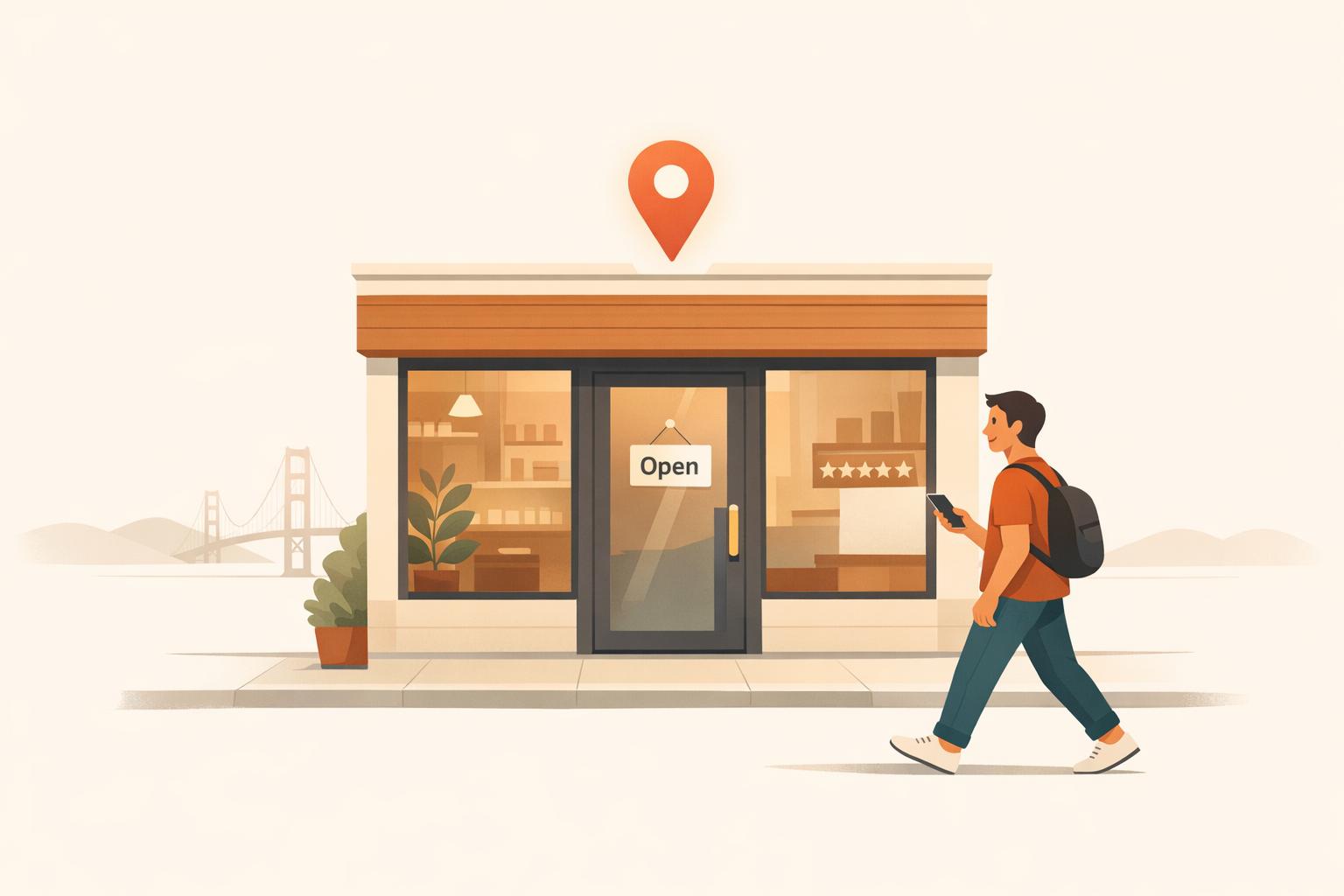
Want more customers walking through your door? Here's how Google can help:
Almost 50% of local searches lead to a store visit within 24 hours, and in the Bay Area, where smartphone usage and voice searches are higher than average, optimizing your Google presence is key. Start by claiming and optimizing your Google Business Profile. Add high-quality photos, accurate business details, and neighborhood-specific keywords (e.g., "coffee shop Mission District"). Regularly post updates, manage reviews, and track your performance using free Google tools.
By leveraging Google's free tools and tailoring your approach to local search habits, you can drive more foot traffic to your Bay Area shop.

5 Steps to Get More Walk-Ins Using Google Business Profile
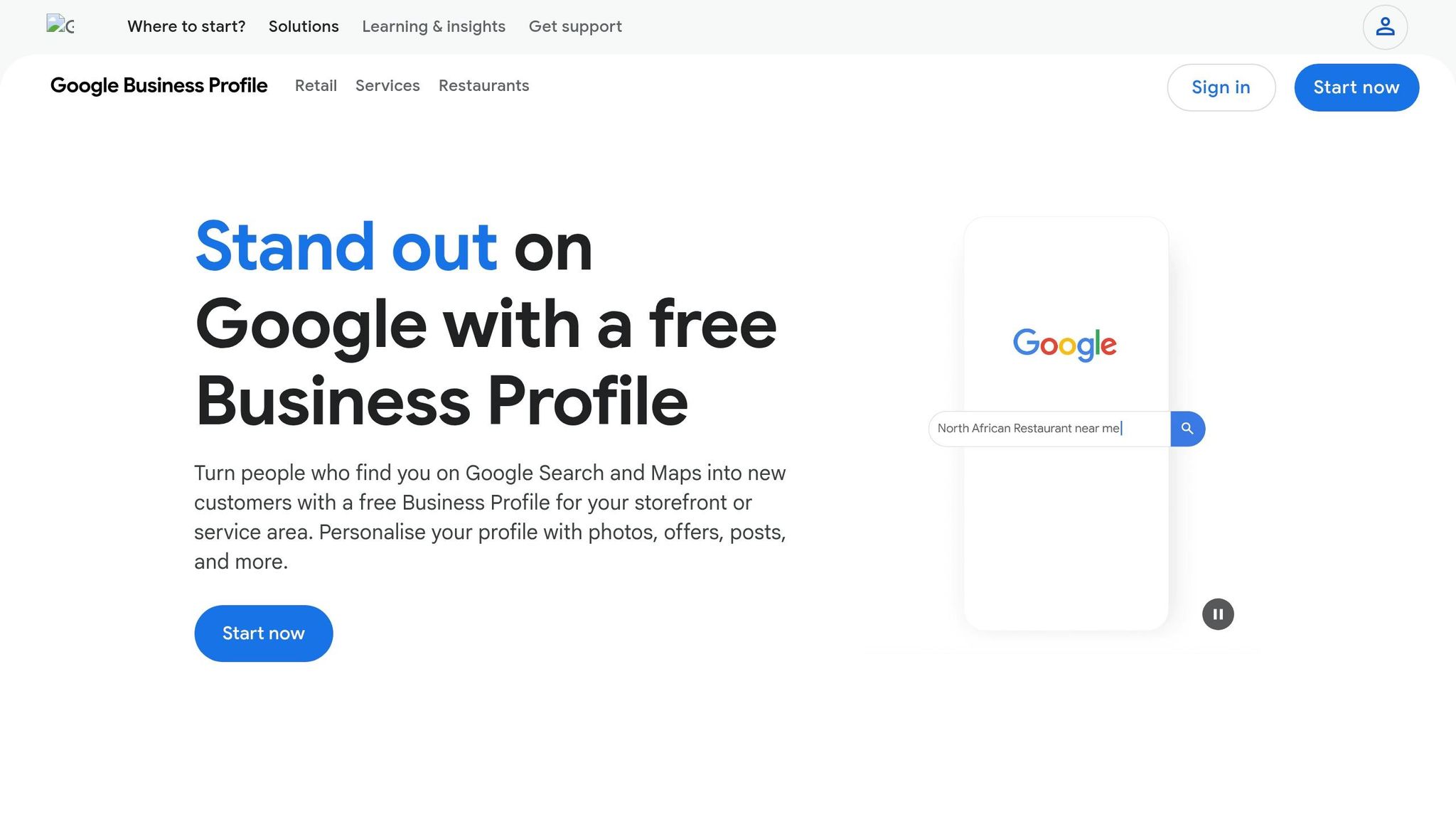
To get started, search for your shop on Google Maps or visit business.google.com. If your business is already listed, click "Claim this business" or "Own this business?" If it’s not listed, select "Add your business to Google" to create a new profile.
You’ll need to verify your ownership through one of these methods: postcard (takes 5–14 days), phone/SMS, email, or video verification. For video verification, you’ll show your shop’s exterior signage and demonstrate access to the facility. Avoid making changes to your business name, address, or category during this process to prevent delays.
Use your shop’s exact legal name to avoid account suspension. When selecting your primary category, go for the most specific option available. For instance, instead of "Store", choose "Specialty Coffee Shop" to improve your chances of ranking for local searches. Ariel Digital emphasizes, "Your primary category is the single most important ranking factor in GBP."
If your website is already verified through Google Search Console, you might qualify for instant profile verification. Otherwise, prepare for video verification by having your keys ready and ensuring clear visibility of your exterior street signs.
Write a 750-character description that naturally includes references to your Bay Area neighborhood and nearby landmarks like Noe Valley, the Mission District, or the Golden Gate Bridge. Upload high-quality photos (at least 720×720 pixels) of your shop’s exterior, interior, products, and team to make your business easily recognizable. Google data shows that profiles with photos get 42% more direction requests and 35% more website clicks [4].
Enable relevant attributes such as "wheelchair accessible", "free Wi-Fi", or "women-owned" to show up in filtered searches. Use a local Bay Area area code for your phone number instead of a toll-free number to reinforce your local presence. Additionally, list specific products with descriptions and prices in the "Products & Services" tab to create a mini-storefront that appears directly in search results.
Outdated information, like incorrect hours, can frustrate customers and lead to negative reviews. Make it a habit to review your profile monthly, updating hours, pricing, or staffing details as needed. Post weekly updates about special offers or events, and refresh your profile with 2–3 new photos each month to signal that your business is active.
Monitor your profile weekly for unauthorized edits and respond promptly to customer Q&A. With 54% of smartphone users searching for business hours and 53% looking for addresses [5], keeping your profile accurate can turn online searchers into in-store customers. As Richard Towey from SFGate points out, "Creating a page doesn't take long... Where you can go wrong is in failing to supply the right kind of information to Google, which will be looking for complete synchronization between your Google Business Profile and the details on your website."
Search habits in the Bay Area are tied closely to its unique neighborhood identities rather than relying on broad city terms. In fact, 67% of Bay Area searches include location-specific modifiers beyond "San Francisco" [3]. For instance, someone in Noe Valley is more likely to search for "coffee shop Noe Valley" or "coffee near me" instead of a generic query.
Start by using Google Autocomplete to uncover what people are actively searching for. Simply type your service (like "bakery") into Google, and observe the auto-filled suggestions such as "bakery Mission District" or "bakery near Dolores Park" [7][8]. These suggestions provide a snapshot of current local search trends.
Use free tools to compare search volumes across neighborhoods [6][3]. For example, you might notice that "Hayes Valley boutique" generates more searches than "San Francisco boutique" in your area. You can also try tools like the Valentin App, which simulates search results from different Bay Area neighborhoods, giving you a better understanding of what customers in specific areas see [7].
Another useful approach is analyzing competitors’ profiles. Check their "Place Topics" to identify recurring local keywords [8]. Tools like the Chrome extension GMBSpy can also reveal which categories your top-ranking competitors are using [8].
"The real money is in high-intent searches that signal someone is ready to call, book, visit, or buy, like 'emergency plumber SOMA,' 'B2B accountant San Francisco,' or 'best Invisalign SF.'" - Ankord Media Team [2]
Incorporate both explicit geographic terms (e.g., "Oakland coffee shop") and proximity-based phrases (e.g., "coffee near me") [7][8]. With voice search usage in the Bay Area exceeding the national average by 40% [3], it’s also smart to target conversational phrases like "best pizza near Union Square."
Once you’ve identified the right keywords, integrate them into your online presence for consistent local optimization. Start with your Google Business Profile by naturally including neighborhood-specific terms in your description. Instead of saying "We serve San Francisco", specify the districts you cover, such as "We serve the Mission District, Castro, and Noe Valley neighborhoods." When uploading photos, use descriptive filenames like "hayes-valley-flower-shop-storefront.jpg" rather than generic ones [3].
On your website, make use of "Service + City" combinations in your title tags and H1 headers. For example, an H1 like "Emergency Plumbing in SOMA" can be supported by H2 headers that break down individual services [2][3]. If you serve multiple neighborhoods, create dedicated landing pages - but only if you can provide unique content for each, such as parking tips, nearby transit options, or regulations specific to that area. Avoid simply swapping out neighborhood names on a template [2][9].
Additionally, enhance your Google Business Profile by adding local keywords to the Services tab. Use clear names and concise descriptions that incorporate these terms [2]. In multilingual neighborhoods, adapt your optimization efforts accordingly. For example, the Mission District has a large Spanish-speaking community, while Chinatown and Richmond have significant Chinese-speaking populations [3][9].
With nearly 50% of local intent searches leading to a store visit within 24 hours [1], getting these keywords right can directly improve your foot traffic and conversions.
Google reviews are a game-changer for boosting your shop's local visibility. They help your business land in the coveted top three map results, which snag 42% of all local search clicks. Plus, businesses with 50 or more reviews can see a jaw-dropping 266% increase in leads compared to those with fewer than 10. And here's the kicker: 93% of consumers read online reviews before choosing a local business, and even bumping your rating up by just one star can increase revenue by 5–9% [11].
Timing is everything when it comes to asking for reviews. Reach out within 1–2 hours after a purchase using a direct Google review link or a QR code - this can triple your chances of getting a response [11]. Use multiple channels to maximize your reach; for example, SMS requests boast a 45% open rate, far outpacing email's 20% [11]. You can also place QR codes at checkout to encourage immediate feedback.
If you're only collecting a handful of reviews each month, consider integrating your Point of Sale system with an automation tool like CustomerFlows (starting at $59/month). This can help boost your review volume to 15–30 per month [11].
A word of caution: never offer discounts or freebies in exchange for reviews. Google forbids this practice and could suspend your profile if you're caught [12]. Similarly, avoid "review gating", where you only encourage happy customers to leave reviews while steering dissatisfied ones away. This practice is also against Google's rules [10].
Once you start collecting reviews, don’t stop there - engage with them. Responding to every review, whether positive or negative, signals that your business is active and attentive. It matters: 89% of consumers expect businesses to reply, and those that do earn 35% more revenue on average [13][14]. Even better, 45% of consumers are likely to update or remove a negative review if their concerns are addressed properly [13].
Keep your responses short (2–3 sentences), personal, and professional. Use the reviewer’s name and reference specific details they mentioned. For example, for a glowing review, you could say:
"Thanks for visiting our Mission District bakery, Sarah! We're thrilled you enjoyed our sourdough."
Adding your business name, location, and services naturally in your replies can also give your local SEO a boost.
"Think of review responses like part of your regular customer care. If you only reply once in a while, it can look like you're not paying attention. But when you respond consistently it shows Google and your customers that you're active and involved."
- Kathryn Schwab, Founder, Make It Count Creative Solutions LLC [13]
For negative reviews, aim to respond within 24 hours. Start by acknowledging the issue, offer a sincere apology, and provide a direct phone number or email to take the conversation offline. Stay calm and avoid defensive responses, even if the complaint feels unfair - potential customers will be watching how you handle criticism. A helpful approach is the HEAR framework: Humanize by using their name, Empathize with their frustration, Acknowledge the issue, and Resolve by offering a clear next step [14].
Managing reviews thoughtfully not only builds trust with your customers but also helps improve your local search rankings, ultimately driving more foot traffic to your business.
Once you've optimized your Google Business Profile and integrated local keywords, posting about promotions and events can significantly boost customer engagement in real time.
Google Posts allow businesses to share timely updates directly on their profiles. Interestingly, fewer than 20% of businesses with a Google Business Profile actively use this feature, which presents a great opportunity to stand out [16]. Businesses that post weekly can see a 5% to 10% increase in actions like phone calls and direction requests compared to those that don’t [18]. To keep your profile fresh and show Google that you’re active, aim to post 2–3 times a week.
When crafting your posts, make your point quickly - Google truncates text after the first 80 characters on mobile [16][18]. Always include a call-to-action button, such as "Call Now" [17]. Adding location-specific details like your city, neighborhood, or street name can also help improve your local visibility [15].
"Including state, city, neighborhood, or street name within your Google Post copy... helps Google associate your business with a specific area and shows searchers you're relevant to their locale!" - Haley Collins, GPO [15]
Use real photos of your team, products, or store instead of stock images, as they tend to perform better [18][19]. Don’t forget to use UTM parameters to track how well your posts are performing [16].
Offer posts are an excellent way to drive immediate action. These posts come with a "View Offer" badge and can include details like coupon codes, terms, and start and end dates [17][20]. Research indicates that offer posts can generate twice as many calls compared to regular updates [21]. To create urgency, include time-sensitive phrases like "Ends Friday" [16].
For Bay Area businesses, consider tailoring your offers to local events or seasons. For instance, a café in the Mission District might promote "20% off iced drinks this week," while a Berkeley bookstore could run a "Tax Day Special: 15% off business books." Adding your neighborhood or city name strengthens your local appeal [15][18].
Keep your key offer details within the first 80 characters and use high-quality images with a 4:3 aspect ratio (like 1200 x 900 pixels) [15][16]. Avoid placing phone numbers directly in the post text, as this could lead to rejection by Google. Instead, use a "Call Now" button. Offer posts stay visible until their end date, making them a worry-free way to run promotions [16].
These posts are a great way to complement event promotions and keep your business visible to local customers.
Highlighting events is another effective way to boost your visibility in local searches.
Event posts are perfect for showcasing workshops, grand openings, customer appreciation days, or other in-store happenings. They require a title, along with specific start and end dates and times, and stay visible until the event ends [20][21]. These posts can help your business reach the 72% of consumers who visit a store within five miles after conducting a local search [15].
Be clear and specific when sharing event details. For example, "Pottery Class at Our Oakland Studio - Saturday, 2–4 PM" gives potential attendees all the information they need. Similarly, a florist in Palo Alto could post, "Visit us at the Downtown Farmers Market this Sunday, 9 AM–1 PM" [15][18].
You can also use standard update posts to share behind-the-scenes content, announce new products, or provide seasonal tips like "3 things to check before Bay Area storm season" [18][16]. The key is to show your local customers that your business is active, engaged, and ready to meet their needs.
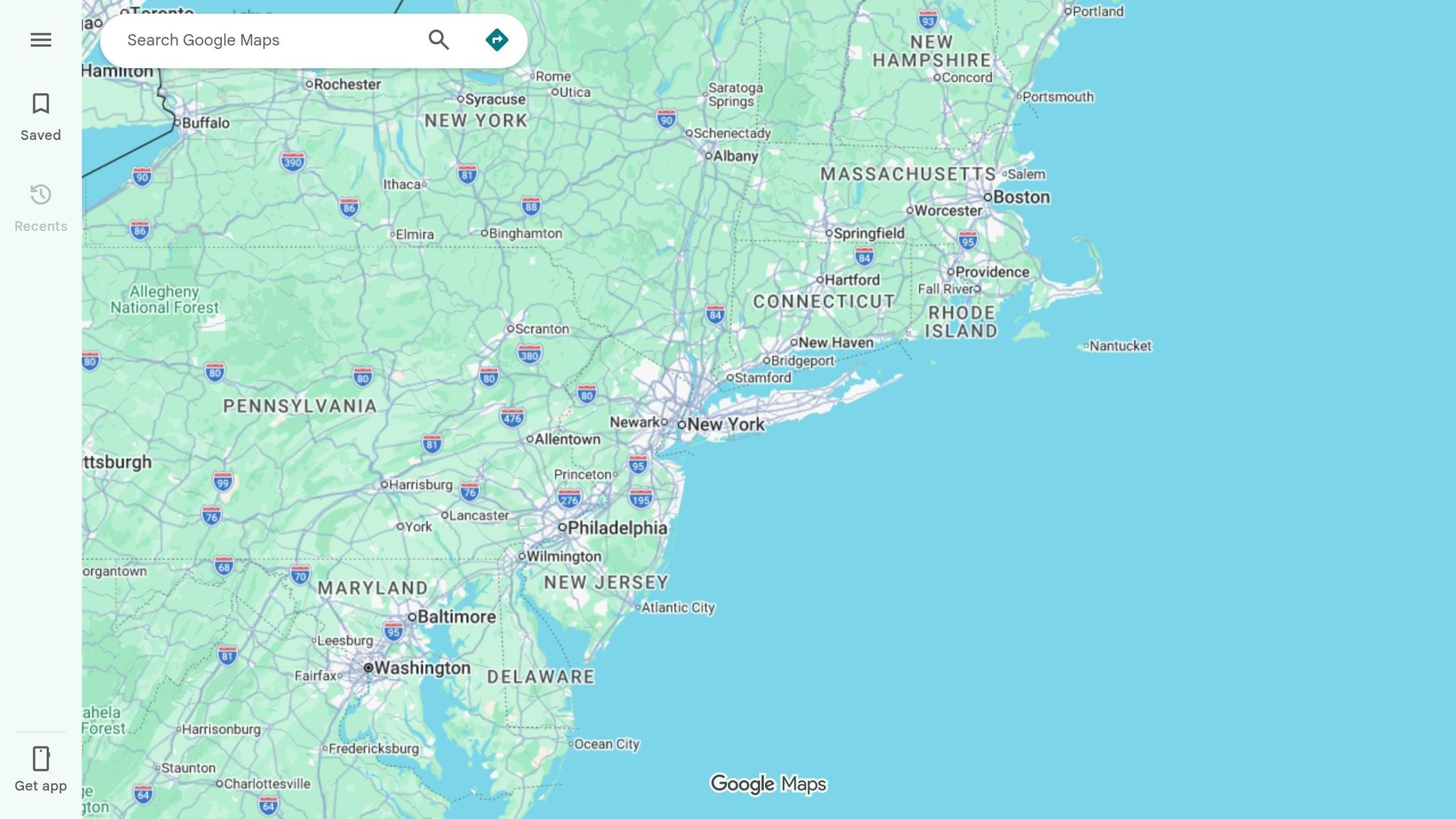
Making sure your shop's location and products are easy to find on Google Maps can turn local searches into actual visits. Customers are 2.7 times more likely to see your business as trustworthy if they find a complete Business Profile on Google Search and Maps. Even better, they're 70% more likely to visit in person, and those who find your shop on Google Maps are 50% more likely to make a purchase [22][23].
An accurate map pin and visible inventory can make all the difference. When someone searches for what you sell, they want to know where to find you and whether you have what they need before heading over.
Your map pin should point right to your shop's entrance. Start by entering your complete and official street address, including details like suite or floor numbers [24][27]. If the system places your pin incorrectly, you can fix it yourself.
To adjust the pin, go to your Business Profile and select "Edit profile." Then, click "Location" and choose "Business location." From there, select "Adjust" and move the pin to the exact spot. Most updates show up within 10 minutes, though some may take up to 30 days if manual review is needed [24][26]. Adding exterior photos of your storefront can also help - profiles with photos get 42% more requests for driving directions on Google Maps [23].
Once your location is accurate, focus on showcasing your inventory to attract shoppers who are ready to buy.
Listing your in-store inventory on your Google Business Profile helps nearby customers see what you have in stock before they visit. If you use a Point of Sale (POS) system like Square, Clover, or Lightspeed, you can connect it to the Local Inventory app (formerly known as Pointy) to automatically sync your stock in real time [25]. Make sure your products have manufacturer barcodes (UPC/EAN) for seamless syncing [25].
If your POS system isn’t compatible or you sell custom items, use the Product Editor tool to manually upload photos and descriptions of your most popular products [22][25]. While this takes more effort, it ensures local shoppers can find specific items they’re searching for. Don’t forget to check the "Products" section on your profile - Google may ask yes/no questions about your inventory. Answering these accurately helps attract customers looking for exactly what you offer [28].
Once you've optimized your profile and started engaging with customers, the next step is tracking your progress. Measuring your performance not only validates your efforts but also helps you understand how effective they are in driving foot traffic to your business.
Why is this so important? Well, consider this: 46% of the 3.5 billion daily Google searches are for local businesses [29]. By tracking how these searches turn into visits, you can identify what’s working and refine your approach. Tools like Humble Help's Analytics Dashboard make this easier by pulling together traffic, trends, and performance data in one place.
Your Google Business Profile provides valuable insights into how people are discovering and interacting with your business. For instance, Direction Requests track how often users click to get directions to your location [29][30]. You can also see the difference between:
Another useful metric is the comparison between Search views and Maps views. Higher Maps views often indicate people nearby who are ready to visit your business. Additionally, Phone Call Clicks measure immediate engagement. Keep in mind, though, that some desktop users might dial your number manually, so the actual call volume could be higher than what’s reported [29].
Humble Help's Analytics Dashboard simplifies this process by consolidating all these metrics into one place. This way, you can focus on what’s driving results and ensure your local marketing efforts are on the right track.
Capture walk-in customers by being present where they search. With 89% of Bay Area residents owning smartphones and nearly half of local searches leading to a store visit within 24 hours [1][3], your Google Business Profile can connect you with ready-to-act customers.
The strategies in this guide focus on reaching high-intent shoppers searching for businesses like yours in specific neighborhoods. Whether it's "coffee shop in the Mission District" or "bookstore near SOMA", using neighborhood-specific keywords, keeping your business details consistent, and actively engaging with reviews can ensure your shop stands out at the right moment. In a competitive market, these small but crucial efforts make a big difference.
The Bay Area's bustling market offers plenty of opportunities. Businesses with complete profiles - featuring 20+ photos and regular updates - consistently outperform those with incomplete listings. This is especially important in a region where voice search usage surpasses the national average [3]. Customers expect a polished online presence before they step through your door.
Start simple: claim your profile, upload high-quality photos, respond to reviews, and share updates about your sales or events. Use Google's free tools to monitor performance and adjust your approach based on real data. Every update strengthens your position as the go-to spot in your neighborhood.
Google Business Profile verification typically takes up to 5 business days. However, in certain cases, verification can happen instantly - especially when your profile is connected to Google Search Console. The time frame can differ based on the verification method and Google's review procedures.
When targeting Bay Area neighborhoods, make sure to use keywords tied to specific areas. For San Francisco, focus on neighborhoods like SoMa, Mission, Pacific Heights, and Marina. Expand your reach by including nearby cities such as San Jose, Oakland, and Palo Alto. These location-based terms are key to capturing local search intent and boosting visibility for neighborhood-specific searches.
To figure out if Google is helping drive foot traffic to your store, you can use tools like Google Ads and Google Analytics. These platforms let you track customer actions, such as clicks on directions or visits to your business profile. Setting up conversion tracking is another key step - it helps measure in-store visits tied to your online campaigns.
You can also take a more direct approach with methods like in-store surveys, unique promo codes, or QR codes linked to your online profiles. These techniques make it easier to connect walk-ins to your Google marketing efforts.
Discover strategies to elevate your business.


