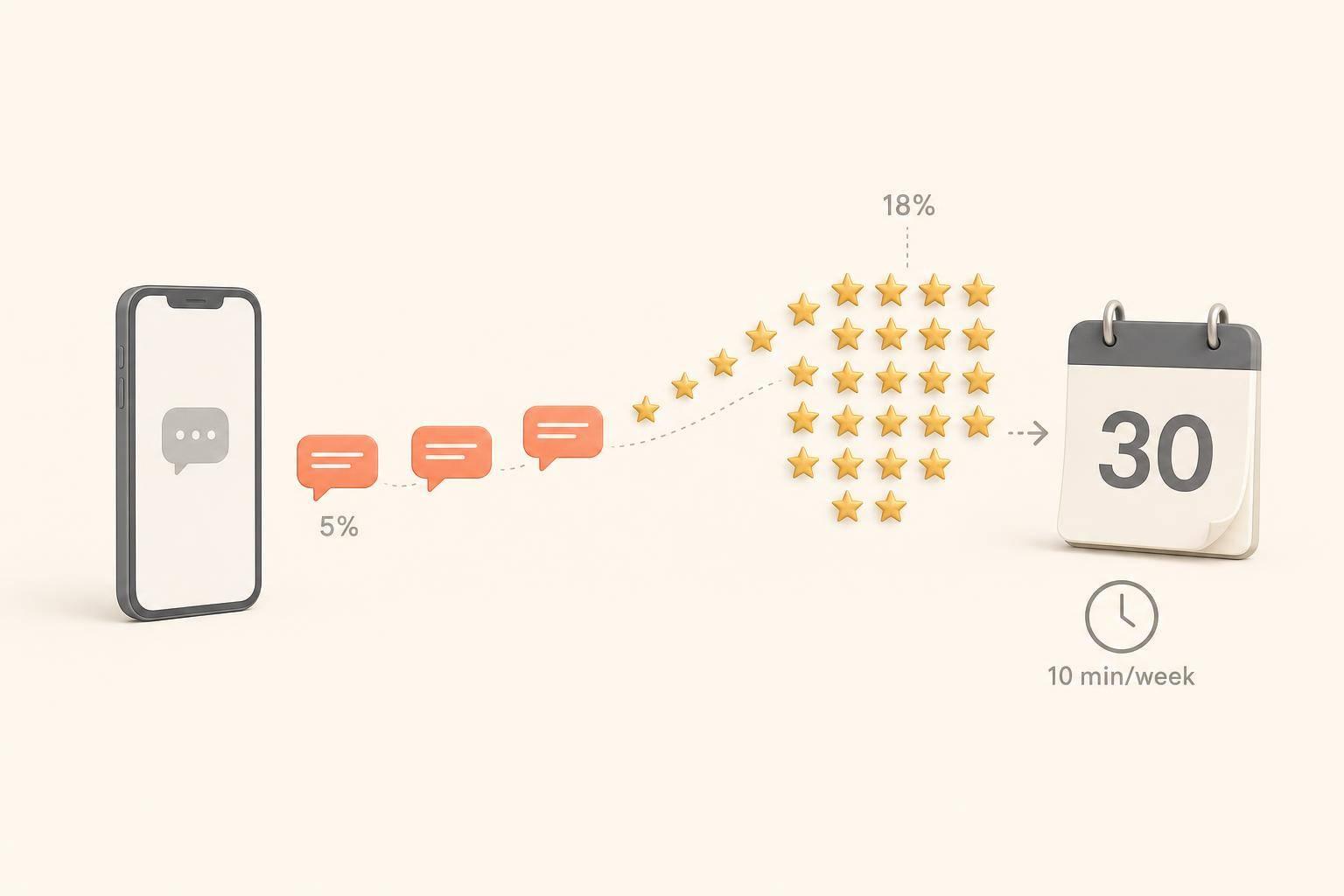
In 30 days, review requests sent by automation took this HVAC company from a weak manual system to 23 new Google reviews and an 18% conversion rate. I changed one thing: how review requests were sent. Service, staff, and ad spend stayed the same.
Here’s the short version:
The big takeaway: if you send a short review request soon after the job ends, with a direct Google review link, more customers finish the process.
A few things stood out to me. SMS did most of the work. The direct link removed extra steps. And skipping jobs with open disputes helped avoid turning a request into a public complaint.
Here’s the quick comparison:
| Metric | Before | After 30 days |
|---|---|---|
| Total Google reviews | 12 | 35 |
| Conversion rate | ~5% | 18% |
| Reviews per month | 2–3 | 23 |
| Main process | Manual asks | Automated SMS + email |
| Staff time | High, uneven | Under 10 min/week |
I also learned what didn’t work: sending too late, messaging unhappy customers, or using bland copy. And one point is non-negotiable: do not gate reviews. Asking only happy customers can break FTC rules.
If you want more reviews without changing your service, this test shows that timing, channel, and a simple workflow can make a big difference.
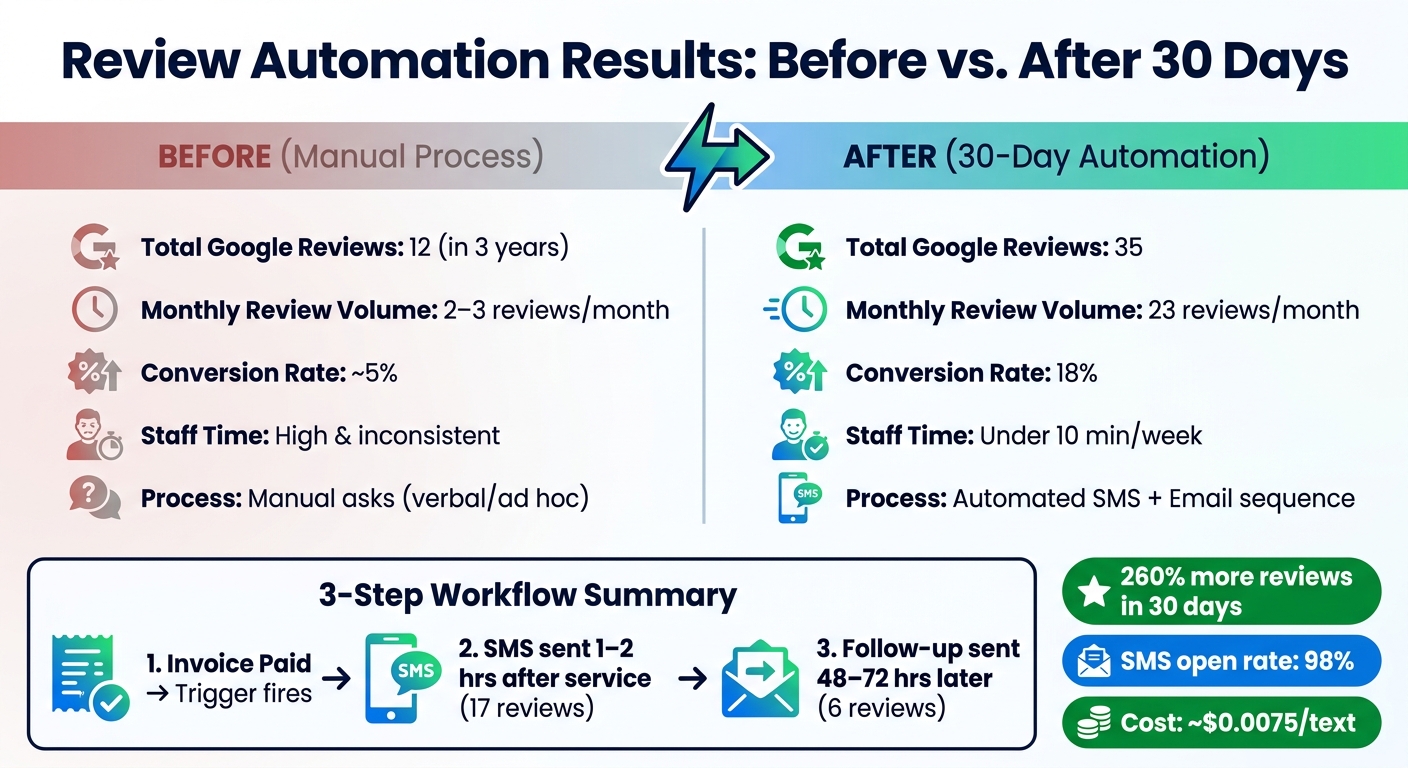
Review Automation Results: Before vs. After 30 Days
To keep the test clean, I changed only the review-request workflow. I left everything else alone.
The setup had three parts: a direct GBP review link, a CRM trigger, and a timed message sequence.
Step one was the review link. In the Google Business Profile dashboard, I used the "Get more reviews" or "Ask for reviews" button to copy the short URL that opens the review box right away. That short link cuts friction. [6][4]
Step two was the trigger. I set the workflow to fire on "Invoice Paid." I kept it simple on purpose, so the only thing changing in the test was the review request itself. Jobs marked as warranty callbacks or open disputes were left out of the automation altogether. [1][6][9]
Step three was the delay. I used a 1- to 2-hour wait so the request hit while the job was still fresh in the customer's mind. [6][1]
On the tool side, a DIY setup with Zapier and Twilio stayed low-cost. Twilio came in at about $0.0075 per text, and Zapier's free tier covered up to 100 tasks per month. That kept the build inexpensive without adding much setup overhead. [4]
The sequence had two touches total, and the first SMS did most of the work.
The initial SMS went out 1 to 2 hours after the invoice was paid. It included the customer's first name, the service type, and the direct GBP review link. I kept the message under 160 characters and asked for honest feedback, not a certain star rating. [4][6][3]
If no review came in, I sent one follow-up 48 to 72 hours later. It was short: a quick thank-you, a reminder of what we had completed, and the same review link. [1][6] I also used a 90-day deduplication rule, so repeat customers would not get another request too soon. [9]
| Channel | Open Rate | Conversion Rate | Timing Used |
|---|---|---|---|
| SMS (initial) | 98% [4] | 15–25% [1][4] | 1–2 hours post-service |
| Email (follow-up) | ~38% [4] | 5–10% [7] | 24–72 hours later |
SMS did the heavy lifting. Email picked up the people who missed the first message. That setup shaped how many customers actually followed through.
Before automation, the business had 12 reviews in three years and a manual conversion rate of about 5%. After a 30-day automated campaign, it added 23 new reviews, which almost doubled the total review count. At the same time, the conversion rate jumped to 18%.
When I put the manual process next to the automated one, the shift was hard to miss.
| Metric | Before automation | After 30-day test |
|---|---|---|
| Conversion rate | ~5% | 18% |
| Monthly review volume | 2–3 reviews | 23 reviews |
| Review quality | Short, generic | Longer and more specific |
| Staff time on review requests | High and inconsistent | Under 10 minutes/week |
The reviews didn’t just increase in number. They got better. Because the automated messages mentioned the exact service the customer received, people were more likely to describe what happened instead of dropping a one-line rating. [1][5]
More customers finished the review step once the direct GBP link cut out the extra clicks that often lead people to give up halfway through. [1][10] Out of the 23 reviews collected, 17 came from the first SMS and 6 came from the email follow-up. That matters because it shows the reminder added extra results instead of just repeating the reach of the first message.
Leaving out jobs tied to open disputes or warranty callbacks also helped keep the review flow cleaner. In plain English, it lowered the odds of turning a review request into a public complaint. [9][11]
Those review gains also started to show up in GBP visibility and local trust signals.
The 23 new reviews gave the profile more freshness, steadier review velocity, and more owner-response activity. In this test, those were the signals most likely to shift GBP visibility [2][7]. That matters for rankings, of course. But it also changes how the business appears to people at a glance: active, attended, and current.
Recent reviews also make a profile feel alive. And that matters because 74% of consumers value reviews written within the last three months [7][12]. A steady flow of new feedback made the business look current, not just long-established. That’s an important difference.
Fresh reviews do more than add social proof. They help keep a GBP profile active and up to date.
To see whether that review momentum led to actual GBP lift, track these each week [7]:
Those numbers help show whether the workflow changed visibility or simply added more reviews.
The numbers pointed to one clear winner: SMS sent 1–2 hours after service drove most of the responses in this test. When customers got the request right after the job was done, while the visit was still top of mind, conversion was highest in the sequence. That makes this setup a strong fit for businesses that have a clear end point for each job.
The reminder helped too, but mostly because the first SMS had already done the hard work. One follow-up at 48–72 hours brought in extra reviews. After that, returns dropped off fast. More messages didn’t do much, and customers started to tune them out. [2]
The direct GBP review link also made a clear difference. Fewer clicks means less friction, and that led to more completed reviews. [6]
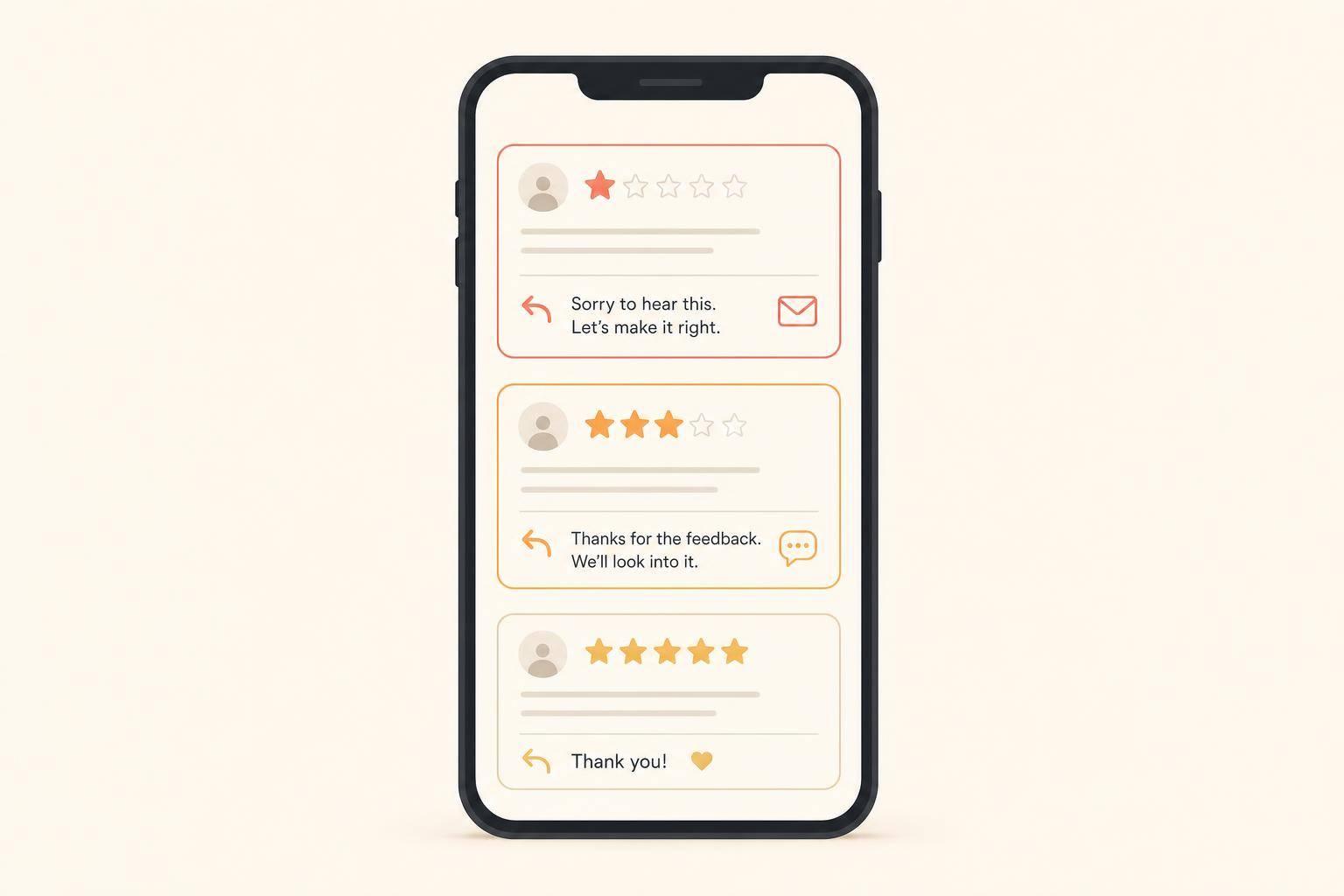
The biggest mistakes were the ones you’d expect. Results dropped when requests went to customers with unresolved complaints, when the ask came too late after service, and when the message felt like a generic template with no personal touch.
Timing had a bigger effect than many people assume. Waiting 24 to 48 hours instead of sending within the best 2-hour window cuts response rates by 50% to 60%. [9]
Review gating - pre-screening customers to only invite the happy ones - is off limits. The FTC's Consumer Review Rule bans it, with fines up to $51,744 per occurrence. [3][8] The safer move is simple: send requests to every customer. Use "do-not-send" rules for open disputes or billing issues, not to screen people based on expected satisfaction.
For this Dallas HVAC business, the answer was yes: the lift was enough to make automation worth it. It took a weak manual process and turned it into a steady review system. The setup itself is simple. The difference comes from how well it’s carried out.
Connect your CRM or job management software to an automation platform, then grab your direct Google Business Profile review link.
From there, set a trigger like Job Complete or Invoice Paid. When that trigger fires, send a personalized SMS 1 to 2 hours after the service. That timing matters. It hits while the visit is still fresh, but it doesn’t feel pushy.
If the customer still hasn’t left a review after 48 to 72 hours, send one follow-up by email or text. Just one. More than that can start to feel like nagging.
Use the same review request process for every customer so your team stays consistent and your results are easier to measure. Then track two numbers:
Those two metrics tell you whether your review flow is working or if it needs a tune-up.
Review automation fits most appointment-based service businesses. That includes contractors, HVAC, plumbing, salons, dental practices, and professional services.
It tends to work best when customers are booked in advance and the service ends with a finished job or completed transaction. In plain English: if someone hires you, the work gets done, and there’s a clear moment to ask for feedback, this setup usually makes sense.
It may not be a good fit if:
To automate review requests and stay in line with FTC and Google policies, keep the rules simple:
A good setup is to trigger the request right after a job is completed or an invoice is paid. Send the same personalized message to every customer, then send one optional reminder 48–72 hours later if they haven’t left a review.
Discover strategies to elevate your business.