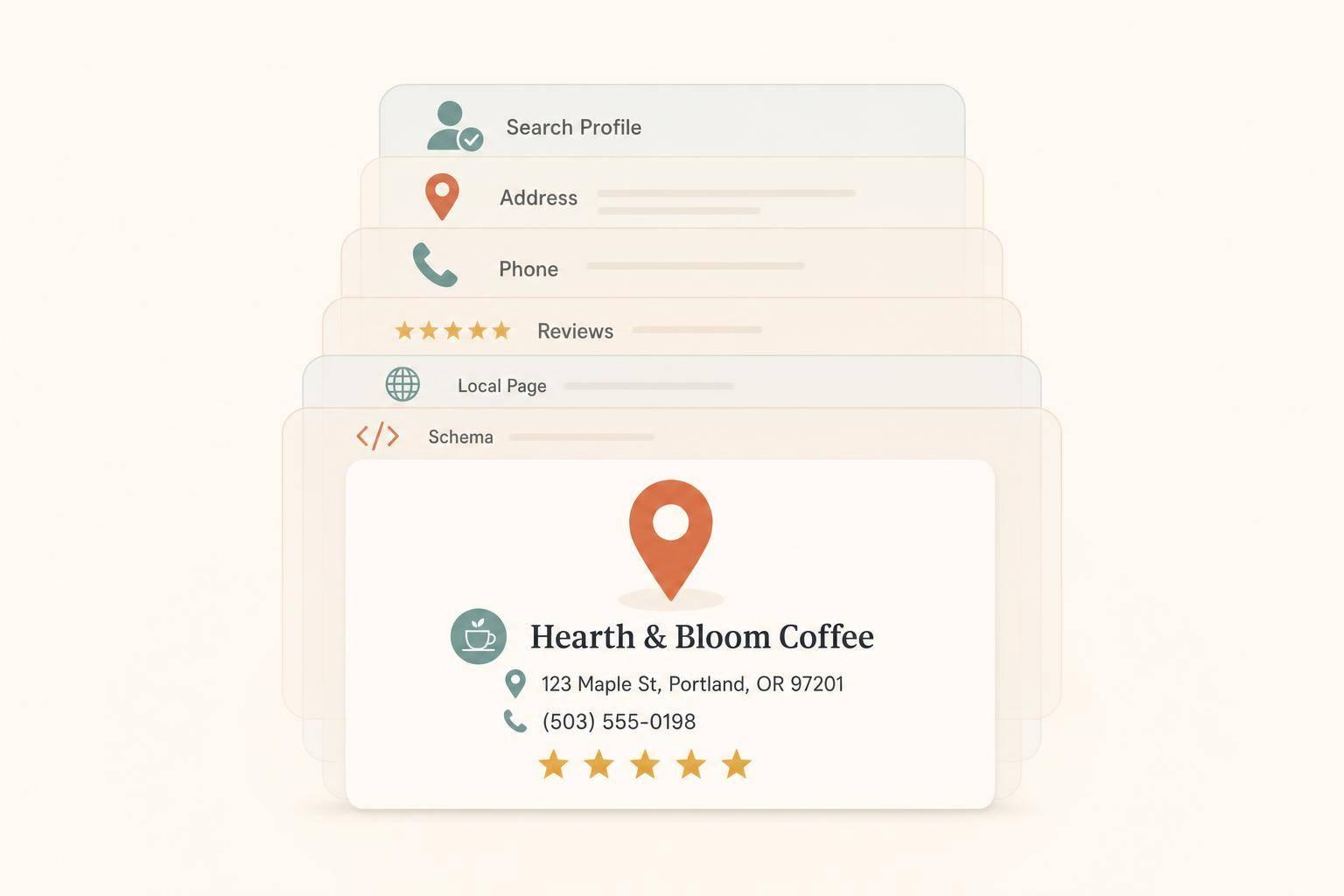
If I want Perplexity to mention my business, I need to make it easy to verify me across the web. In most local queries, Perplexity pulls from a small set of sources and often gives one direct answer with citations. That means my best shot is simple: keep my Google Business Profile complete, make my name/address/phone match everywhere, earn recent reviews, and put clear local details on my site.
Here’s the short version:
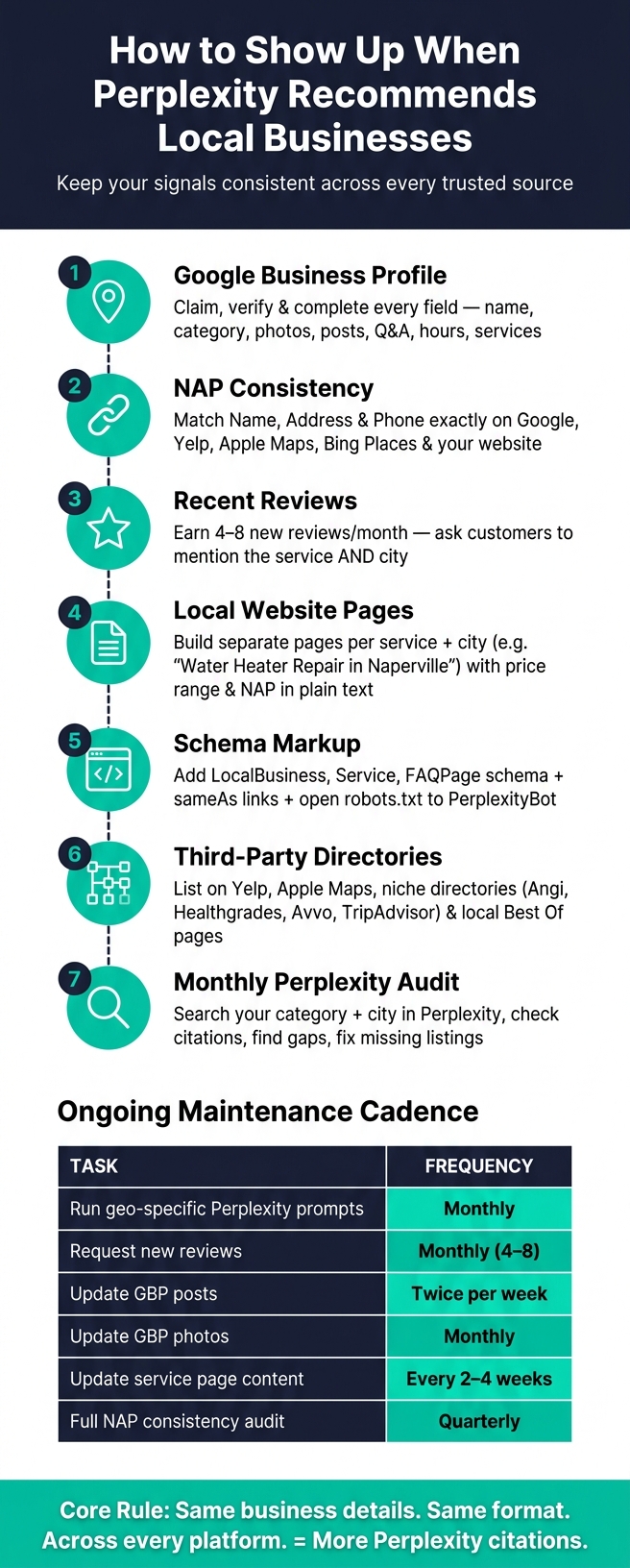
LocalBusiness, Service, FAQPage, sameAs, and open access in robots.txt help machines read my pages.A few numbers from the article stand out: update service pages every 2–4 weeks, ask for 4–8 new reviews per month, post on GBP about twice per week, and run a full NAP audit quarterly. That’s the playbook in one view.
The core idea is simple: if the same business details appear in the same format across my profile pages, reviews, directories, and website, I have a better chance of being cited when someone asks for a business “near me.”
How to Get Your Business Cited by Perplexity AI: Local SEO Checklist
Your Google Business Profile is one of the main local sources Perplexity checks for business details [2]. Start there. Claim the profile, verify it, and fill out every key field with care.
Use your exact legal or trading name. Don’t stuff keywords into the business name. Pick the most specific primary category you can, add relevant secondary categories, and write a clear service description [2][7].
Then keep the profile active instead of letting it sit there half-finished. Add original photos, post on a regular basis, keep those photos current, and reply to reviews promptly [2]. You can also add common questions and direct answers in the Q&A section. That gives AI crawlers more text they can pull from and understand [2].
Once the profile is complete, the same business details need to show up the same way everywhere else.
Use one exact NAP format across every platform so Perplexity can connect your business records with confidence. Tiny differences may look harmless, but they can cause messy matching issues.
| Element | Consistent | Inconsistent | Effect |
|---|---|---|---|
| Business Name | Joe's Plumbing | Joe's Plumbing LLC | Splits review equity and causes entity confusion [1][6] |
| Street Address | 123 Main St, Ste 4 | 123 Main Street, Unit 4 | Makes your location less likely to be cited [2][6] |
| Phone Number | 123-4567 | 555-123-4567 | Different formats can be treated as separate, conflicting entries [7] |
Check Google, Yelp, Apple Maps, Bing Places, and your main industry directory [2][6]. Claim Bing Places and make it match your Google Business Profile exactly, since Bing powers ChatGPT’s browsing and Microsoft AI [7].
When your listings line up, your website should echo those same details word for word.
A steady flow of new reviews tends to help more than leaning on an older batch, even if that older batch is bigger [3][1]. After a job wraps up, send a short email or SMS asking for a review. If it fits the moment, lightly suggest that the customer mention the service and city.
That kind of wording gives Perplexity something concrete to pull from. For example, a review like “sump pump install in Boise” includes both the service and the location in plain language [3][6].
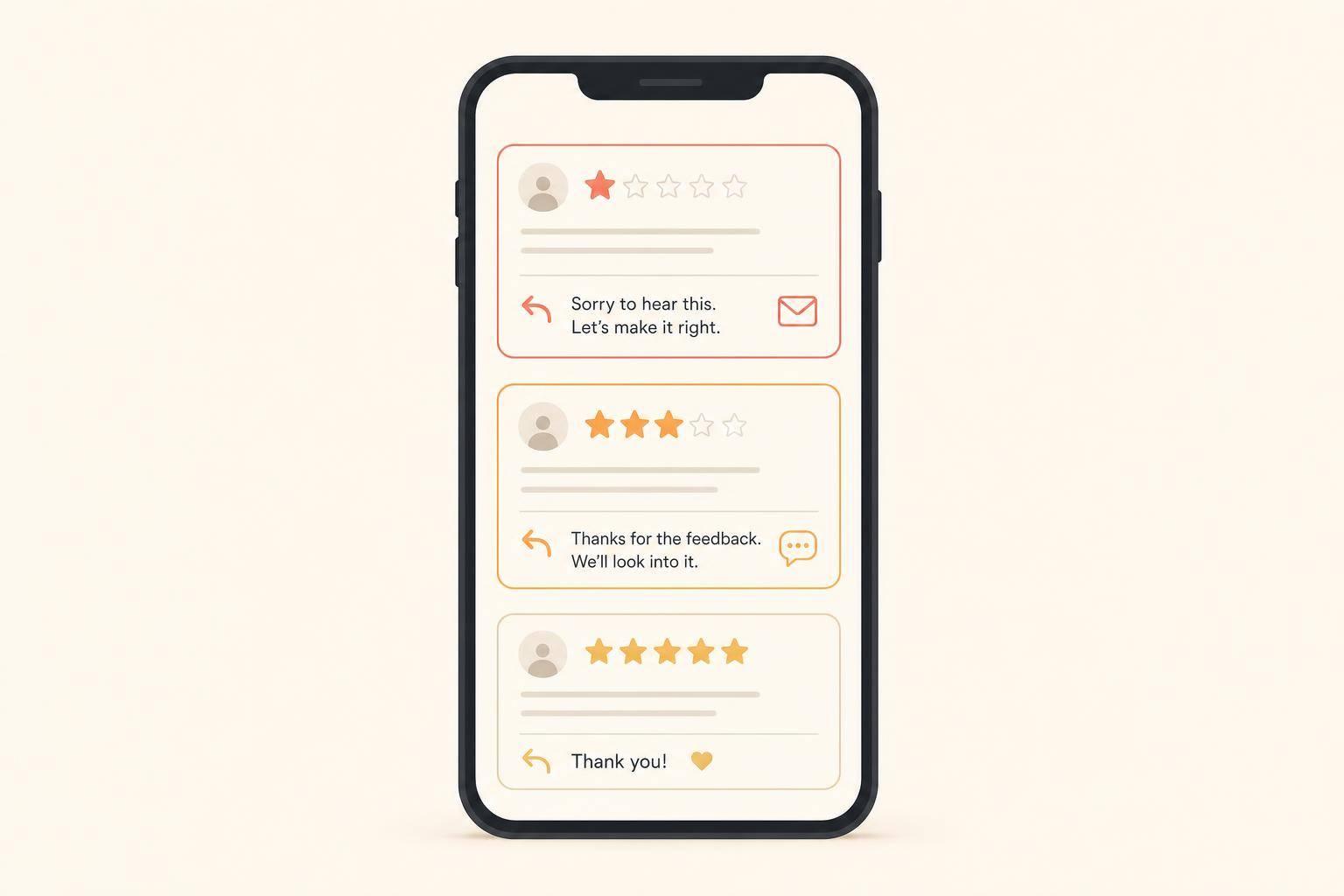
Reply to every review you get. Those replies add more readable text for AI systems and help strengthen your entity signal [3][9]. It also helps to focus on Yelp and the main review site in your niche, so your reputation shows up in more than one source Perplexity is likely to trust [3][1].
Next, make sure your website gives Perplexity that same local proof in a format it can scan fast.
Once your listings and reviews line up, the next step is your website. Perplexity uses your site to confirm what it already found across the web. If your site repeats the same local facts from your listings and reviews, it becomes much easier to extract and cite.
A single "Service Areas" page with 10 cities crammed into one paragraph usually won't do the job. It's much better to build separate pages for your top service-location pairs, like "Water Heater Repair in Naperville" or "AC Tune-Up in Scottsdale."
At the top of each page, add a short summary that says exactly:
That matters because Perplexity can pull that text straight from the page [6][8].
Also, make sure your NAP appears in plain text. Don't hide it inside an image or a widget. In the body copy, mention neighborhoods, landmarks, or ZIP codes so the page reads like it's tied to a specific place, not just a generic service page.
Set up each page so it's easy to scan and easy to extract from. Use H2 and H3 headings that match the kinds of things people ask, such as "How much does a furnace tune-up cost in Denver?" or "Do you offer same-day service in the Loop?" That gives Perplexity a clearer path from the search query to the answer on your page.
The aim is simple: one clear, machine-readable local answer.
Schema markup helps by giving AI business data in a format it can parse. For local businesses, the most useful schema types are:
LocalBusiness with geo.latitude and geo.longitudeService with areaServed listing your citiesFAQPage for question-and-answer sections [6][2][3]It also helps to add sameAs links to Yelp, Google Business Profile, and your main directories so those profiles are tied back to the same business [2].
One more thing: check your robots.txt file so Perplexity can crawl your key pages [6]. Then keep pages like pricing, hours, and seasonal services up to date on a set schedule. A visible "Last Updated" date can signal that the information is current [6][3].
After your site is readable, the next move is to build out the third-party sources Perplexity already trusts.
Next, close the third-party citation gaps Perplexity is most likely to use. Perplexity tends to cite businesses that show up again and again across trusted sources. That repeat presence helps it confirm your business instead of treating it as just another listing [3].
The most important platforms depend on your business type. For many local businesses, Yelp and Apple Maps should be near the top of the list. After that, the right niche directories can matter a lot:
On each profile, complete every field you can: description, categories, photos, services, hours, and your NAP using the same format everywhere. If your listings don’t match, Perplexity may read them as different businesses [2][6].
Local "Best Of" lists and city guides matter too, because Perplexity often cites them in its answers [2][4]. That’s why it helps to reach out to local media outlets and bloggers who publish those roundups. If they mention your business, you have a better shot at showing up in the places Perplexity pulls from. And when you do get listed, keep the business details aligned with what’s already on your site and profiles.
The fastest way to see where to focus is to search inside Perplexity itself. Use prompts like "best plumber near me" or "top family lawyer in Dallas", then check the numbered citations in the answer. Those footnotes show which platforms Perplexity is already using for your category and area [4].
That gives you a plain view of what matters in your market. Run those searches once a month, write down the sources that keep showing up, and compare them against your current listings. If a competitor keeps appearing through a directory or local blog where you have no presence, that’s a gap worth fixing [4][2]. Watch for repeat sources, then go after the ones you’re still missing.
Managing listings, reviews, and citations across several platforms can get messy fast. You don’t need fancy software to stay organized. A simple spreadsheet is often enough.
Track things like:
That way, you can see what’s done, what’s missing, and where details still need to be cleaned up before gaps slip through.
Perplexity is more likely to cite businesses when the basics line up across trusted sources. That means your name, address, phone number, reviews, website, and directory listings should match everywhere they appear. When those details stay consistent across several trusted sites, your business has a better shot at getting cited.
Just as important: keep those signals up to date. A simple maintenance routine can help you stay on track.
| Task | Cadence |
|---|---|
| Run geo-specific Perplexity prompts | Monthly [1][4] |
| Request new reviews | Monthly (4–8) [7] |
| Update GBP photos and posts | Photos monthly; posts twice per week [2] |
| Update service page content | Every 2–4 weeks [5][2] |
| Full NAP consistency audit | Quarterly [6][2] |
Also, make sure PerplexityBot and PerplexityBot-User are allowed in robots.txt [6][10].
Because Perplexity pulls from live web searches, your business can show up as soon as your content gets indexed.
For most businesses, improvements start to show within 2–4 weeks after optimization. If you already have a strong site and content base, you may see results in 2–6 weeks. If you're starting from zero, expect 3–6 months of steady work. And if you update existing content, it can appear in citations within days.
Yes. Businesses without a physical storefront can still show up in Perplexity recommendations. Your visibility comes from how well your business appears across the open web, not just from having a storefront.
Focus on a few core areas:
Think of it this way: if Perplexity can see clear, matching signals about who you are, what you do, and where you serve, you still have a solid shot at being mentioned.
The citations that matter most are the ones that consistently confirm your business info across several independent platforms. Perplexity will likely look for matching NAP details on your site and on trusted third-party sources.
Key sources include Yelp, Google Business Profile, Bing Places, industry directories that fit your business, TripAdvisor, Facebook Business, Apple Maps, and the BBB.
Discover strategies to elevate your business.