

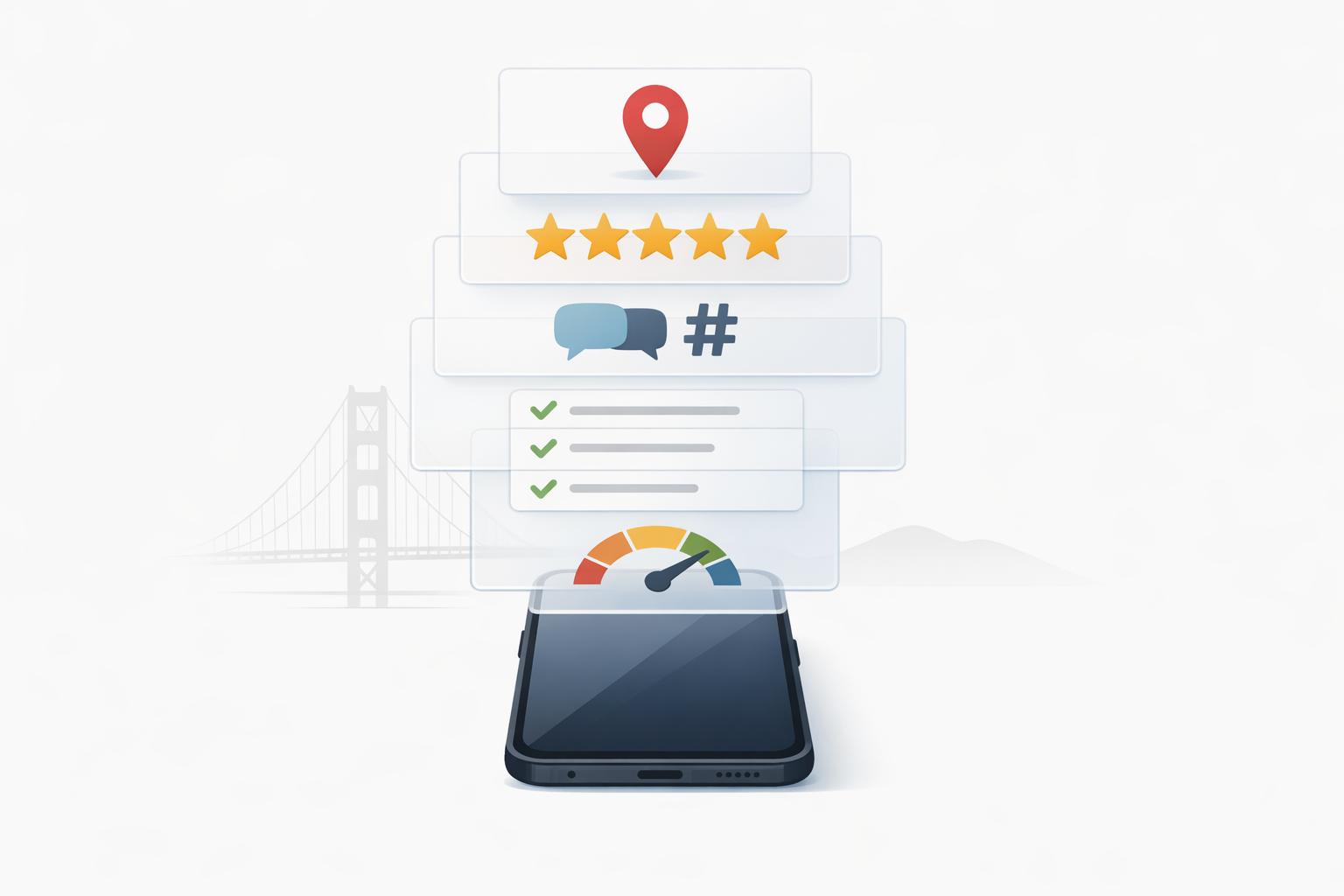
Your online presence is your business's first impression in the competitive Bay Area market. With 88% of local searches leading to visits within 24 hours and 78% resulting in purchases, a strong digital profile is essential. Here's how you can quickly improve your visibility:
A polished online presence means more visibility, trust, and customers. Start by focusing on your GBP and ensuring your business info is consistent everywhere.

Bay Area Business Online Presence Statistics and Impact
Google often creates business listings automatically using public data, so your business might already have a profile. Start by searching for your business name on Google Search or Google Maps to check. If you see an unverified listing, click "Claim this business" or "Own this business?" to begin the process. If no listing exists, you can create one from scratch at business.google.com/add.
Verification is completely free and typically takes about five business days. Options include phone/SMS, email, video, live call, or postcard. Verified profiles are worth the effort - businesses with verified profiles see 70% more location visits than those without[5].
If someone else has already verified your profile, use the "Request Access" feature to take control. One key tip: avoid making changes to your business name, address, or category while waiting on a verification postcard. Doing so will invalidate the code and force you to restart the process.
Your primary category plays a major role in your Google ranking - accounting for roughly 32% of ranking weight[7]. Choose the most specific category that fits your business. For instance, "Italian Restaurant" is better than the more general "Restaurant." Tanner McCarron, Founder of Dyad Marketing, explains:
"Your primary category is the main signal Google uses to decide when to show your profile"[7].
Ensure your business name matches your real-world signage exactly. Adding extra keywords like "Best SF Plumber" could lead to suspension. Also, make sure your Name, Address, and Phone number (NAP) are consistent across platforms like Yelp, Apple Maps, and your website. Use a local area code instead of a toll-free 800 number to enhance your local presence[7][8].
Define your service area by listing specific neighborhoods in the Bay Area, such as Mission District, SoMa, or Nob Hill. Additionally, select all relevant attributes like "wheelchair accessible" or "women-owned" to appear in filtered searches. Use the 750-character business description to highlight what makes your business stand out, and keep it specific - avoid generic marketing language. Posting weekly updates also signals to Google that your business is active[7][8].
Photos are a game-changer for your profile. Upload 10-15 high-quality photos that showcase your exterior (so customers can locate you), interior (to highlight your ambiance), team, and products or services. Profiles with photos receive 42% more direction requests and 35% more website clicks[8][9][10]. Stick to real photos (no stock images), with a minimum resolution of 720 x 720 pixels in JPG format. Avoid heavy filters or watermarks for a clean, professional look[8][10].
Keep your profile fresh by adding 2-3 new photos every month. Since Google prioritizes vertical images and short videos (under 30 seconds) in mobile search results, consider shooting content in portrait mode[11].
When it comes to reviews, respond to every single one - whether it’s positive, neutral, or negative - within 24 to 48 hours. Businesses that reply within this window see a 12-18% higher click-through rate[10]. Avoid canned responses; instead, personalize your replies by thanking customers by name and referencing specific details from their feedback. For negative reviews, address the issue professionally and offer a direct way to continue the conversation offline[9][10].
To encourage more reviews, use the "Ask for Reviews" button in your Google Business Profile dashboard to generate a shareable link. You can send this link via text message (which converts at 15-25%) or ask in person (which converts at 20-30%)[9]. This step is crucial since 89% of consumers read business responses before making a purchase decision[9]. Plus, businesses with at least 50 reviews and a 4.2-star rating appear in the top 3 Google Map results for 78% of non-branded searches[11].
Once your profile is polished, the next step is to ensure your local directory listings are consistent across your online presence.
Your business name, address, and phone number (known as NAP) need to match perfectly across all platforms. Why? Search engines rely on this consistency to verify your business's credibility. Even small discrepancies - like using "St." instead of "Street" - can confuse algorithms and hurt your rankings[1].
This isn't just about search engines; it's about customer trust. A staggering 73% of consumers lose confidence in a brand when its online listings are incorrect[12]. In areas like the Bay Area, where platforms like Yelp hold significant influence[1], inconsistent details can lead to fragmented reviews, ultimately weakening your reputation.
Consistency in NAP data is also crucial for local search rankings - it’s ranked as the third most important factor[14]. Businesses with identical information across directories are 2.3 times more likely to appear in local search results[15]. Take Netco Design, a restaurant chain with 12 locations. By implementing a strategy to standardize their listings in early 2026, they saw a 34% increase in Google Business Profile views and a 28% rise in direction requests within just six months[12].
Now, let's look at tools that can help you identify and fix these errors.
Start by creating a master document with your official business name, standardized address, and primary phone number. This will be your reference point.
To monitor your online presence, tools like Humble Help's Analytics Dashboard can flag inconsistencies for you[19]. Free options like Rankture or FreeLocalCitationChecker allow you to audit over 50 directories at once[16][18]. Begin your corrections with the "Big Four" platforms: Google Business Profile, Apple Maps Business Connect, Bing Places, and Yelp[17][13].
If you find duplicate listings, claim them using an email tied to your business domain for faster verification[14]. Correct any errors you uncover promptly - businesses that update directory information within 24 hours see a 35% drop in customer service inquiries about location or contact details[15]. Dedicate just 15 minutes a day to cleaning up your citations, and you'll see the difference[14].
Keeping tabs on reviews across various platforms is crucial for maintaining a strong online presence, especially in the Bay Area, where customer trust heavily influences business success. Start by searching for your business name on platforms that matter most to Bay Area consumers - Google Maps, Yelp, Angi, and the Better Business Bureau. These four platforms dominate the local review landscape [22]. Depending on your industry, you might also need to check specialized sites like TripAdvisor for hospitality, Healthgrades for healthcare, or HomeAdvisor for home services [13].
Here’s why this matters: 97% of people read online reviews before choosing a local business [26], and 87% specifically turn to Google reviews to inform their decisions [24]. In the Bay Area, Yelp holds even more sway, with its directory housing over 224 million reviews viewed by more than 31 million unique devices [13]. Don’t forget about SFGATE’s “Best of” lists, which many locals rely on for trustworthy recommendations [13].
To simplify the process of tracking reviews, consider tools like ReviewTrackers, Birdeye, or Reputation.com. These platforms allow you to consolidate reviews from over 100 websites into a single dashboard [20][21]. Once you’ve gathered the feedback, organize it into categories like quality, service, technical issues, and wait times. This will help you identify both strengths and areas that need improvement [25].
Pay close attention to your average rating - it’s a key metric. By 2026, 31% of consumers are expected to choose only businesses rated 4.5 stars or higher. Even a one-star improvement in your average rating could boost your revenue by 5–9% [26].
Once you’ve analyzed your ratings and feedback, the next step is crafting thoughtful responses.
After reviewing your feedback, it’s time to engage directly with your customers by responding to their reviews. This step is critical - 89% of consumers expect businesses to reply, and companies that do see, on average, a 35% increase in revenue [27]. Plus, your responses can influence your search rankings since Google factors engagement into local prominence [27].
For positive reviews, try using the STAR framework:
For negative reviews, the HEAR framework can help:
"I'm not looking for more stars... I'm looking to express sincerity. I'm looking to express care and I'm looking to express, 'What can we do to make this right?'" – Nic Faitos, Owner, Starbright Floral Design [23]
Timing is everything. Aim to respond within 24–48 hours - 66% of customers expect a reply within three days, and 73% of unhappy customers are more likely to give you a second chance after a prompt response [25]. Even better, 54% of customers update their negative reviews to positive ones after a satisfactory resolution [25].
However, avoid common pitfalls: don’t argue publicly, offer incentives for changing reviews, or disclose private customer information. These missteps can do more harm than good.
Your social media profiles need to show that your business is active and reliable. Make sure your profile photos, descriptions, links, hours, and location details are consistent across platforms like Facebook, Instagram, LinkedIn, and any industry-specific sites you use. Inconsistent details can confuse potential customers and harm your credibility.
Take a close look at your posting frequency. Inactive profiles can give the impression of unreliability. Aim to post 1–2 times per week on each platform. If it's been more than a week since your last post, it's time to update. Use tools like Instagram Insights, Facebook Page Insights, and LinkedIn Analytics to see which posts perform well and when your audience is most engaged. Adjust your posting schedule based on this data to maintain relevance [30][31].
For businesses in the Bay Area, creating hyper-local content can help boost engagement. Instead of generic posts, include references to specific neighborhoods like "Mission District", "SoMa", or "Marina" in your captions. This approach resonates with the district-focused culture of the area and increases your chances of appearing in "near me" searches. Also, ensure your brand voice, colors, and messaging are consistent across all platforms - this consistency builds trust with local customers.
"Consistency is the number one factor that separates growing accounts from stagnant ones." – Jamie Partridge, Founder & CEO of PostEverywhere [29]
A well-maintained and active social media presence sets the stage for a seamless experience when users visit your website.
Your website is often a customer's first impression of your business online, so it needs to represent your brand effectively. This is especially critical since more than 70% of local searches in San Francisco happen on mobile devices [6][4]. Your homepage should immediately communicate your services, location, and contact information [4].
Test your website on a smartphone. Ensure the text is easy to read without zooming, buttons are spaced properly, and key calls-to-action (CTAs) like "Call Now", "Book Appointment", or "Get a Quote" are visible above the fold [4]. Speed matters too - a site that takes longer than 3 seconds to load on mobile can lose 53% of visitors [6]. Use Google PageSpeed Insights to test your site’s loading time and make sure it’s performing well.
"Most websites lose conversions simply because CTAs are too hidden." – Lori Piencykoski, Digital Marketing Expert, Netco Design [4]
Don’t overlook technical issues like broken links, non-functional buttons, or outdated social media icons - these can quickly erode trust [4]. Also, ensure your Name, Address, and Phone number (NAP) are consistent across your website and all directory listings. With AI-driven search becoming more common in 2026, having consistent information across the web will help your business get accurately cited in AI summaries and search results.
Managing your online presence can feel overwhelming, but free tools can make it much easier. Instead of spending hours manually checking each platform, these tools bring all your key metrics into one dashboard. This means you can quickly see how customers are finding you and which marketing strategies are actually paying off.
Humble Help's Analytics Dashboard simplifies the process of tracking your online visibility. It provides an overview of traffic sources, your best-performing channels, and how well you're showing up in local searches. With this tool, you can monitor metrics like Google Business Profile impressions, website visits, and even requests for directions - all from one convenient location.
Why does this matter? Well, 46% of Google searches have local intent, and 88% of mobile local searches lead to a visit or call [3][6]. These numbers highlight the importance of understanding your local search performance. The dashboard also helps you track your "Local Pack" visibility - those map-based results at the top of Google searches. These listings capture about 44% of all search clicks [3][6], making them a critical area to monitor.
For example, if you're getting lots of impressions but not many leads, it might mean your website or contact process needs work. On the other hand, low impressions could signal that your Google Business Profile or local SEO strategy needs some fine-tuning. This tool gives you the insights you need to make targeted changes.
The Milo AI Marketing Coach takes it a step further by offering clear, actionable advice. Instead of guessing what to do next, Milo breaks down your marketing tasks into simple, five-minute daily actions. Whether it's optimizing your Google Business Profile, crafting content that ranks well on Google, or improving your local search visibility, Milo provides specific steps to follow [19].
"Marketing shouldn't be confusing or expensive - so we give you the tools to grow, and real human support whenever you need extra help." – Humble Help [19]
Milo also includes a free 10-Day Mini Growth Course, which delivers daily lessons to help you boost your online presence. For businesses in the Bay Area, this might mean adding neighborhood-specific keywords, speeding up your mobile site, or ensuring your NAP (Name, Address, Phone) details are consistent across all platforms. Both the Analytics Dashboard and Milo AI are available at no cost [19], making them excellent tools for any local business looking to strengthen its online presence.
Your online presence is like your digital storefront - it needs to work just as hard as you do, especially in the competitive Bay Area. Keeping your NAP (Name, Address, Phone number) consistent across all platforms is key for building trust with search engines. Pay extra attention to your Google Business Profile (GBP), as it directly impacts how your business shows up in Maps and local search results. But remember, this isn't a one-and-done task. Search algorithms evolve, competitors refine their strategies, and customer expectations shift - particularly in a tech-forward area where 89% of residents own smartphones [1]. Regularly monitoring your performance with tools like Google Analytics and GBP insights helps you identify what's working and what needs improvement. And don’t underestimate the power of reviews - 88% of people who conduct a local search on their smartphone visit a related store within 24 hours [3].
Now, let’s turn these insights into practical steps you can take right away.
Start by focusing on tasks that offer the most impact with minimal effort. If you haven’t already, claim and verify your Google Business Profile. Then, audit your key listings on platforms like Yelp and other directories [1]. Make sure your contact information is up-to-date and easy to find, and ensure your website loads in under 2 seconds on mobile. Free tools can help you monitor these metrics and keep everything running smoothly.
Take advantage of resources like Humble Help’s free Analytics Dashboard to track your visibility and understand where your customers are finding you. Pair it with Milo AI Marketing Coach for quick, daily action steps that take just five minutes to complete. These tools eliminate guesswork and help you focus on what truly drives results - more calls, more visits, and ultimately, more customers walking through your door.
"A modern online presence isn't about doing everything - it's about doing the right things with clarity and consistency." - Gilroy Chamber of Commerce [2]
Start by ensuring your Google Business Profile (GBP) is up-to-date and easy to find. Accurate and consistent details, like your business name, address, and phone number, not only build trust with customers but also improve your local SEO performance.
Next, focus on your website. Check its loading speed, ensure the layout works seamlessly on mobile devices, and make sure your homepage clearly communicates what your business offers. These elements play a big role in both user experience and your search engine rankings.
Finally, take a closer look at your photos, posts, and categories on your GBP. High-quality images, regular updates, and relevant categories help grab attention and encourage more engagement. By addressing these foundational steps, you'll set the stage for a stronger online presence.
To keep your online presence sharp, start by auditing your business listings on platforms like Google Business Profile and popular local directories. Here's how to tackle it:
This process not only boosts your local SEO but also ensures potential customers always have access to accurate, up-to-date details about your business.
The quickest way to get more high-quality Google reviews is by making the process easy for your customers. Give them clear instructions, gently remind them when it makes sense, and encourage happy customers to share their experiences. When leaving a review feels simple and hassle-free, people are much more likely to take the time to do it.
Discover strategies to elevate your business.


