


Video marketing can be expensive and time-consuming, but repurposing a single video into multiple posts can save you time and money while boosting your reach. Here's how you can transform one video into five different content types, tailored for platforms like Google Business Profile, Instagram Reels, TikTok, blogs, and emails. This approach helps Bay Area business owners maximize their investment, reduce costs per asset, and reach local audiences effectively.
These strategies can help you transform a single video into a week’s worth of content, saving time and increasing engagement across platforms.

How to Repurpose One Video into 8 Content Types for Maximum Reach
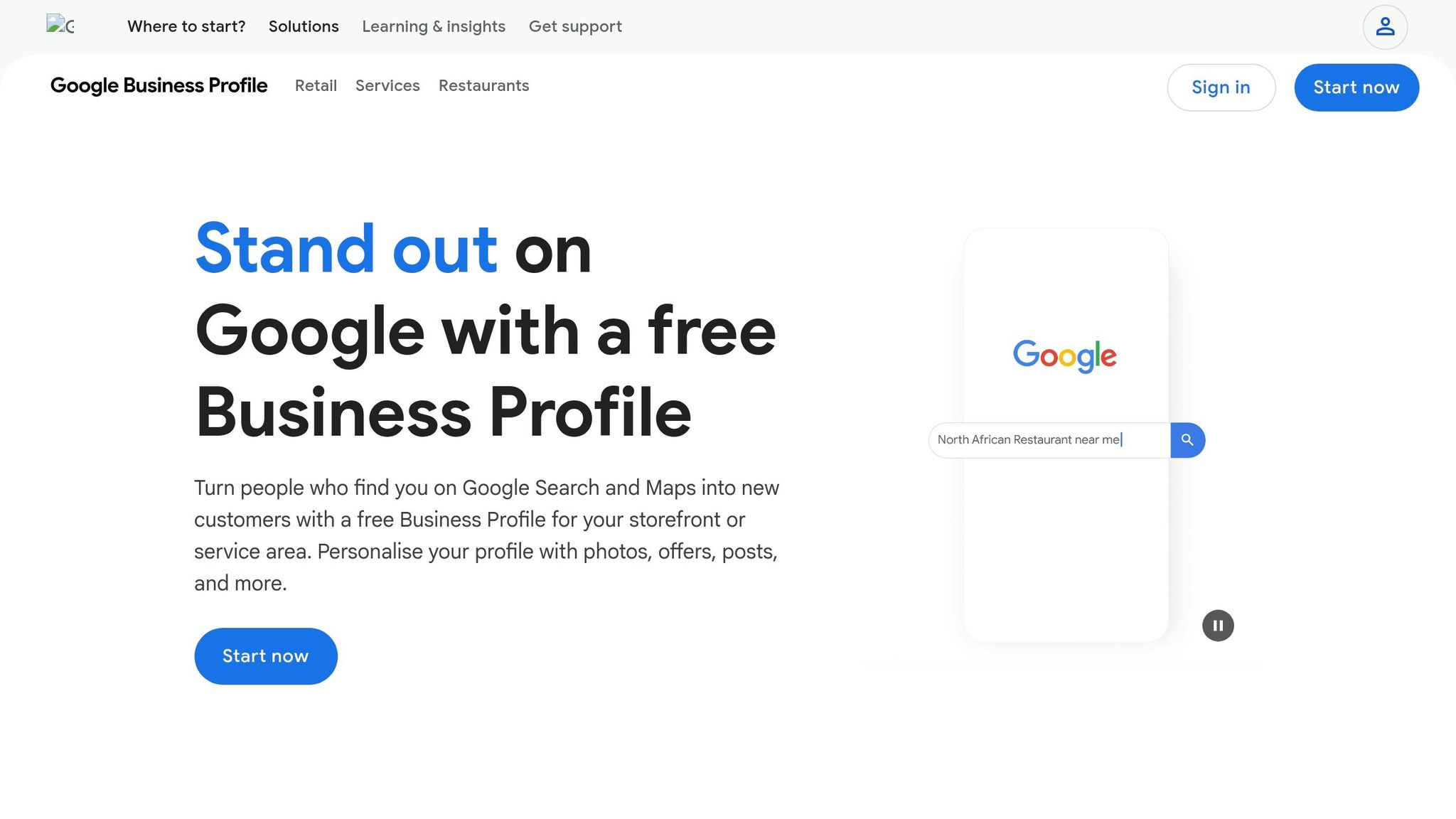
For small businesses in the Bay Area - especially in competitive hubs like San Francisco and San Jose - Google Business Profile (GBP) has become a key tool for standing out. On mobile, your latest post appears prominently below your business name, putting video content right in front of potential customers. This prime placement can be a game-changer for businesses trying to rise above fierce local competition.
"Recent trends unveil another untapped gem within GBP– video content – a potent force capable of skyrocketing your business's ranking and visibility." - Lara Siebert, Uberall [8]
Video posts go beyond just visibility - they offer a sneak peek into your business. Whether it’s your physical space, your team, or your products, these clips help build trust and encourage foot traffic. For Bay Area businesses, where first impressions matter, adapting existing videos into short, engaging clips can make all the difference.
Repurposing long-form videos into 30-second clips is easier than you might think. Focus on impactful moments, like a tour of your storefront, a quick customer testimonial, or a concise summary of your services. Keep the resolution at 720p or higher to ensure quality.
"The 30-second limit may seem restricting, but it forces you to think more creatively about the kind of short-form or advertorial content that will be most appropriate for your business." - Phil Nottingham, Wistia [9]
Stick to square or vertical formats for mobile-friendly viewing, and make sure your key message grabs attention within the first three seconds. Once edited, upload the clip to the GBP dashboard under "Posts." Choose a post type like "What's New" or "Offer", write a brief description, and include a call-to-action button such as "Call Now" or "Learn More." This approach ensures you’re squeezing maximum value from your original video content.
Posting fresh, engaging video content doesn’t just attract customers - it also strengthens your local search presence. Regular updates signal activity to Google, which can improve your local search ranking [8]. Plus, consistent posting keeps your profile active, boosting visibility in your community.
For Bay Area businesses, some of the most effective video ideas include quick tours of your space, "About Us" clips that highlight your expertise, or videos showcasing specific products or services. Use GBP Insights to track metrics like "Post Views" and "Button Clicks" to see what resonates most with your audience [10]. This data will help you fine-tune your content strategy for even better results.
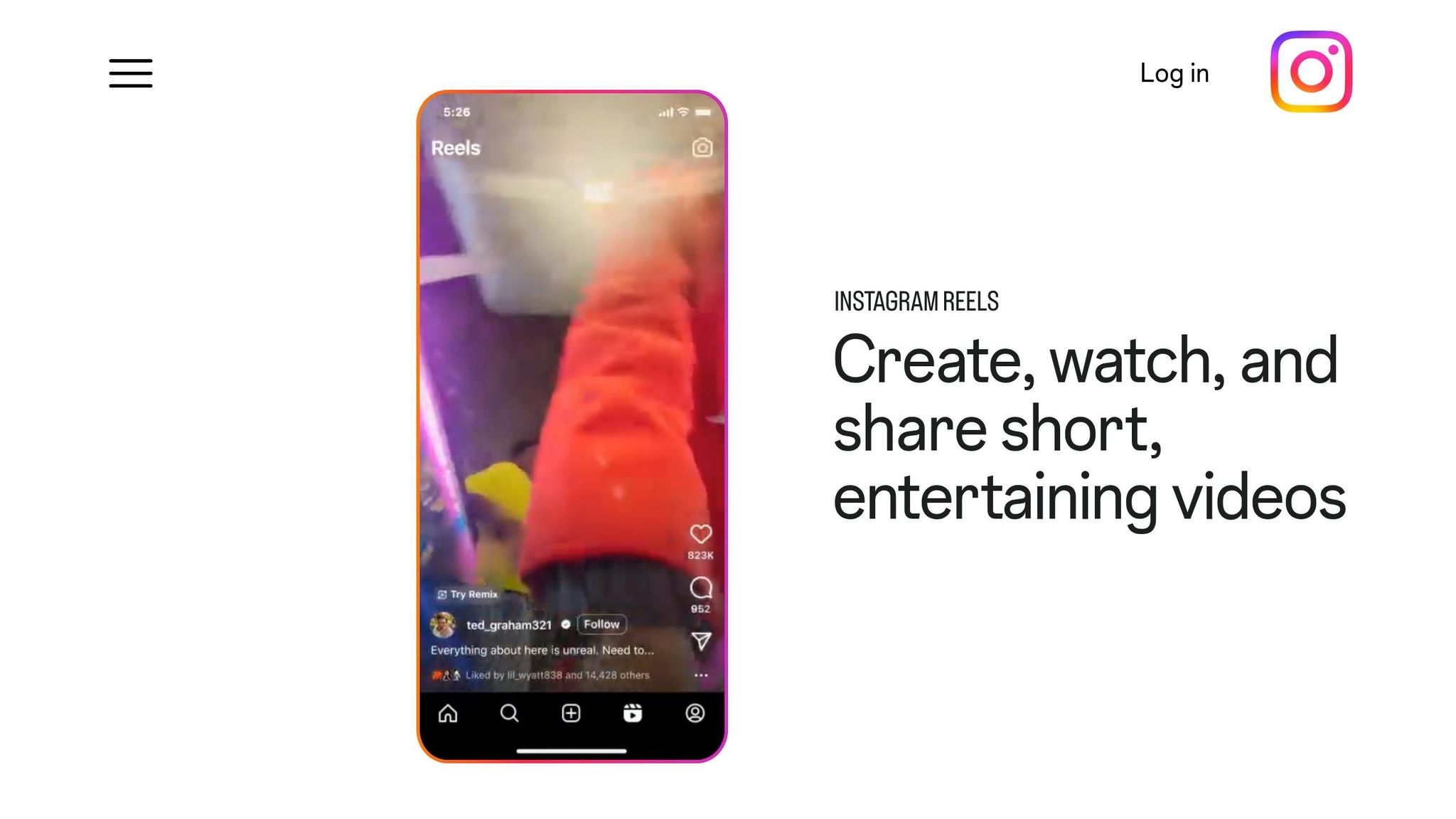
Instagram Reels have become a go-to tool for reaching new audiences, particularly for small businesses in competitive areas like Oakland or Palo Alto. Why? Reels now dominate Instagram’s discovery engine, making up 58% of the average user’s feed [12]. For Bay Area businesses, this means a chance to connect with thousands of potential customers who don’t already follow you. Plus, video content on Instagram generates around 21% more engagement than photos, with Reels consistently outperforming all other post types [14][12].
"Instagram Reels are the app's bread and butter." – Buffer [12]
Reels are especially effective for local businesses because Instagram prioritizes content that’s shared via Direct Message. If a customer shares your Reel showcasing your storefront or service, it introduces your business to their entire network. This creates a ripple effect, helping you connect with a younger, engaged audience actively looking for new places to visit or shop.
Creating Reels doesn’t have to mean starting from scratch. Take highlights from your existing videos and focus on the moments that grab attention. For example, if you have a 10-minute product demo, pull out the most impactful part - maybe the "wow" result, a surprising fact, or a common mistake people make. Start your Reel with this hook in the first two seconds to immediately capture interest.
To make editing easier, create a clip map by noting timestamps of key moments in your original video. Look for segments that fit popular formats like "Stop doing X", "The #1 reason Y isn’t working", or "How to get Z without spending $." Since ad recall peaks within the first six seconds, ensure your Reel grabs attention fast. Don’t forget to embed captions for viewers who watch without sound.
Posting Reels regularly can lead to impressive results. One experiment showed that daily Reel posts led to a 2,000% increase in reach and 1,500 new followers [12]. For local businesses, this kind of growth can be game-changing.
Stick to Instagram’s preferred 9:16 vertical format (1080x1920, under 100 MB) and keep clips between 7–30 seconds. Add five relevant hashtags and local keywords like "San Francisco coffee" or "Bay Area realtor" to increase discoverability [12][13]. Pay attention to which Reels get the most shares and comments, and use that feedback to refine your content. Consistency is key - posting regularly ensures your business stays visible to your local audience.

TikTok has evolved into more than just a platform for entertainment - it's now a go-to search engine for many people. In fact, 40% of Americans use TikTok to find local services, recipes, and recommendations [20]. For small businesses in competitive areas like San Francisco or San Jose, this is a game-changer. People aren’t just typing "best coffee near me" into Google anymore; they’re scrolling through TikTok to discover hidden gems and trending spots.
The stats speak for themselves: 83% of small business owners say TikTok is their most effective platform for engaging with their audience through repurposed content [16]. Short-form video leads the pack for ROI, lead generation, and engagement, with 87% of video marketers confirming that videos have directly boosted their sales [2]. For Bay Area businesses, TikTok works as a powerful "awareness anchor", helping local residents recognize your brand through repeated exposure to your visuals, tone, and messaging - even before they step into your store [7].
Creating TikTok content doesn’t have to mean starting from scratch. You can extract 15–60 second highlights from your longer videos - think valuable tips, funny moments, or relatable struggles [6]. Mark key timestamps for high-impact statements or emotional moments and turn them into standalone clips [6][3]. A single 10-minute video can easily yield 5-12 TikTok-ready snippets [2].
Make sure to format these clips for TikTok’s 9:16 vertical layout (1080x1920) and include burned-in captions since 69% of viewers watch videos without sound [21]. Grab attention quickly - within the first 1-2 seconds - using methods like surprising facts, problem-solving hooks, or busting common myths [3][21]. Even if you’re new to editing, tools like CapCut (free) or Adobe Express simplify the process [6][16].
When done right, TikTok can deliver tangible results for small businesses in the Bay Area. After adopting content repurposing strategies, 49% of small business owners reported an 11-25% increase in engagement rates, while 35% saw a similar boost in conversion rates [16]. Equally important, 54% of entrepreneurs noted they saved significant time by repurposing content - an essential perk for busy business owners [16].
To make the most of TikTok, focus on formats that work well: day-in-the-life videos showcasing your team, quick tutorials like "3 steps to achieve X", or product demos highlighting unique features [20][11]. TikTok trends often start here before spreading to Instagram Reels or YouTube Shorts, so staying active on TikTok gives you a head start [17]. Just be sure to remove watermarks when cross-posting to other platforms with tools like SnapTik or Repurpose.io [15][18]. By strategically creating and repurposing TikTok content, you’ll set yourself up for success across multiple platforms.
Search engines can't directly interpret video content, but they can process text. While video makes up around 65% of all internet traffic [22], written content is still essential for ranking on Google. Turning your video into a blog post creates searchable text, helping your business appear for local searches like "best coffee in San Francisco" or "HVAC repair in San Jose" [24].
"Search engines need to see relevant content across multiple platforms... When search engines see you creating current content on your blog, LinkedIn, YouTube, and other platforms, your ranking score goes up significantly." – Deb Szabo, Content Strategist [4]
Some people prefer reading over watching videos, especially when looking for quick answers. Offering both formats not only widens your audience but also strengthens the Experience, Expertise, Authoritativeness, and Trustworthiness (E-E-A-T) signals that Google values [23].
Repurposing a 60-minute video into a blog post can take as little as 3 hours [23]. Start by using transcription tools like Descript ($20/month) or Otter.ai to turn your video into text. Then, clean up the transcript - remove filler words and fix any errors, especially in local business names or technical terms [19][23].
Break the transcript into 6–12 sub-sections, using H2 or H3 headers for clarity [23]. Embed the original video at the top of the post to increase visitor dwell time, a key quality signal for search engines [22]. Add screenshots from the video to highlight important points and keep paragraphs concise (3 to 5 lines) to make the content easy to scan, especially for mobile readers [23].
The benefits are clear: 87% of video marketers say their video content has directly boosted sales, and 94% of marketers repurpose content to expand its reach [2]. For instance, in April 2025, BlitzMetrics transformed a video conversation into a blog post for Richard McClure of Fox Air & Heat. The post included his headshot, specific quotes, and a link to his business, effectively enhancing local E-E-A-T signals [23].
To maximize local impact, customize your blog title to reflect the Bay Area. Instead of something generic like "SEO Strategies for Personal Injury Lawyers", try a more specific title like "How Tim Miley is Dominating the Bay Area Personal Injury Market Using These SEO Strategies" [23]. Also, use descriptive anchor text (3 to 6 words) for internal links to help search engines understand your site's structure and boost local authority [23]. Repurposed blog content not only improves your SEO but also sets the stage for integrating content across your digital platforms.
For Bay Area businesses, audio content is a perfect match for the region's busy, mobile audience. Whether stuck in traffic on the 101 or riding BART, commuters often turn to podcasts to stay entertained or informed. In fact, YouTube accounts for 39% of all podcast consumption, while Spotify captures 21%. Businesses that have embraced podcasting have seen an average 38% boost in revenue[25]. Audiograms - those short, engaging audio clips featuring animated waveforms and captions - are especially effective on platforms like LinkedIn and Instagram, where silent browsing is common.
Transforming video into audio is easier than you might think. Free tools like VLC Media Player or Audacity can help you extract audio quickly. For more advanced editing, Descript is a great option. At $16 per month (Hobbyist plan) and rated 4.6/5 on G2, it offers powerful features to streamline your workflow. Pair it with Kapwing to create audiograms with animated waveforms and captions in over 100 languages, boasting 99% accuracy[27][28].
"With Descript I'll be able to at least double my content output since editing is taking one-quarter the time it used to." – Donna B. [27]
If you're looking to extract shorter clips, Chopcast is designed to pull 45–60 second segments from longer recordings. Tommy F., a Marketing Manager, shared, "Chopcast took 99% of the manual labor out of extracting clips." To maximize impact, always add a new intro and outro for context and ensure any background music is properly licensed for podcast use. These tools make repurposing not only efficient but also highly effective for reaching your audience.
Repurposing audio content can lead to impressive results. For example, podcast videos can generate 400% more engagement and allow you to create 15–30 content pieces per hour[26]. A great case study comes from 6Sense in late 2025: they turned a 17-minute video interview into an SEO-optimized webpage and a 45-second audio-visual LinkedIn clip, offering multiple ways to connect with their audience[25].
For Bay Area businesses, this strategy aligns perfectly with the "7-11-4 rule" - seven hours of content consumed across 11 touchpoints in four locations. With 65% of content marketers already repurposing to save time and resources[29], audio provides a smart way to engage commuters and multitaskers while amplifying local marketing efforts.
Email marketing consistently delivers a high return on investment, often surpassing social media and paid ads for small businesses [30]. For busy Bay Area business owners, video-enhanced emails are a powerful way to stand out in crowded inboxes. Adding video to your emails can boost click-through rates by 200% to 300% [31], while simply including the word "video" in your subject line can increase open rates by 19% [33]. Automated email drip campaigns featuring video content can achieve open rates as high as 80% [30]. This makes video a valuable tool for nurturing leads over time, while also aligning with your broader video repurposing efforts. Essentially, one video can be transformed into a multi-purpose asset for direct communication.
While most email platforms don’t allow direct video embedding [32], there are easy workarounds. Use a clickable still image with a "Play" button overlay or create a short looping GIF (under 60 seconds) to encourage clicks [31]. For example, you can convert a 2–3 second highlight into a silent looping GIF to create an engaging preview [31]. Keeping clips under 60 seconds ensures you hold your audience’s attention [35]. Tools like Loom and Animoto make it simple to create thumbnails or GIFs for your campaigns [36].
Video content adds a personal touch to your brand, whether it’s sharing behind-the-scenes moments or showcasing customer testimonials [31]. In fact, 88% of consumers say that watching a brand’s video influenced their decision to make a purchase [34]. For time-strapped Bay Area owners, repurposing one high-quality "anchor" video for email campaigns can cut weekly content creation time from around 21 hours to just 5 hours [6]. To maximize results, link your email recipients to a dedicated landing page on your website instead of directing them to YouTube. This helps keep traffic on your site and improves conversion tracking [32]. Don’t forget to include captions and use UTM parameters to measure the success of your local campaigns.
Infographics offer a quick, visual way to connect with your audience, making them a great tool for Bay Area businesses. While about 80% of people prefer watching a live stream over reading a blog, infographics appeal to those who want fast, skimmable information [5][37]. In fact, marketing agencies using visual content like quote cards see engagement rates soar by 340% compared to text-only posts [1]. For local businesses navigating crowded social feeds, infographics help your message stand out - no sound or lengthy video required.
Transforming video content into infographics is easier than you might think. Tools like Otter.ai or Descript can transcribe your video into text [38]. From there, pull out 5–10 key quotes or data points to use as the backbone of your infographic. For example:
This approach not only simplifies your content but also makes it visually engaging, complementing your other repurposing strategies.
"Graphics carry the message fast in silent spaces. They're easy to save, easy to share, and perfect for teaching in tiny bites." - The Sparkhouse [3]
Carousel posts on Instagram generate three times more engagement than single-image posts [6]. For Bay Area businesses, this format is a goldmine for increasing reach. Consider designing carousel infographics as step-by-step guides or checklists that users can save for later [2][3]. Keep the text short - no more than nine words per card - for easy reading on mobile devices [3].
When adding infographics to your website or blog, remember to use descriptive filenames and alt text. This not only improves accessibility but also boosts your local search rankings [3]. Tools like Canva, Piktochart, and Kapwing make it simple to create visuals that stay consistent with your brand [19][38][28]. By integrating infographics into your content strategy, you’ll enhance both engagement and visibility in your local market.
Adding video to your website can make a huge difference in your SEO performance. In fact, websites with video are 53 times more likely to rank on Google’s first page compared to those without it [41]. For small businesses in the competitive Bay Area market, this can be a powerful advantage. Video content not only grabs attention but also keeps visitors on your site longer - a factor search engines love because it signals that your content is engaging and worth exploring [39][5]. Considering that over 70% of local searches in San Francisco happen on mobile devices [39], video offers a mobile-friendly, easy-to-consume format that resonates with your audience.
One of the best things about video is how easily it can be repurposed. Embedding a video on your website is straightforward, but you can take it a step further by pairing it with a transcript. Tools that convert your video’s audio into a 1,000–1,500 word blog post allow search engines to index the text while giving visitors the option to either watch or read [42]. To maximize impact, place the video near the top of the page to grab attention quickly [41][3]. Match the video type to the page it’s on: brand stories work well on homepages, product demos fit service pages, and testimonials shine on review pages [41].
Beyond improving SEO, video content can elevate your local visibility and customer engagement. Video testimonials, for example, are more effective at building trust than text-based reviews, especially for Bay Area consumers who value authenticity [40]. Plus, videos with embedded calls-to-action (CTAs) generate 380% more clicks than CTAs placed in a blog’s sidebar [40]. To target local searches, consider creating neighborhood-specific landing pages. Include videos that feature recognizable landmarks or highlight community success stories - perfect for capturing "near me" searches in areas like SoMa or the Mission District [39]. Just make sure your videos load fast; 53% of users will leave if a page takes too long to load [39]. Techniques like lazy loading or optimized hosting can help keep your site running smoothly while delivering video content.
Using the right tools can take the hassle out of repurposing content and save you a ton of time. Take Repurpose.io, for example. This platform is a favorite among Bay Area entrepreneurs because it automates the entire workflow. By linking your YouTube, TikTok, or Zoom account, it distributes your videos to over 20 platforms - completely skipping the need for manual uploads. With plans starting at $35/month, Repurpose.io has already helped over 650,000 creators repurpose more than 21.9 million videos [44].
Molly Mahoney highlights its efficiency:
"Not only does it allow me to seamlessly turn one video into over 15 pieces of content, it will then publish the content automatically, saving me and my team hours every week." [43]
If you need to turn video into text, Otter.ai is a great option. It provides 300 free minutes of transcription each month and offers an impressive 90-95% accuracy rate [38][46]. This makes it easy to transform your videos into blog posts, email newsletters, or other written content. Once you’ve got the transcript, tools like Canva come in handy. Canva’s drag-and-drop templates make it simple to create infographics, Instagram carousels, and social media graphics by pulling quotes or stats directly from your content [38].
For finding and clipping the best moments from your videos, Kapwing (free with a watermark) and Taja AI ($19.99/month) are excellent choices. Both tools automatically identify high-retention segments and format them for platforms like Reels, Shorts, and TikTok [28][45]. Businesses using Taja AI have saved over 2.6 million hours of manual editing work [45]. As CEO Paul Colligan puts it:
"Taja is incredibly intuitive and easy to navigate... It is generating amazing clips and Shorts for me right now - no excuses, just results." [45]
Dedicate 90–180 minutes each month to streamline your content repurposing process. Use this time to pull everything you need from a single pillar video. Break the session into manageable steps: spend 30 minutes identifying 15–25 key points, 60–90 minutes drafting captions, 30–60 minutes designing visuals in Canva, and 15 minutes scheduling posts for the month [47]. This monthly plan naturally translates into a structured weekly workflow.
To keep your content fresh and engaging, try the Format x Angle method. This involves presenting the same core idea in different ways. For example, share a beginner-friendly tip on Monday, a bold or unexpected perspective on Wednesday, and a story backed by evidence on Friday. This approach aligns with the 48% of social media marketers who already repurpose content across platforms with slight tweaks [47].
Set aside 15 minutes every Friday to review performance metrics like saves, shares, and meaningful comments - don’t just focus on likes. For short-form videos, track the 3-second view rate and average watch time. For blog posts, check time on page and scroll depth. When a post performs well, revisit it after 60–120 days, updating the hook or visuals to give it new life [2].
Here’s a simple weekly plan to bring your monthly strategy to life:
Turn one video into multiple posts to make your marketing efforts more efficient. A single 5–10 minute video can become Google Business Profile posts, Instagram Reels, blog articles, emails, and even website content - helping busy Bay Area business owners reclaim up to 16 hours a week [6].
The benefits of this approach are clear. Research shows that 87% of video marketers have seen a direct boost in sales from video content, and 94% of marketers already repurpose their content because it delivers results [2]. This method is a proven way to transform casual viewers into loyal customers.
"Repurposing is strategic - not recycling, but maximizing reach." - Socialync Team [6]
Start with one core video that answers a common customer question. From there, repurpose it across your platforms. Experiment to see what clicks - whether it’s behind-the-scenes Instagram Reels or detailed blog posts. Track meaningful interactions like saves, shares, and thoughtful comments to identify what resonates most with your audience.
Start with a detailed, long-form “pillar” video that delivers substantial value - think of something like a webinar, an in-depth tutorial, or an engaging interview. This primary content serves as the foundation for creating various shorter clips and formats tailored for platforms like social media, email campaigns, or even your website. By starting with a high-quality, carefully planned video, you’ll ensure it resonates across multiple channels and extends its reach effectively.
To understand how well your repurposed content is performing, leverage analytics tools to track engagement and conversions. Use tracking links, such as UTM parameters, to pinpoint traffic sources and monitor user behavior. Platforms like Google Analytics make it easier to gather this data.
Focus on key metrics like:
By regularly analyzing these insights, you can figure out which posts are driving results - whether it's generating leads, boosting sales, or encouraging other customer actions. This continuous review process helps refine your strategy for even better outcomes.
Start by uploading a full-length video to platforms like YouTube. From there, pull out shorter clips - anywhere from 15 to 60 seconds long - that work well for Instagram Reels, TikTok, and YouTube Shorts. To make these clips stand out, add captions or effects that grab attention. Finally, use social media scheduling tools to plan and post them efficiently. With this approach, you can turn a single video into 5–10 pieces of content, expanding your reach without putting in extra hours.
Discover strategies to elevate your business.


