

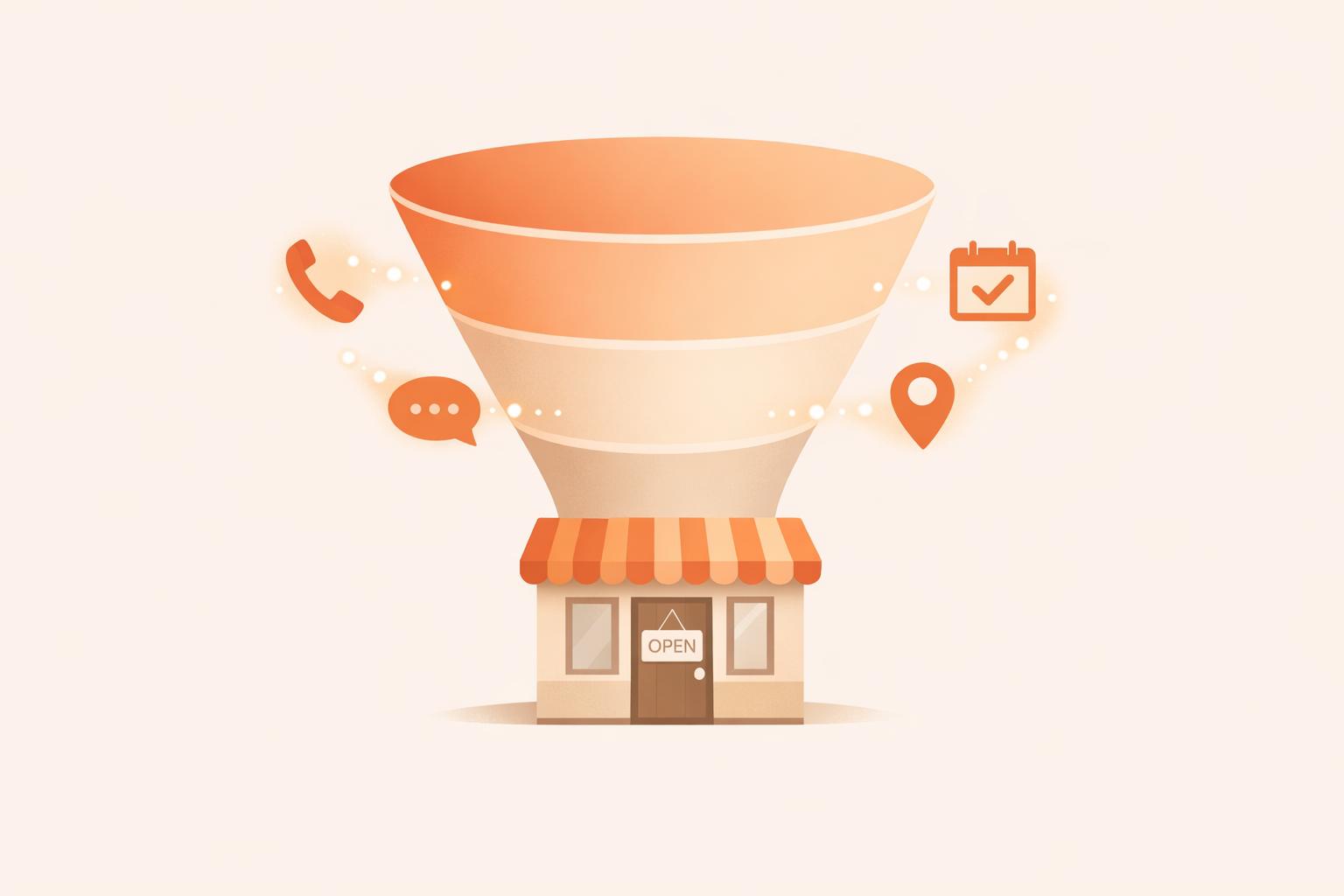
Google Business Profile (GBP) is a free tool that helps local businesses attract customers by appearing in Google Search and Maps. It influences every stage of the sales funnel - awareness, consideration, and conversion - by providing essential business details, customer reviews, photos, and direct action buttons like "Call Now" or "Book Online."
Here’s why it matters:
To maximize GBP’s potential:
GBP simplifies the customer journey, making it easier for people to find, evaluate, and choose your business - all without leaving Google.

Google Business Profile Impact on Local Sales Funnel Statistics
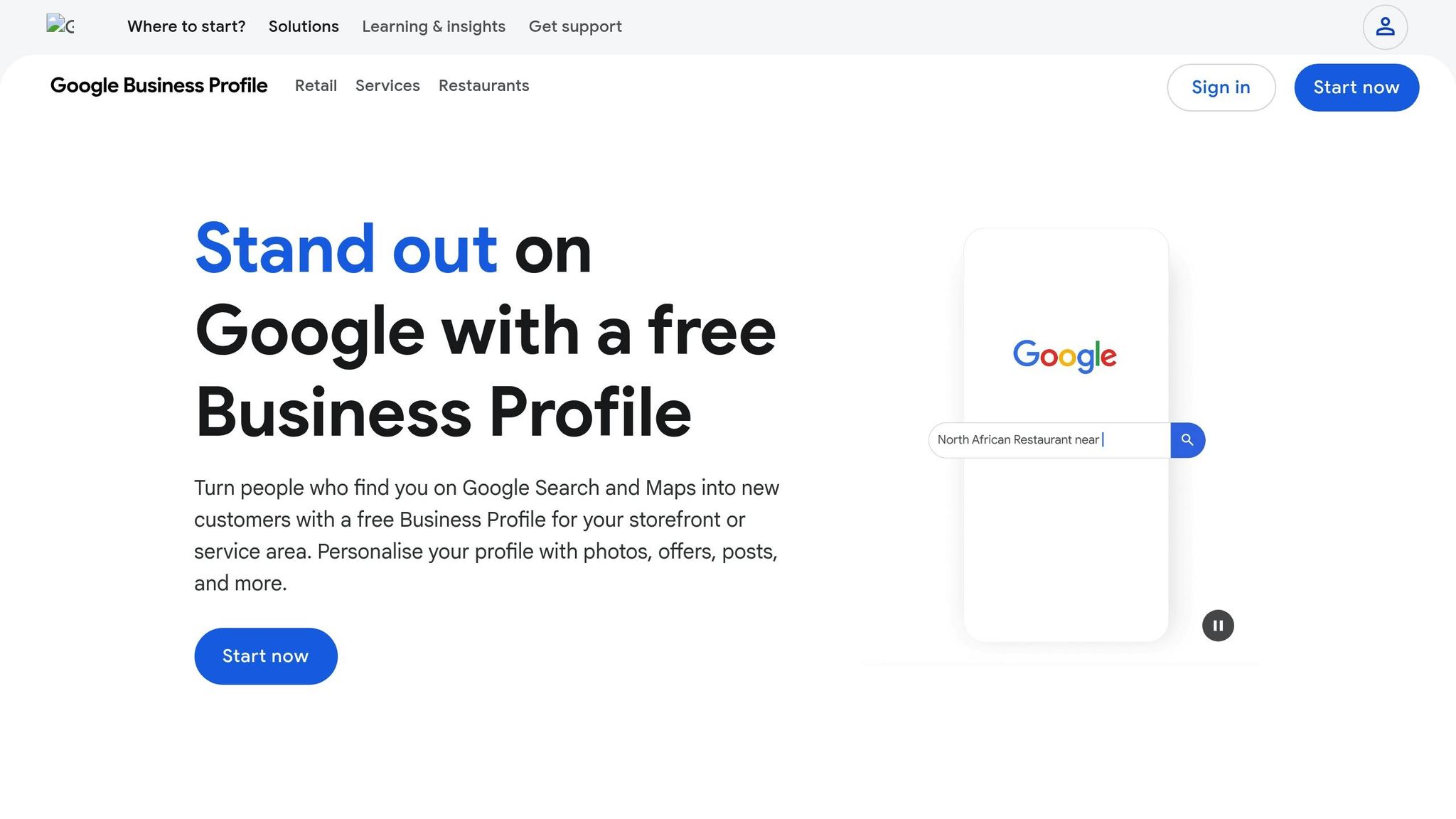
Google Business Profile (GBP) is a free tool that puts your business right in front of potential customers on Google Search and Google Maps. It combines all the essential details - like your business hours, contact info, and location - while also offering features like Google Posts for updates, a Q&A section for answering common questions, and direct action buttons for quick tasks like calling, getting directions, or booking an appointment. All of this happens without requiring users to leave the search results.
This tool is especially handy for local businesses. It allows you to showcase your services with detailed menus, emphasize what sets you apart with attributes like "women-led" or "wheelchair accessible," and even enable direct messaging for instant communication. These features make it easier for customers to engage with your business, creating a smoother path to sales.
"GBP is the one platform that people visit with the intent to BUY, so lean into that." [2]
- Darren Shaw, Founder of Whitespark
A sales funnel maps out the journey customers take from discovering your business to making a purchase. It typically has three stages: Awareness (when they first find you), Consideration (when they evaluate your offerings), and Conversion (when they take action, like making a purchase or booking a service).
For local businesses, moving potential customers through these stages can be tricky. Traditional marketing methods like paid ads or SEO usually require users to click through to your website. GBP, however, simplifies this process by addressing all three stages directly within Google’s search results. This reduces friction and speeds up decision-making [7].
Interestingly, 84% of GBP views come from "discovery searches" - where users search for a service or category rather than a specific business name [7]. This highlights GBP's role at the top of the sales funnel, introducing your business to new prospects. Features like customer reviews, photos, and those convenient direct action buttons help guide users through the consideration phase and encourage quick conversions. GBP essentially combines awareness, consideration, and conversion into one seamless experience within Google’s ecosystem.
Imagine this: nearly half of all Google searches - about 46% - are people looking for local information [11]. That’s why your Google Business Profile (GBP) is so powerful. It helps potential customers discover your business even before they scroll through traditional website listings. And here’s the kicker: users are 70% more likely to visit and 50% more likely to consider buying from businesses with a fully completed profile [2][8]. At this stage, your GBP acts as a visibility powerhouse, connecting you to people actively searching for what you offer.
To get noticed, you need to give Google exactly what it needs. Start with your business category - this is the most crucial factor for showing up in discovery searches [7]. Be specific. Instead of a generic term like "Restaurant", choose something like "Italian Restaurant" or "Pizza Restaurant." You can also add up to nine secondary categories to expand your reach, but make sure they’re accurate and relevant.
Your business description is another key piece. You’ve got 750 characters to work with, but focus on the first 250 characters since that’s what typically shows before the "read more" link [7][9]. Use this space to explain what you do, who you serve, and what makes you different. Keep it natural - write for people, not search engines. Overloading with keywords can actually get your profile suspended [7][10].
Don’t underestimate the power of photos. Businesses with over 100 photos see a staggering 520% increase in calls and 2,717% more direction requests [7]. Include high-quality images of your storefront, interior, and team. Your cover photo is especially important (recommended size: 1080 x 608 pixels) because it’s often the first thing people see in the Map Pack. Updating your profile with fresh pictures weekly signals activity and keeps your profile engaging [7].
Lastly, include specific details like "wheelchair accessible" or "free Wi-Fi" to match search modifiers. And make sure your NAP (Name, Address, Phone number) is consistent across your GBP, website, and directories. This consistency builds trust with Google’s algorithms and improves your chances of showing up in local searches [2][8].
The Local Pack, also known as the Map Pack, is prime real estate for local visibility. It displays a curated list of three businesses right at the top of search results - even before organic website links [2][7]. For example, if someone searches "coffee shop near me", Google prioritizes businesses based on relevance, distance, and prominence [5].
Here’s why this matters: 76% of people who search for a nearby service on their smartphone visit a related business within a day [9], and 82% of smartphone users rely on their devices for local searches [7]. If your profile shows up with a clear photo, accurate hours, and a solid star rating, you’re not just increasing visibility - you’re building trust. This combination helps turn casual browsers into actual visitors, moving them from "just looking" to "let’s check this place out."
Once prospects discover your business, the next step is all about comparison and trust-building. Your Google Business Profile (GBP) becomes a key player in this stage, acting as a decision-making hub. Here's a compelling stat: 81% of consumers rely on Google reviews to judge a business before making a purchase decision [13]. And if your rating falls below 4 stars, you could lose out on over half of them - 55% won't even consider businesses with lower ratings [15]. This is where trust is either earned or lost.
Reviews are the modern-day equivalent of word-of-mouth recommendations. In fact, 42% of people trust online reviews as much as advice from friends [15]. But it doesn’t stop there - 93% of customers expect businesses to respond to reviews [15], and 53% think negative reviews should be addressed within a week [13]. Ignoring feedback is not an option.
Take the example of Collective Hearts, a jeweler that turned a 1-star review into a glowing testimonial by responding quickly and resolving the issue. This public interaction not only salvaged one customer relationship but also showed potential clients that the business values accountability [12].
"A negative review isn't just a critique - it's an opportunity to demonstrate transparency, care, and professionalism." – Backlinko Guide [12]
Interestingly, a mix of ratings can actually boost credibility more than a perfect 5-star score [13][14]. Responding to positive reviews helps reinforce loyalty, while addressing negative ones with empathy and actionable solutions shows you care. Want to take it a step further? Encourage customers to include photos in their reviews. Over 50% of consumers specifically seek out photo-rich reviews when deciding on a local business [12]. A creative example comes from La Belle Hélène, a restaurant in Charlotte, which painted a mural in reverse so it appeared correctly in customers’ mirror selfies. This clever move sparked a wave of photo-filled reviews and social media buzz [12].
Once trust is established through reviews, you can use GBP's interactive features to further engage with prospects.
With trust from reviews in place, GBP tools help you connect with potential customers even more effectively. Take the Q&A section, for instance. Instead of waiting for questions to roll in, fill it with answers to common concerns like parking, accessibility, or service details [2][3]. By addressing these questions upfront, you make it easier for prospects to choose your business without hesitation.
Another powerful tool is Google Posts. While many businesses approach these posts like social media updates, Darren Shaw, founder of Whitespark, advises against this mindset:
"Most businesses are doing Google Posts all wrong. They treat their Google Business Profile like a social media profile, but it is NOT. GBP is the one platform that people visit with the intent to BUY, so lean into that." – Darren Shaw, Whitespark [2]
Use Google Posts to highlight time-sensitive offers, upcoming events, or new services, always including a clear call to action. Posting at least once a week is ideal since many post types expire after seven days [7][16].
Lastly, consider enabling messaging if you can respond quickly. This feature allows for real-time communication, letting prospects ask questions on the spot. A fast reply could be the difference between losing a lead and securing a new customer [2][7]. At this stage, your goal is clear: eliminate doubts, build trust, and make it easy for prospects to choose your business.
Once you've built trust and engagement, the next step is turning your Google Business Profile (GBP) into a tool for driving direct sales. At this stage, potential customers take action - whether that’s calling your business, booking an appointment, getting directions, or placing an order. With about 78% of local mobile searches leading to an offline purchase [19], making these actions as seamless as possible is crucial.
The action buttons on your GBP, like "Call Now", "Book Online," and "Get Directions," are your secret weapons for conversions. They allow customers to take action directly from the search results [17][19]. For service-oriented businesses such as salons or plumbers, integrating the booking button with scheduling tools like Calendly or Mindbody is a game-changer. It eliminates the hassle of back-and-forth calls and immediately captures leads.
Retailers can use the Products feature to create a visual storefront, showcasing items with prices and "Order Online" options to encourage instant purchases [19][20]. Connecting your profile to Google Merchant Center adds another layer of convenience by displaying real-time in-store inventory, so customers know exactly what’s available before they visit [6]. And don’t underestimate the power of professional photos - businesses with high-quality images receive 42% more requests for driving directions than those without [20].
For customers who prefer texting over calling, enabling messaging through SMS or WhatsApp is a great option. Just ensure you respond quickly - slow replies can hurt your credibility. To understand which features are driving the most conversions, use UTM tracking codes on your website and booking links [17][19].
Once a customer takes action, it’s time to gather their feedback to strengthen your business further.
Reviews do more than validate a conversion - they also serve as social proof, reinforcing trust for future customers. After a purchase or visit, ask for a review to complete the conversion cycle and support your sales funnel [2][18]. Simplify the process by sharing a short URL or QR code that links directly to your review page [19].
Responding to reviews within 24 to 48 hours shows that you actively manage your business and value customer satisfaction [17][18]. This not only builds trust but also signals to Google that your business is engaged. Even negative reviews, when handled professionally, can demonstrate your commitment to resolving issues and might even win over skeptical prospects.
Tracking your Google Business Profile (GBP) performance is key to improving every stage of your marketing funnel. With 21% of US consumers searching for nearby businesses daily and 32% doing so several times per week [21], GBP Insights can guide your strategy by showing where you shine and where potential customers might be slipping away. This data helps refine your approach across awareness, consideration, and conversion stages, ensuring you’re making the most of your profile.
Let’s break down the specific metrics you should focus on at each stage of the funnel to understand how your GBP is performing.
Your GBP dashboard offers metrics tailored to each funnel stage. In the Awareness stage, keep an eye on search impressions - how often your profile appears in searches - and the split between Map views and Search views. Pay close attention to "Discovery" searches, where users find your business by searching for a category or service rather than your name. This indicates how well you’re reaching new audiences [23].
For the Consideration stage, focus on metrics like photo views, review star ratings, and engagement with your Google Posts (e.g., clicks on "Learn More" or "Offer" buttons). Businesses with photos tend to get more clicks, and since 77% of people read reviews when deciding on a business [22], your review volume and ratings play a crucial role here.
When it comes to the Conversion stage, look at high-intent actions such as clicks-to-website, clicks-to-call, clicks for driving directions, and bookings made directly through your profile [23]. If impressions are high but clicks or direction requests are low, it could signal issues with your photos, reviews, or even the in-person experience [24]. Adding UTM tracking codes to your website and booking links allows you to trace GBP-driven conversions in Google Analytics [23].
To dig deeper, pair GBP Insights with other tools. Google Analytics can show how GBP traffic compares to other sources and map out conversion paths [25]. A CRM system tracks leads from their first interaction to the final sale, helping you identify where prospects might drop off - like calling but not booking an appointment [24].
For a more localized view, platforms like Local Falcon or BrightLocal generate heatmaps that reveal how your GBP ranks in different neighborhoods, something GBP Insights alone can’t provide [23]. If you’re looking for a no-fuss solution, Humble Help's free CRM and Analytics Dashboard (https://humblehelp.studio) is a great option. It simplifies lead tracking from GBP and highlights bottlenecks without requiring a complicated setup - perfect for service-based businesses juggling multiple customer touchpoints.
| Funnel Stage | GBP Metric to Track | Indicator of Success |
|---|---|---|
| Awareness | Search Impressions / Discovery Searches | High visibility for non-branded service keywords |
| Consideration | Photo Views / Post Engagement | Users evaluating the quality of your work or offers |
| Conversion | Calls / Website Clicks / Direction Requests | High-intent users taking direct action to connect or visit |
| Retention | Review Count / Response Rate | Building trust and maintaining relationships with existing customers |
Linking your Google Business Profile (GBP) with tools like CRMs, automation platforms, and analytics software can help you capture leads, respond faster, and track conversions more effectively. By connecting key GBP elements - such as reviews and NAP (Name, Address, Phone) signals, which account for over 32% of Map Pack visibility - with these tools, you can streamline your marketing efforts without adding more manual work [28]. This integration turns scattered data into a cohesive sales pipeline.
Zapier makes it easy to connect your GBP with over 8,000 apps, including popular CRMs like HubSpot, Salesforce, Pipedrive, and LeadConnector [26]. For example, when a new review pops up on your profile, Zapier can automatically create a lead in your CRM, notify your team through Slack or Microsoft Teams, or even send a follow-up email to the customer [30]. Setting up these workflows is quick - most users complete the process in under six minutes - and 93% report that automation tools have improved their efficiency [27].
If you’re managing multiple business locations, platforms like GoHighLevel use the official GBP API to centralize everything into one dashboard [28]. This allows you to automate review requests, sync NAP data instantly, and receive alerts for negative reviews, ensuring your team can respond within 24 hours.
You can also enhance your responses by integrating AI tools like ChatGPT or Claude through Zapier. These tools can draft personalized replies to customer reviews, giving your customers a sense of immediate attention while you prepare to follow up manually [26][27].
Additionally, you can automate review requests by sending a text or email with a direct link to your Google review page whenever a deal is closed in your CRM [29]. To track performance, add UTM tracking codes (e.g., ?utm_source=gmb&utm_medium=organic) to your GBP website link. This allows you to see exactly how many leads and conversions are coming from your profile via Google Analytics [29].
Beyond automation, specialized tools can further simplify local business growth. For example, Humble Help's free Business CRM is tailored for service-based businesses, offering an easy way to track leads from GBP. It lets you manage deals, keep notes, and follow up - all from one platform. Their free Analytics Dashboard provides insights into where your traffic originates and what actions prospects are taking, helping you identify and fix bottlenecks quickly.
For additional support, tools like Milo AI Marketing Coach guide you step-by-step on how to improve your GBP. Whether it’s responding to reviews faster, updating photos, or refining your service categories, Milo provides actionable advice to keep your profile competitive.
These tools are designed to simplify your workflow and provide clear insights, even if you’re handling everything on your own. By integrating seamlessly with GBP data, they eliminate the need to juggle multiple platforms or pay for unnecessary features.
Your Google Business Profile (GBP) is far more than just a listing - it's like having a 24/7 digital storefront that connects you with high-intent shoppers right when they're searching. With nearly half of all Google searches showing local intent and most mobile location searches leading to in-person purchases within a day, optimizing your GBP ensures you're visible exactly where customers are looking [1].
Start by claiming and verifying your profile. Make sure your Name, Address, and Phone number (NAP) are consistent everywhere online. Upload clear, high-quality photos of your team and location - businesses with complete profiles are 2.7 times more likely to be seen as trustworthy [1][7]. Darren Shaw, Founder of Whitespark, highlights that GBP is the go-to platform for people ready to make a purchase [2].
To make the most of your profile, treat it as part of your overall sales funnel. Post updates weekly, respond to reviews within 48 hours, and pre-fill your Q&A section with answers to common customer questions. Actively managed profiles generate 73% more leads than those left untouched [4]. For better efficiency, link your profile to tools like Zapier or a simple CRM - such as Humble Help's free Business CRM - to track leads, automate review requests, and measure what’s driving conversions. This hands-on approach makes it easier to engage directly with your customers.
Make it simple for customers to take action. Enable messaging, add booking buttons, and use UTM codes on your website links to track how many visitors come from your profile. With 72% of local searchers visiting a business within five miles, every small improvement to your GBP can directly influence your revenue [31].
To improve your Google Business Profile (GBP) and boost local visibility, the first step is to claim and verify your profile. This builds trust with Google and ensures your business appears legitimate. Make sure to complete every field - your business name, address, phone number (NAP), hours, website, and a detailed description. Consistency matters, so ensure your NAP is identical across all online platforms. Choose the most accurate primary category, add relevant secondary categories, and include attributes like “Women-owned” or “Outdoor seating” to make your profile stand out. Don’t forget to upload high-quality photos of your business, team, and services. You can also set up product or service listings that align with local search terms.
Keep your profile fresh by posting regular updates, promotions, or events. Engage with customers by responding to questions in the Q&A section and encouraging satisfied customers to leave reviews. Be sure to reply to all reviews to show you're engaged and attentive. Update your photos periodically, enable features like messaging or booking if they apply to your business, and use the Insights dashboard to track what drives traffic. Use this data to refine your strategy and content. For additional help, Humble Help provides tools and guidance to support small businesses in growing their online presence.
Customer reviews play an essential role at every stage of the Google Business Profile (GBP) sales funnel. When people search for terms like "plumber near me" or "Italian restaurant", they often rely on star ratings and review snippets to decide which business they can trust. Many consumers won’t even consider businesses with low ratings, while a steady stream of positive reviews not only builds trust but also boosts your GBP’s visibility in local search results.
These reviews can also influence whether someone takes the next step - like calling your business or clicking through to your website. Responding to reviews quickly shows that you value customer feedback, which can strengthen credibility and drive even more engagement. Businesses that actively manage their reviews often experience higher conversion rates, including increased calls and visits. Tools like Humble Help make it easier for small businesses to stay on top of reviews, turning your GBP into a powerful tool for generating leads and sales.
To understand how your Google Business Profile impacts leads and sales, begin by exploring Google Business Profile Insights. Pay attention to metrics such as calls, website clicks, direction requests, and bookings. These numbers give you a snapshot of user engagement.
For a more detailed analysis, consider using UTM parameters to tag the website link on your profile. This tagging enables you to track user behavior through tools like Google Analytics or Search Console, giving you insights into how visitors interact with your site.
Additionally, using a local rank tracker can help you keep tabs on your profile's visibility in search results. By combining these approaches, you'll get a comprehensive view of how your profile contributes to your sales funnel.
Discover strategies to elevate your business.


