

Video testimonials are one of the most effective tools to influence buying decisions. Why? 79% of people say they’ve been convinced to purchase after watching one, and viewers retain 95% of a message through video compared to just 10% when reading text. These videos build trust, showcase real customer experiences, and can boost conversion rates by up to 34%. The best part? You don’t need fancy equipment - just a smartphone, natural lighting, and free editing tools.
Here’s how to get started:

Video Testimonial Statistics: Impact on Conversions and Customer Trust
The best testimonials tell a story - a journey from facing a challenge to achieving success. Damon Chen, Founder of Testimonial, sums it up well:
"The most powerful testimonials don't just say a product is good; they show a journey from a point of pain to a point of success." [3]
Start by reviewing feedback from sources like emails, reviews, social media comments, and referral logs to identify your most enthusiastic customers [2][3]. Focus on those who share detailed experiences instead of vague compliments. For example, in January 2026, Codecademy highlighted Christine, a former healthcare worker who transitioned to software engineering within a year of starting their coding courses [8]. Stories like Christine's, showcasing real transformation, leave a lasting impression. Once you've gathered compelling testimonials, pay attention to those that resonate with local audiences.
Local testimonials create instant trust by featuring relatable individuals from the same community [9]. They also boost local SEO when you incorporate location-specific terms in titles, descriptions, and transcripts [4]. For example, in January 2026, Oktober showcased Mario Cascante, owner of Luna taqueria in Grand Rapids, Michigan. Mario shared how Oktober's can seamers enabled his restaurant to sell to-go cocktails, opening up new revenue streams [2]. This level of geographic detail connects with local prospects and aligns with how people research businesses in their area.
Steer clear of generic praise and aim for testimonials with measurable results. Instead of "this software was helpful", look for specifics like "this software saved me 10 hours a week" [7]. For instance, in November 2024, ClassPass shared how HubSpot CMS Hub allowed their team to cut website update times from six weeks to nearly instant [8]. Numbers like these make testimonials more credible. When interviewing potential candidates, ask open-ended questions like, "What was your situation like before we started working together?" This encourages detailed responses rather than simple yes or no answers [4][5]. By selecting testimonials with clear, impactful stories, your video content will feel more genuine and persuasive, setting the stage for better conversions.
Creating testimonial videos that convert doesn’t require a high-end camera or fancy gear. Today’s smartphones can produce excellent results if you follow a few simple filming tips. Always use the rear camera for better resolution, and don’t forget to clean the lens to avoid blurry footage [11]. Position your subject facing a large window for soft, natural lighting, but steer clear of placing windows behind them to prevent dark silhouettes [11]. Keep the camera at eye level and use the "rule of thirds", aligning their eyes about one-third down from the top of the frame [11]. For audio, film in a quiet, carpeted space to cut down on echo, and consider investing in a wired lavalier microphone for around $50 to minimize background noise [10]. A basic smartphone tripod, which costs $25 to $40, can also help you avoid shaky footage [10].
Stabilizing your footage is non-negotiable - shaky video screams "low quality." Use a tripod or prop your phone on something sturdy, like a stack of books or a table [11]. Record a test clip to double-check the lighting, framing, and audio before you start filming [11]. Choose your orientation based on where the video will be shared: landscape (horizontal) works best for websites and YouTube, while vertical mode is ideal for Instagram or TikTok [12]. Remember, 91% of consumers say video quality affects their trust in a brand, so nailing these basics can directly influence your success [3]. Once you’ve got stable, well-framed footage, it’s time to focus on the story.
A strong testimonial follows a clear and concise narrative. Use a problem–solution–outcome structure to reflect your customer’s journey. Spend 10 to 15 seconds outlining the challenge they faced, 30 to 45 seconds on how your product or service solved it, and 15 to 20 seconds highlighting the results. This keeps your video within the ideal 60–90-second range, which is perfect for holding viewer attention [12]. Instead of generic questions like, "Do you like our service?" ask open-ended prompts such as, "What challenge were you dealing with before you found us?" or "Can you describe a moment when our product made a real difference?" Share these questions with your customer at least 48 hours beforehand to give them time to prepare thoughtful responses [12].
The real power of a testimonial lies in its authenticity. Overly scripted responses can feel stiff and untrustworthy [7]. As Milita D from Endorse.live explains:
"Authenticity is key. Forget scripts that make your client sound like a robot. Instead, encourage them to speak from the heart." [7]
Help your customer feel at ease by chatting with them off-camera before filming. This can make the process feel more like a casual conversation than a formal interview [11]. Let them know that small pauses or stumbles are perfectly fine - they can always be edited out later [12]. In fact, these little imperfections can make the video feel more genuine and relatable [11]. To keep things visually engaging, capture extra footage of your customer using the product or interacting with your team. This kind of overlay reinforces their story while adding variety to the video [3].
Once you've captured authentic footage, the next step is polishing it into a compelling video testimonial. Editing isn't about fancy software or years of expertise - it’s about shaping raw footage into a story that resonates. Here's why it matters: 79% of consumers watch customer testimonial videos before making a purchase decision, and these videos can increase conversion rates by 30% to 40% [16]. The way you edit can make the difference between grabbing attention or losing it.
Start by trimming your footage to focus on the highlights. Testimonial videos are most effective when they’re short - aim for 60 to 120 seconds [15][17][18]. Identify the key story arc: the challenge your customer faced, how your product or service helped, and the results they achieved [18][19]. Be ruthless - cut out anything that doesn’t add value.
For example, prioritize clips where your customer shares specific, measurable outcomes like "we increased sales by 30%" over general compliments [14][18]. As TeraLeap points out:
"If a viewer can't describe the 'before and after' in one sentence, your testimonial needs a tighter edit or stronger visuals." [18]
Keep some natural pauses or small imperfections, like a nervous laugh - they add a human touch [14]. However, audio quality is non-negotiable. Poor sound can drive viewers away faster than shaky visuals. Use tools to reduce background noise and ensure clear audio [14][18].
Captions are essential. With over 60% of videos viewed on smartphones, many people watch with the sound off [15]. Adding captions ensures your message gets through, even in silent mode [13][25]. Most editing tools now offer auto-captioning, saving you time. Captions also improve discoverability by allowing search engines to index your video's text [12][4].
Text overlays play a different role. Use them to display your customer’s name and title (in lower thirds) so they don’t need to introduce themselves verbally [18]. When a customer mentions impressive metrics, reinforce them with on-screen text or graphics to make the information stick [14][18]. These elements break up static "talking head" footage and keep viewers engaged [1]. Keep the text simple, readable, and relevant - don’t clutter the screen.
You don’t need expensive tools to create professional-looking videos. Several free software options can help you edit like a pro, each tailored to different needs:
Here’s a quick comparison to help you choose:
| Tool | Best For | Auto-Captions | Watermark-Free | Learning Curve |
|---|---|---|---|---|
| CapCut | Social media trends | Yes | Yes | Low to Medium |
| Canva | Brand-first social clips | Yes | Yes (with free assets) | Low |
| Clipchamp | Quick Windows edits | Yes | Yes | Low |
| iMovie | Simple Mac editing | No | Yes | Low |
| DaVinci Resolve | High-end production | No | Yes | High |
Choose your tool based on your goals. For quick social media clips, CapCut is a great choice. Canva works well for brand-focused content, while DaVinci Resolve is ideal for polished YouTube videos. Once edited, create both horizontal (for YouTube or websites) and vertical (for TikTok or Instagram) versions to maximize your reach [16]. Tailor your edits to the platform and audience you want to engage.
Your video is polished and ready to go - now it's time to make sure it gets seen by the right people. Distribution is just as important as creating the video itself. Each platform has its own quirks, so tailoring your approach is key. The goal? Put your video where your audience already spends their time, whether that's Google, Instagram, Facebook, or your own website.
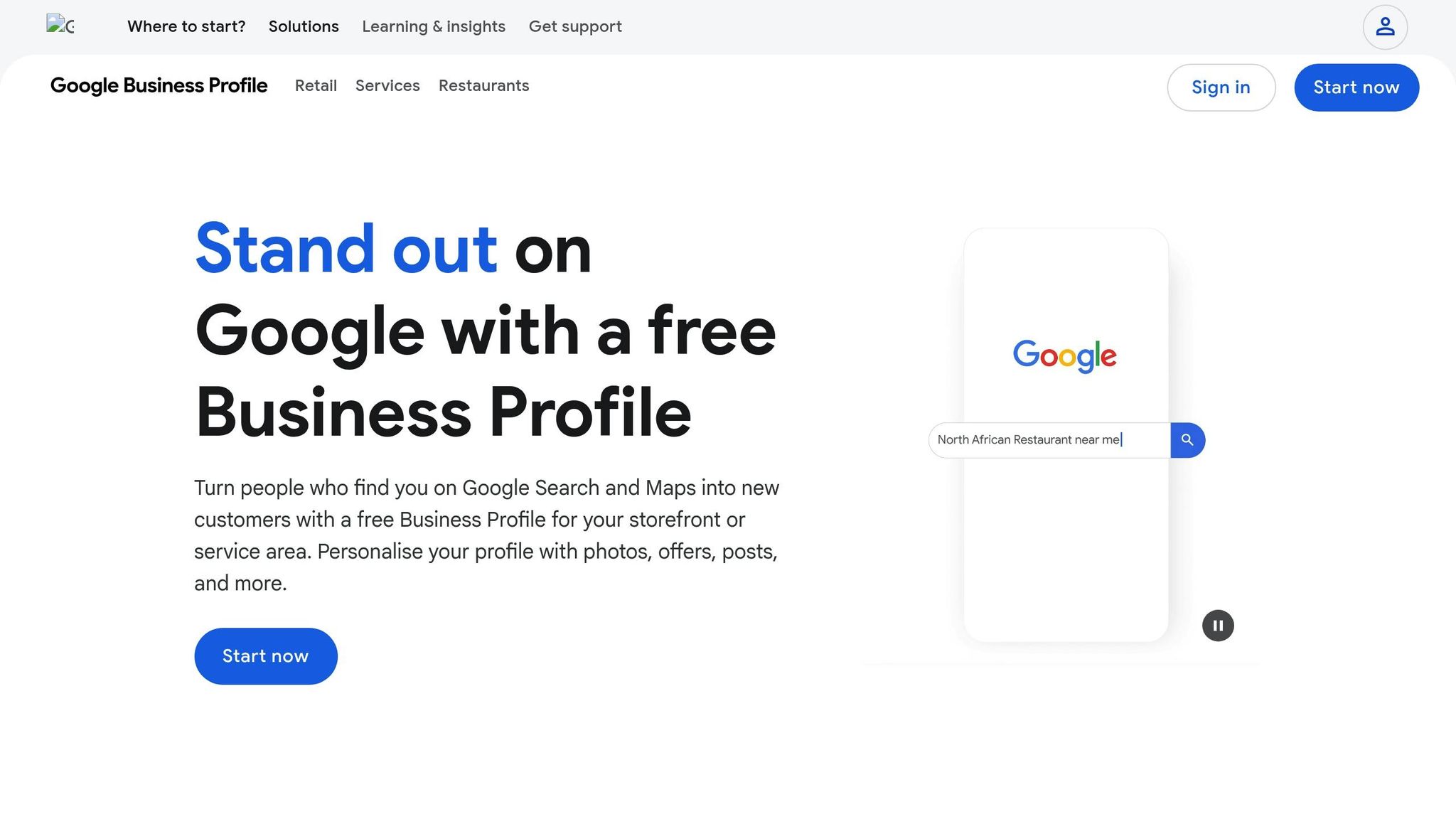
Your Google Business Profile is a powerful tool to boost visibility. Videos here autoplay in the media carousel, making them hard to miss. Ben Seidel, CEO and Founder of Igniting Business, explains:
"Videos within a business' listing will autoplay within the media carousel, which can often catch the eye of a user scrolling through results." [28]
To get the most out of this feature, follow Google's guidelines. Keep videos under 75 MB with at least 720p resolution [27]. While Google suggests 30-second videos, it often accepts videos up to 3 minutes long [27]. Stick with a square (1:1) or vertical (9:16) aspect ratio, as Google may crop your video to fit the carousel [26].
When uploading, use a description packed with relevant keywords. For instance, if you're a plumber in Austin, phrases like "Austin plumbing testimonial" or "water heater repair customer review" can help your video show up in local searches [26]. Upload at least two videos to unlock a "Videos" subtab on mobile devices [29]. Keep in mind, it takes 24 to 48 hours for videos to process and go live [27]. And don’t forget to end with a clear call to action, like "Call us today for a free quote" [26].
Once your Google Business Profile is set, it’s time to adapt your videos for social media.
Social media platforms have specific formats and rules, so a little tweaking goes a long way. For example, Instagram Reels thrive in a vertical (9:16) format and work best when kept between 15 to 30 seconds [31]. Pin your top-performing testimonial to the top of your Instagram grid to make it the first thing potential customers see [30]. On Facebook, always upload videos directly to the platform instead of sharing a YouTube link - native uploads see 186% more engagement [32].
Here’s a quick guide for tailoring your videos to each platform:
| Platform | Format/Ratio | Ideal Length | Best Use Case |
|---|---|---|---|
| Instagram Reels | Vertical (9:16) | 15–30s | Quick wins and high-energy testimonials [31] |
| Instagram Feed | Square (1:1) | < 60s | Showcasing polished brand stories [32] |
| Vertical (4:5) or 1:1 | 30–90s | Mobile-friendly storytelling and ads [31] | |
| YouTube | Landscape (16:9) | 2–5 mins | In-depth case studies and tutorials [32] |
| YouTube Shorts | Vertical (9:16) | < 60s | Quick, engaging social proof [31] |
One key tip: 85% of Facebook users watch videos with the sound off [32], so captions are a must. Plus, the first three seconds are critical for grabbing attention [32]. As Annie Crawford from HubSpot notes:
"The best videos capture attention within the first three seconds." [32]
For YouTube, focus on search optimization. Use keyword-rich titles, descriptions, and tags, and include your city or region to improve local search visibility [32]. A compelling thumbnail - ideally featuring a human face - can make all the difference in getting viewers to click play [32].
Finally, don’t overlook the opportunity to embed these videos directly into your website.
Your website is where testimonial videos can directly influence buying decisions. Place them where they’ll have the most impact. For example:
Embedding videos directly on your site (instead of linking to YouTube) keeps visitors focused on your content, without distractions from competitor ads [34]. Make sure your video player is mobile-friendly - misaligned elements can hurt your credibility [33]. Custom thumbnails with a clear human face and a promise of value can also increase click-through rates [34]. Aim for videos between 60 to 90 seconds to keep viewers engaged without losing their attention [6].
Once your testimonial videos are live, keeping an eye on their performance is key to making the most of their sales potential. As Share One wisely states:
"You can only optimize what you measure." [35]
The good news? You don’t need pricey analytics tools to get started. Most platforms already provide built-in metrics like total plays, average watch time, and call-to-action clicks [36]. Want to go deeper? Tools like Google Analytics 4 (GA4) can track specific actions, such as how many viewers clicked "Request a Quote" after watching a video [35]. Additionally, platforms like Hotjar or Microsoft Clarity help pinpoint exactly where viewers drop off [35]. And yes, there are free tools that can help you monitor these numbers effectively.
Focus on key metrics like conversion rate uplift, click-through rate (CTR), and video completion rate. These numbers reveal whether your testimonials are compelling enough to inspire action. For instance, in 2025, a construction company added a testimonial video to its garage pad service page and saw a 29% jump in "request a quote" submissions within just 30 days [37]. Similarly, a home services company used testimonial videos in its Facebook retargeting ads and slashed its Cost Per Acquisition (CPA) from $160 to $98 [37].
Humble Help's Analytics Dashboard is another handy tool, offering real-time insights that connect video engagement directly to your CRM pipeline [35]. To track social media or Google Business Profile views back to revenue, try using UTM parameters or unique promo codes in your video descriptions [35]. And don’t forget to calculate ROI with this formula:
(Revenue Attributed – Testimonial Production Cost) / Total Cost × 100 [35].
Once you’ve got the basics down, experiment with different video placements to amplify your results.
Where you place your testimonial videos can make a big difference. Try positioning them in various spots - near your pricing table, in the hero section, or just above the "Buy Now" button. For example, moving a testimonial video to a pricing page led to a 22% boost in conversions for one business [35].
Keep an eye on how placement affects metrics like time-on-page and checkout completion rates. Multi-touch attribution tools can also show how a video influenced a lead earlier in the buying process, even if it wasn’t the final nudge before purchase [35]. Adding testimonials to landing pages has been known to increase conversions by 34% or more [35].
Finally, don’t forget to review your videos every 6 to 12 months. Make sure they still align with your current offerings and maintain the trust they’re meant to build [35].
Testimonial videos do more than just highlight satisfied customers - they create trust in ways text alone can’t match. When potential buyers see real people sharing their experiences, it adds a layer of authenticity that written reviews or star ratings often lack. Hearing someone describe their journey and transformation builds an emotional connection that can directly influence purchasing decisions. The stats speak volumes: 9 out of 10 people trust customer testimonials more than a business's own claims [1], and 2 out of 3 people are more likely to buy after watching a testimonial video [1].
The good news? You don’t need a huge budget or fancy equipment to get started. A simple, heartfelt video shot on a smartphone can outperform a slick, overproduced ad - especially if it tells a genuine story. Start with one loyal customer who’s seen real results, keep the video short (30 to 60 seconds), and let their story do the talking. As George M. Hughes, Founder of Small Films, aptly puts it:
"Customer testimonial videos are like word of mouth on steroids" [38].
Once you’ve got your first video, tools like Humble Help make the process smoother. With features like a free CRM to manage leads, the Milo AI Marketing Coach for step-by-step advice, and a free Analytics Dashboard to track results, you’ll have everything you need to turn customer stories into a steady source of sales - without the guesswork.
Your customers' stories are your secret weapon. Start with one video on your website, social media, or Google Business Profile. Watch how it performs, tweak your approach, and build from there. These stories aren’t just testimonials - they’re your most powerful sales tool. It’s time to let them shine.
To get customers on board with being filmed, it’s important to set expectations right from the start. Mention the possibility during the sales process or include it in agreements, so it doesn’t come as a surprise later. Make the process as easy as possible - provide clear instructions or prompts to help them feel comfortable and confident. Also, explain the value of their testimonial. Let them know how sharing their experience can help others and strengthen trust in your brand. Clear communication, simplicity, and showing the importance of their contribution can make all the difference in gaining their consent.
To legally use a testimonial video, you need explicit permission from the person featured. This typically means having them sign a release form that gives you the rights to use the video for marketing. The form should clearly specify where and how the video will appear, such as on social media or your website. Being upfront about the video's purpose is crucial - not only to maintain trust but also to avoid potential legal troubles, like accusations of false advertising. Staying compliant with advertising laws is non-negotiable.
When deciding how to use testimonial videos, it really comes down to your objectives. Running them as ads helps you reach a broader audience, target specific groups, and drive quick sales by showcasing social proof. On the other hand, sharing them organically - through platforms like social media or email - focuses on building trust and creating genuine connections over time. Many businesses find success by blending the two strategies: ads bring in new customers, while organic posts nurture and strengthen relationships with those already in your corner.
Discover strategies to elevate your business.


