


Your website alone won’t get you noticed on Google Maps. Even with a flawless design, fast load times, and mobile optimization, many Bay Area businesses remain invisible in local search results. The reason? Google Maps prioritizes your Google Business Profile (GBP) over your website for local rankings. Without a fully optimized GBP, your business won’t show up in the Map Pack - even if your competitors’ websites are less polished.
If you’re not updating your GBP regularly or neglecting local SEO, your business will struggle to compete in highly searched neighborhoods like SoMa or the Mission District. Want to show up on Google Maps? Focus on GBP optimization, not just your website.
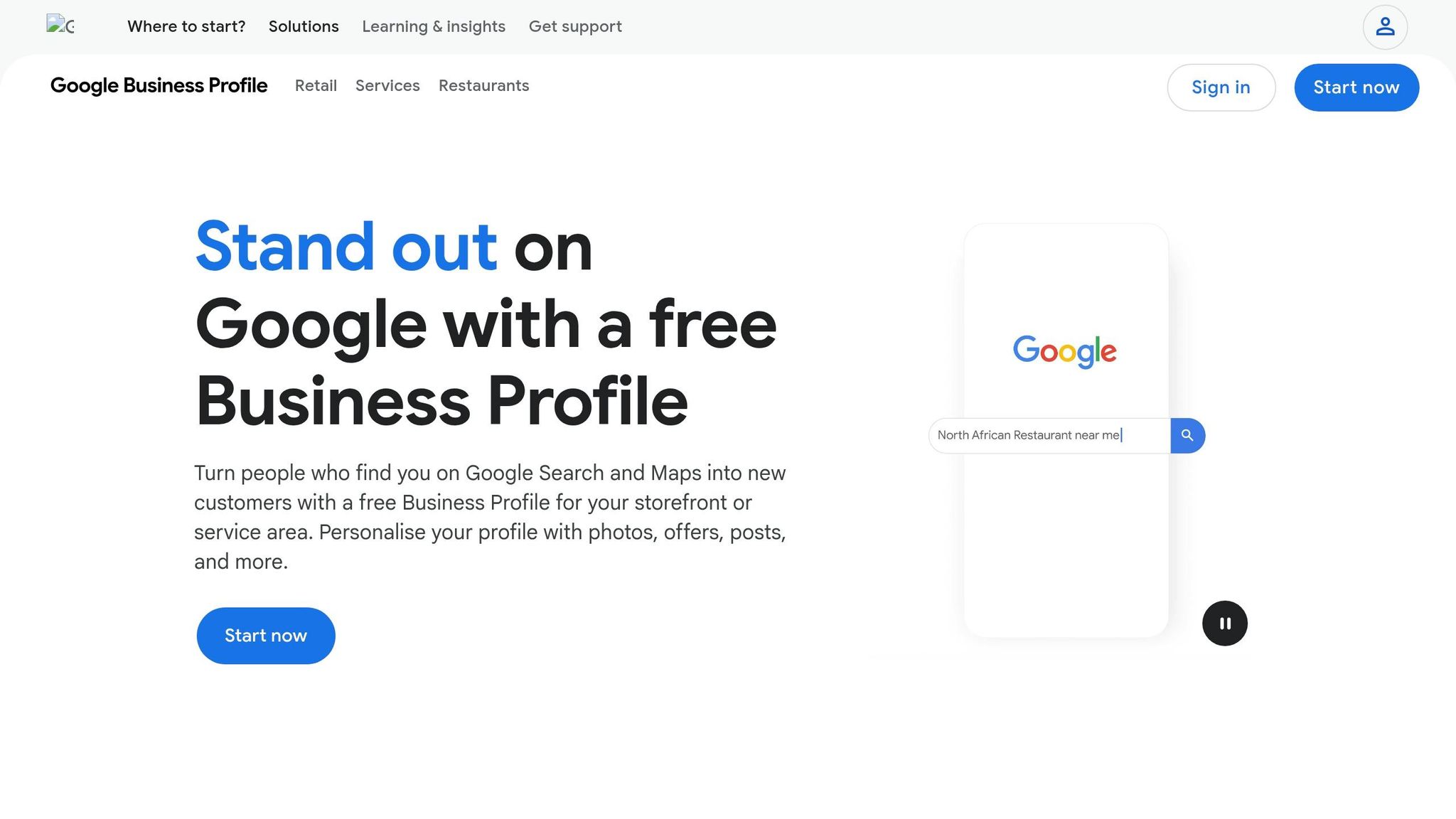
A great website alone won't help your business dominate Google Maps. In the Bay Area, where nearly 89% of residents own smartphones and voice search usage surpasses the national average by 40%, local SEO is a game-changer for visibility [1]. Without strong local SEO, even the most polished website can fall short. Let’s look at some common reasons why Bay Area businesses struggle to appear on Google Maps.
Your Google Business Profile (GBP) is the foundation of local SEO. If it's unverified or poorly set up, your business simply won’t show up in local search results. Google views unverified profiles as unreliable and excludes them entirely.
Selecting the wrong primary category is another mistake. For example, if your competitors in neighborhoods like SoMa or the Mission District are listed as "Family Law Attorney" but your profile only says "Lawyer", you’ll likely lose out on relevant searches [4].
Address issues are also a red flag. Using P.O. Boxes, UPS Store addresses, or virtual office locations without on-site staff can lead to profile suspension [5]. If you're running a home-based business, you must hide your physical address and define a service area instead. Displaying a residential address for service-area businesses violates Google’s rules [5].
Your NAP - business Name, Address, and Phone number - needs to match exactly across all online platforms. This includes your website, GBP, Yelp, Facebook, Apple Maps, Bing Places, and even the Better Business Bureau. Even small differences, like "123 Main St" versus "123 Main Street", can confuse Google and hurt your visibility.
"A single data inconsistency, such as a mismatched business name, address, or phone number (NAP), can erode trust and limit visibility just when nearby prospects are ready to act." - SanFranciscoSEO.ai [3]
This issue often worsens over time as third-party data aggregators create directory listings with outdated or incorrect information. Without regular audits, these inconsistencies can chip away at your local SEO strength. To fix this, keep a master document with your exact business details and use it as the standard for every online listing update [6].
Even with a well-optimized profile, user engagement plays a massive role in local rankings. Google monitors interactions like direction requests, phone calls, photo views, Q&A activity, and clicks to your website. These engagement signals are especially important in competitive markets like San Francisco and San Jose [1][4].
Neglecting your profile can cost you. Bay Area businesses with 20 or more photos get 35% more clicks than those with fewer images [1]. Reviews also play a critical role. Profiles with frequent, positive reviews signal high activity and boost your prominence. Responding to both positive and negative reviews shows you're engaged and helps build trust - another factor Google considers when ranking local businesses.

Google Maps Local Ranking Factors for Bay Area Businesses
If you've ever wondered why some well-designed websites fail to appear on Google Maps, it all comes down to how Google evaluates local businesses. Google relies on three main factors to rank businesses on Maps: proximity, relevance, and prominence. Knowing how these factors work is key to improving your local SEO.
Proximity measures how close your business is to the searcher or the location specified in their query. For instance, a coffee shop in one neighborhood might not outrank a competitor in another, even if it has better reviews - physical location plays a big role, and it's a limitation that optimization can’t entirely overcome.
Relevance looks at how well your Google Business Profile (GBP), business description, and website content align with the search query. The more aligned they are, the better your chances of ranking.
Prominence reflects your business's reputation and visibility online. Factors like customer reviews, backlinks, directory mentions, and overall online presence all contribute to prominence. In competitive cities like San Francisco, prominence often separates top-ranking businesses from the rest.
Optimizing your GBP directly impacts both relevance and prominence. In fact, GBP optimization makes up about 32% of the factors that determine local pack rankings [7][9]. Among these, choosing a precise primary category is the most influential ranking factor [7][9].
Filling out every field in your GBP is crucial. Businesses that use four or more additional GBP categories typically rank higher on Maps, with an average ranking of 5.9 [7][9]. Adding details like parking availability, accessibility features, and creating a neighborhood-specific business description can significantly boost relevance and prominence. Maintaining an extensive photo library also helps.
"At Google, we see 5x more views for regularly updated Business Profiles, so we recommend not only filling out your listing but also updating it to share what makes you unique." - Lisa Landsman, Global Business Development, Google [8]
Customer reviews are also critical. Review signals now account for 20% of local ranking factors, up from 16% in 2023. This highlights the increasing importance of social proof in a market where reviews play a major role [7][9].
While GBP optimization is essential, off-site factors also contribute to your business's authority. Citations and backlinks, for example, play a role in building prominence. Link signals make up about 11% of local pack rankings, while citation signals contribute around 7% [12]. Though these numbers are smaller compared to GBP or review signals, they still strengthen your credibility.
High-quality citations from reputable sources like the Better Business Bureau, local Chambers of Commerce (e.g., in San Francisco, Oakland, or San Jose), and industry-specific directories such as Angi or Houzz can make a difference. Aim for 30–50 solid citations to establish a strong foundation [11].
To manage citations effectively, tools like BrightLocal and Whitespark can help you track them, fix inconsistencies, and monitor changes in your local rankings over time [10][12].
Now that you know what Google prioritizes, here’s a breakdown of how to boost your visibility on Google Maps - starting with the most impactful steps.
Start by claiming and verifying your Google Business Profile (GBP). This ensures your business appears on Google Maps. Once verified, don’t stop at the basics - fill out every field.
Pick your primary category carefully. Go for the most specific option available (like "Bakery" instead of "Food & Drink"), and add up to nine secondary categories to cover related searches. Write a 750-character description that naturally highlights your main services and the neighborhoods you serve. For example, mention areas like "SoMa", "Mission District", or "North Beach" rather than just saying "San Francisco."
Add at least 20 high-quality photos to your profile to increase clicks [1]. Include interior and exterior shots, team photos, and product images. Use descriptive filenames like "san-francisco-plumber-van.jpg" to strengthen local signals. To keep your profile active, upload a few new photos weekly [8].
Make sure to use a local phone number (such as 415, 510, or 408) instead of a toll-free one. A local area code not only reinforces your geographic presence but also builds trust with nearby customers [1].
Once your GBP is fully optimized, align your website with these signals to strengthen your local presence.
Your website should reflect the same service and location information as your GBP. Use consistent language in your headings, service descriptions, and meta titles.
If you serve multiple cities in the Bay Area, create dedicated location pages for each. A page specifically targeting "HVAC repair in San Jose" will perform much better than a generic "service areas" page. Embed a Google Map on your contact page to further emphasize your location to both Google and visitors.
Since 67% of local searches include specific location modifiers beyond just "San Francisco" [1], targeting hyper-local terms like "dog groomer in the Sunset District" or "accountant near Fremont BART" can help attract more relevant traffic.
Next, ensure your NAP (Name, Address, Phone Number) details are consistent across all platforms.
As mentioned earlier, consistent NAP data is critical for local search success. Create a master document with your exact business name, address, and local phone number. Use this as your reference point to ensure accuracy everywhere.
Audit key directories like GBP, Yelp, Apple Maps, Bing Places, Facebook, and the Better Business Bureau [3]. Even small differences, like "St." versus "Street", can undermine Google’s confidence in your listing [1].
"A single data inconsistency, such as a mismatched business name, address, or phone number (NAP), can erode trust and limit visibility just when nearby prospects are ready to act." - SanFranciscoSEO.ai [3]
For businesses with multiple locations, tie each location’s citations to its specific neighborhood page rather than using one generic address [3]. To stay on top of changes, schedule a quarterly audit to catch any updates, like new hours or street-level changes.
Finally, focus on building trust and staying active by encouraging reviews and updating your GBP regularly.
Positive reviews are key to improving your local ranking [13]. Make it easy for customers to leave reviews by using Google’s review shortcut link generator. Share this link via text, email, or even on printed cards at checkout. Research shows that 62% of customers will leave a review if asked [14].
When responding to reviews, include relevant keywords. For example, say, "Thanks for trusting us with your kitchen remodel in Walnut Creek" to subtly reinforce your services and location [15].
Regularly post updates to your GBP using features like Updates, Offers, and Events. Include clear calls to action like "Book Now", "Learn More", or "Order Online." Tying posts to local events or neighborhood activities can help you connect more deeply with your community and enhance your local relevance.
Once you've optimized your Google Business Profile (GBP) and implemented local SEO strategies, it’s essential to keep an eye on your progress. Staying visible on Google Maps isn’t just about setting things up - it requires consistent monitoring. The best part? You don’t need to break the bank to manage it effectively.
Start with Google Business Profile Insights. This tool helps you understand how customers are finding your listing - whether through direct searches or discovery searches - and tracks actions like clicks, calls, and direction requests. Fun fact: businesses with photos on their profiles get 42% more direction requests than those without them [17]. Insights can also help you gauge if your visual content is making an impact.
Combine this with Google Search Console to see which search queries are driving traffic to your website from local search results. Together, these tools offer a clear view of your Maps performance and how your website supports it. For an all-in-one solution, try Humble Help's free Business CRM and Analytics Dashboard, which connects your Maps visibility to actual business results.
To analyze competitors, check out GMB Everywhere, a free Chrome extension. It reveals the primary and secondary categories your competitors use to rank in local searches, helping you identify potential gaps in your own GBP setup.
Maintaining visibility on Google Maps requires regular attention. Profiles can become outdated, competitors can gain ground, and Google may quietly accept third-party edits to your profile.
A tool like Local Falcon can help you stay ahead. It uses a geo-grid map to show your ranking across different service areas. For instance, you might rank #1 near your SoMa storefront but drop to #8 in the Mission District. With this information, you can address those gaps. Additionally, its Share of Local Voice (SoLV) metric shows how often your listing appears in the Map Pack across your coverage area.
"Local Falcon is the original multipoint local rank tracker to monitor the coverage area strength of a Google Business Profile." - Yan Gilbert, Google Platinum Product Expert [16]
To avoid slipping in rankings, create a simple monthly routine using these tools. Start by checking GBP Insights for engagement trends, run a Local Falcon scan to identify ranking drops, and review your profile for unauthorized changes to your hours, phone number, or address. This last step is crucial - Google sometimes auto-accepts third-party edits, and an incorrect phone number could cost you calls for weeks before you notice. Regular checks like these can help you maintain your GBP updates and stay competitive in the ever-changing local market.
Earlier, we explored how syncing your website with your Google Business Profile (GBP) can transform your online presence into a local ranking powerhouse. While having a polished website is important, the real game-changer is ensuring consistent messaging across your GBP, website, and off-site signals [2]. This consistency is what elevates your visibility on Google Maps.
Think of your GBP as your digital storefront - it showcases what you offer. Your website, on the other hand, acts as the proof behind those claims. If your GBP lists a service that your website doesn’t back up with a dedicated page, Google may doubt the legitimacy of that service. This misalignment weakens your local SEO signals. The solution? Align your GBP categories with your website pages, ensure your NAP (Name, Address, Phone) is consistent across all directories and your website footer, and create neighborhood-specific content that reflects how Bay Area residents actually search. These steps not only strengthen your ranking signals but also directly improve your performance in local queries.
"Your Google Business Profile can only take you so far. If your website isn't properly optimized, it can drag your rankings down - even if your GBP is strong." - Alex Uria, Founder, Map Ranking [2]
The impact of these strategies is clear. For instance, a San Diego roofing contractor revamped their website and GBP alignment, resulting in top-three rankings for 16 out of 25 zip codes within just 30 days. Even better, their call volume tripled [2].
For businesses in the Bay Area, the stakes are even higher. 67% of local searches include neighborhood-specific terms like SoMa or the Mission District [1]. A generic website simply won’t cut it. By combining an optimized GBP with location-specific content and leveraging the monitoring tools mentioned earlier, your website can evolve from a static online brochure into your most powerful local ranking tool.
It typically takes about 3–4 months of steady optimization to start seeing clear improvements in your Google Maps rankings. For more substantial growth, you might need to wait 6–12 months, as this depends on factors such as the level of competition, the authority of your website, and how consistently you maintain your SEO efforts. Staying patient and consistent is crucial for achieving lasting results.
Yes, it’s possible to rank in local searches for neighborhoods even if you don’t have a physical address, thanks to the option of setting up a service area business (SAB). With this setup, you can hide your address while still targeting specific areas.
However, it’s important to note that Google places a lot of emphasis on geocoded map pins linked to verified addresses when determining local rankings. This means you’ll need to focus on proper setup and optimization to ensure your business stands out in local search results.
If your Google Business Profile (GBP) gets suspended, the first step is to figure out what went wrong and address the issues before filing an appeal. Start by reviewing Google’s guidelines carefully. Common problems include keyword stuffing in your business name or using an invalid address. Also, double-check that your NAP (Name, Address, Phone) information is consistent across all platforms.
Once you've made the necessary corrections, submit a reinstatement request. Be sure to include any supporting documents Google might ask for and follow their verification process closely.
To prevent future suspensions, stick to using your legal business name, verify your address properly, and keep your profile updated and accurate. Regularly managing your profile is key to staying compliant.
Discover strategies to elevate your business.


