

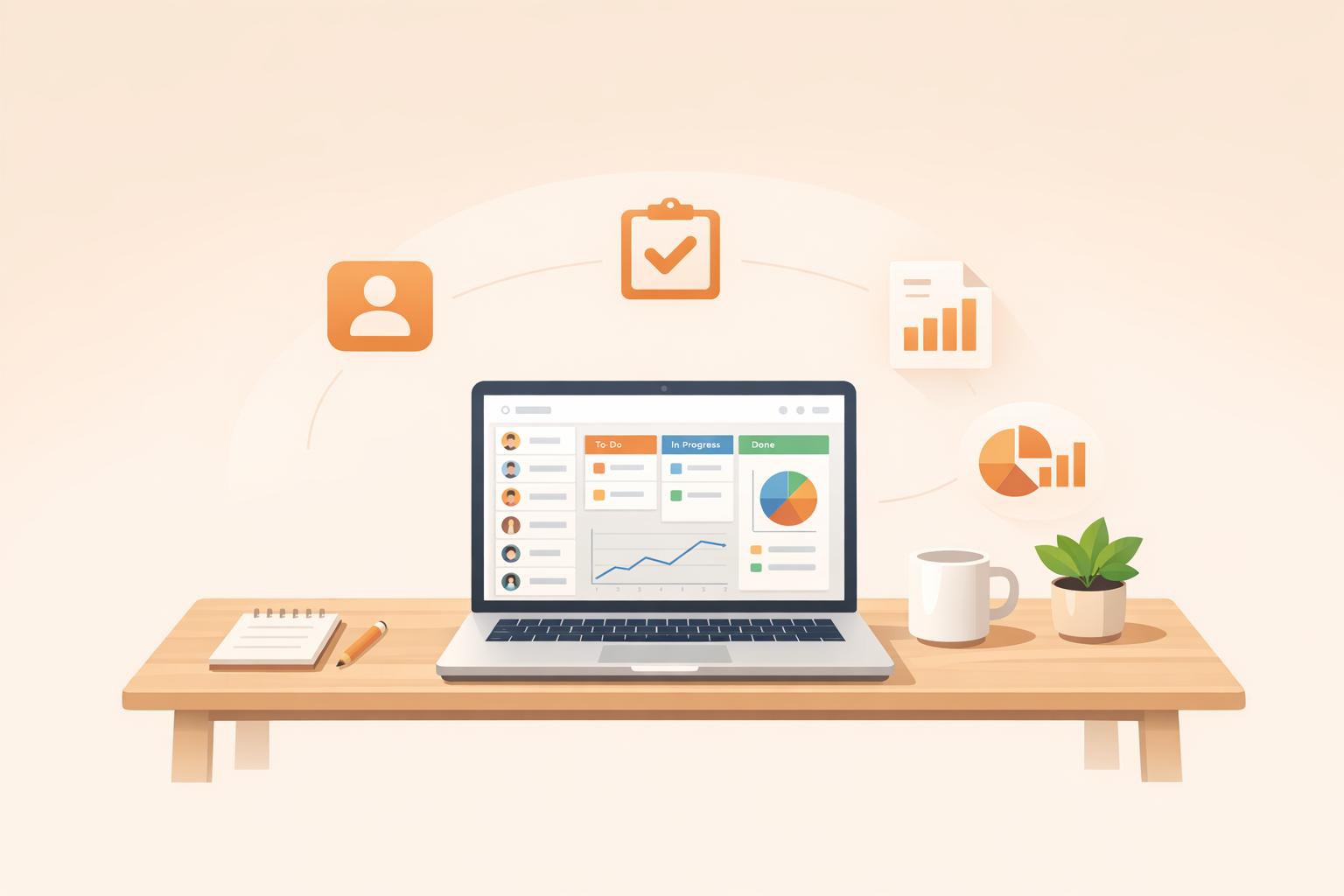
Managing customer relationships is crucial for micro-businesses in 2026. A CRM system helps organize contacts, track leads, manage sales pipelines, and automate communication. For small teams, it's a game-changer, offering efficiency and growth potential.
Here are five CRMs tailored for micro-businesses, with features and pricing that fit small budgets:
Quick Comparison:
| CRM Platform | Starting Price | Free Version? | Best For | Main Weakness |
|---|---|---|---|---|
| Humble Help | $0 | Yes | Budget-conscious teams | Limited advanced features |
| HubSpot | $9/month | Yes | All-in-one beginners | Expensive advanced tiers |
| Zoho | $7/month | Yes | Customization on a budget | Steep learning curve |
| Freshsales | $9/month | Yes | Built-in communication | Limited pipelines on basic |
| Pipedrive | $14/month | No | Visual sales pipelines | No free tier, add-on costs |
Each platform offers tools to simplify customer management, improve efficiency, and support growth. Start with free plans or trials to find the best fit for your needs.

CRM Comparison for Micro-Businesses: Pricing, Features & Best Use Cases 2026
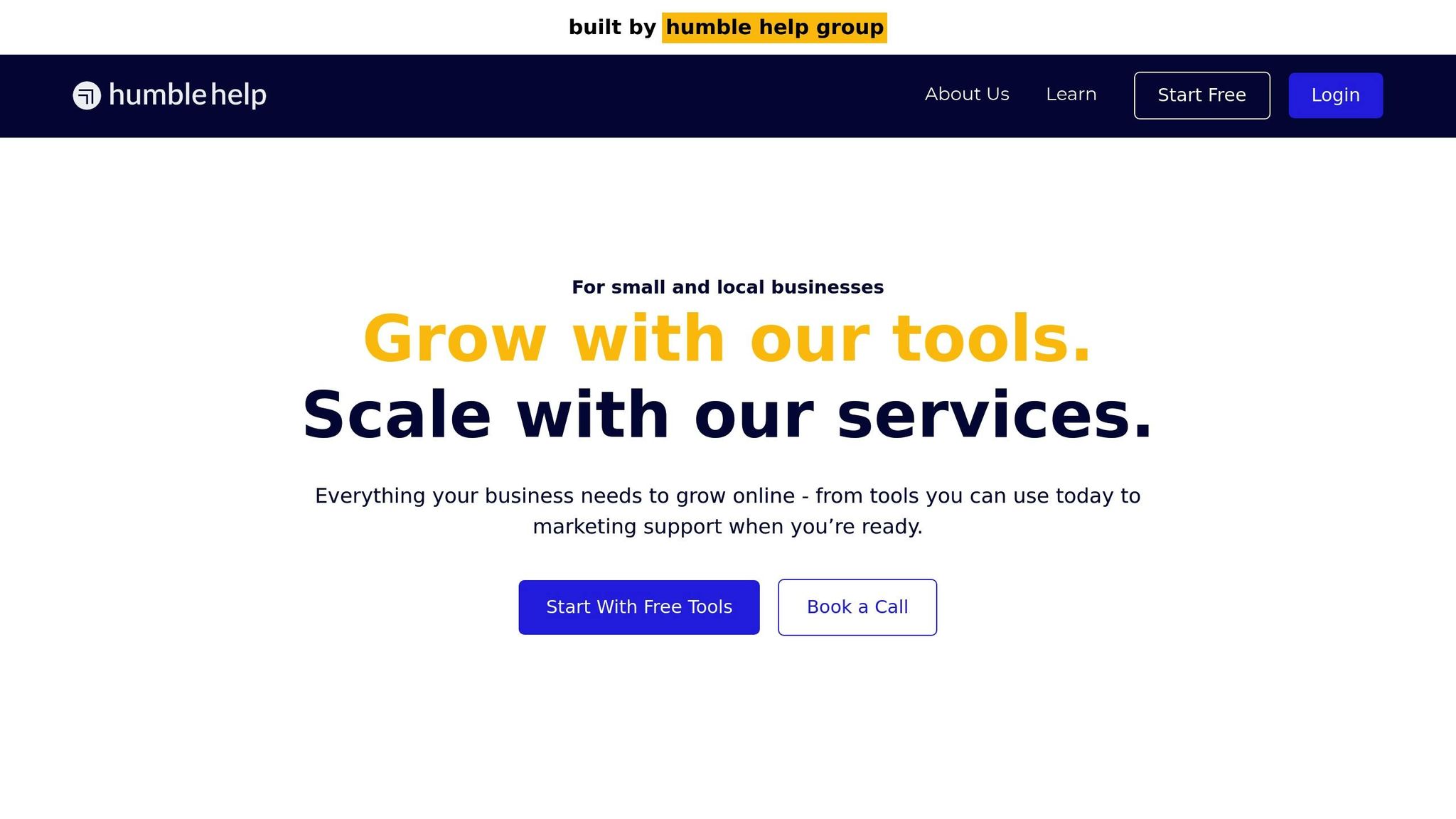
Humble Help Business CRM is a no-cost solution tailored for small and local businesses looking to stay organized without breaking the bank. With no per-user charges or hidden fees, it’s an ideal choice for micro-businesses operating on tight budgets.
This platform is completely free, granting access to essential tools like lead tracking, deal management, note-taking, and follow-up features - all without any financial commitment.
Humble Help uses a "Next Action" sales approach, where each contact is assigned a follow-up task with a due date, ensuring no lead slips through the cracks. It also includes handy tools for lead capture, such as the Lead Clipper browser extension, which pulls contact details directly from LinkedIn and websites. Plus, free web forms make it easy to generate leads directly. All your sales pipeline details are displayed on a single-page interface, making it straightforward for busy entrepreneurs and small teams to manage their workflow effectively [4][5].
This CRM is built to grow with your business. Since all features are available from the start and remain free, there’s no need to worry about hitting a paywall as your contact list expands. It’s particularly suited for service-based businesses, local retailers, home service providers, and professional services. On top of that, it integrates smoothly with other free tools from Humble Help, like an AI marketing coach and an analytics dashboard. Together, these tools create a well-rounded system to support your business’s growth. Next, we’ll explore HubSpot CRM as another option for micro-businesses.
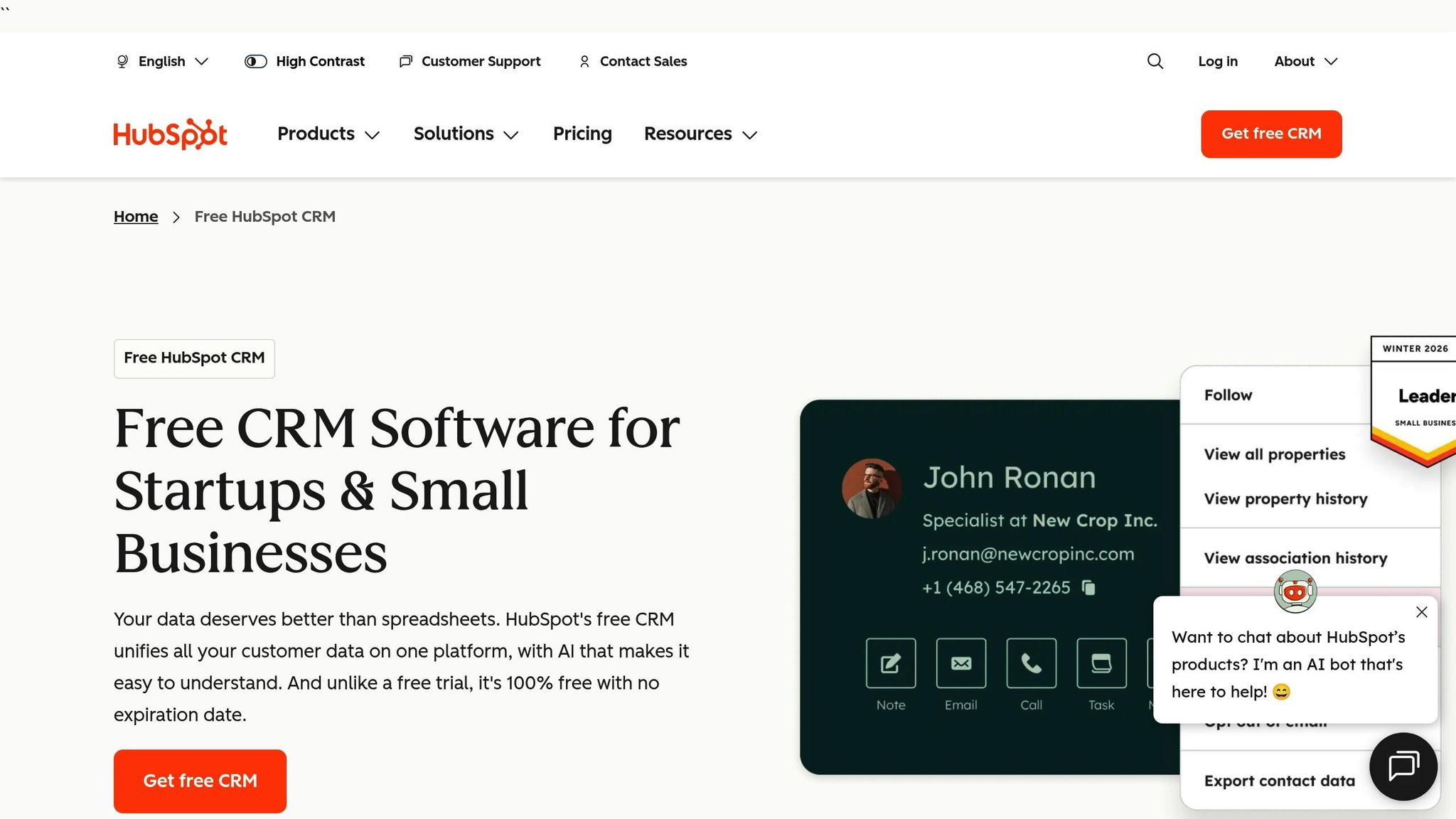
HubSpot CRM offers a "Free Forever" tier designed specifically for micro-business startups. What sets it apart is the lack of a time limit on its free version, which includes essential tools for marketing, sales, service, and content management. This tier supports up to 2 users and can handle up to 1 million contacts[6].
The Free tier is completely free and provides core CRM features, including 2,000 email sends per month (with HubSpot branding) and access to the Breeze AI assistant. If you need more, the Starter tier begins at $9 per seat/month when billed annually, or $20 per seat/month on a monthly basis. This plan removes HubSpot branding, increases email send limits to five times the contact tier, and includes 500 AI credits for advanced functionality. For larger teams, the Professional tier starts at $1,300 per month (covering 6 seats), while the Enterprise tier starts at $4,700 per month (covering 8 seats)[7].
HubSpot gives you a centralized view of all customer interactions, along with automatic contact deduplication, visual drag-and-drop pipeline management, and lead scoring to identify your most promising leads. It also tracks email opens and clicks automatically, so you’ll know when prospects are engaging with your outreach. Custom fields allow you to adapt the CRM to your business needs.
LJ Finney, CEO of IN-18, shared:
"The HubSpot Starter Platform has been instrumental in helping us establish ourselves as a reputable brand. It gives us a level of professionalism that we would not have had otherwise"[6].
This setup helped IN-18 consolidate multiple payment systems into one, simplifying client management and centralizing buyer behavior data.
Even at the Free tier, HubSpot includes 1 automated action per form or email. Upgrading to the Starter tier unlocks up to 10 automated actions, letting you build welcome email sequences, assign leads using rules, and set follow-up reminders. Higher tiers take automation further, offering advanced sales workflows triggered by changes in deal stages.
The Breeze AI assistant is available at no extra cost across all tiers. It aids with tasks like data enrichment, content creation, and company research. PCMag’s editorial team highlighted its impact, saying:
"Breeze is what puts the 'Smart' in HubSpot Smart CRM. It uses generative AI... to conduct company research, perform mundane tasks, trigger workflows, and enrich your data"[8].
This intelligent automation makes scaling your business smoother and more efficient.
HubSpot is built to expand alongside your business. When you move from the Free tier to Starter or Professional, all your data stays intact. It also supports over 1,900 app integrations, including Gmail, Outlook, and Stripe, making it easy to connect the tools you already rely on. Businesses using HubSpot’s integrated CRM and tools report generating 3 times more leads and closing 94% more deals[6]. Start with the Free tier to manage your contacts effectively, and upgrade when you’re ready for features like email sequences, custom fields, or in-depth reporting.

Zoho CRM introduces Bigin, a simplified version designed for freelancers and small teams transitioning from spreadsheets. It's tailored to support micro-businesses aiming for growth. With a "Free Forever" plan that accommodates up to 3 users and 5,000 records, it's an appealing choice for home-based businesses taking their first steps [25,28].
The Free Edition includes essential features like lead management, document storage, mobile access, and 1GB of file storage - all at no cost. If you need more, Bigin starts at $7 per user per month (billed annually) or $9 per month. The Standard plan - which adds sales forecasting and workflow automation - begins at $14 per user per month (billed annually) or $20 monthly. For more advanced needs, the Professional plan is $23 per user per month (billed annually), while the Enterprise plan costs $40 per user per month and includes the Zia AI assistant. The Ultimate plan tops out at $52 per user per month. All plans are flexible, allowing upgrades or downgrades without long-term commitments [27,28].
Zoho CRM simplifies lead capture through web forms, live chat (via SalesIQ), and social media integrations. These leads are automatically organized in a contact book, where you can log activities, add notes, and qualify prospects. A visual deal management system helps track each stage of your sales process. From the Standard plan onward, lead scoring is available, enabling you to focus on high-priority prospects. For added customization, the Canvas drag-and-drop builder lets you adapt the interface to match your industry’s terminology and workflow [9].
Even the Free plan includes five automated workflows, while paid plans unlock broader rule automation. Macros let you bundle actions together, saving time on repetitive tasks. In 2024, Thomas John, Managing Director of Agappe, highlighted an 80% boost in productivity after adopting Zoho CRM. He shared:
"Zoho CRM offers us technology that allows us to be more proactive and insight-driven, with all information in a single place" [10].
For Enterprise and Ultimate plan users, the Zia AI assistant takes automation further by predicting lead conversions, spotting anomalies, and recommending ideal times for customer outreach [27,28].
Zoho makes scaling easy with migration services like Zwitch and Jumpstart, which help transfer data from spreadsheets or other CRMs. You can start small with the Free plan or Bigin and seamlessly upgrade to the Standard or Professional editions as your business grows. Plus, Zoho integrates with over 1,000 third-party apps. Users have reported impressive results, including a 27% boost in productivity, 50% faster implementations, and up to 300% better conversion rates - making it a practical option for scaling micro-businesses [25,26].
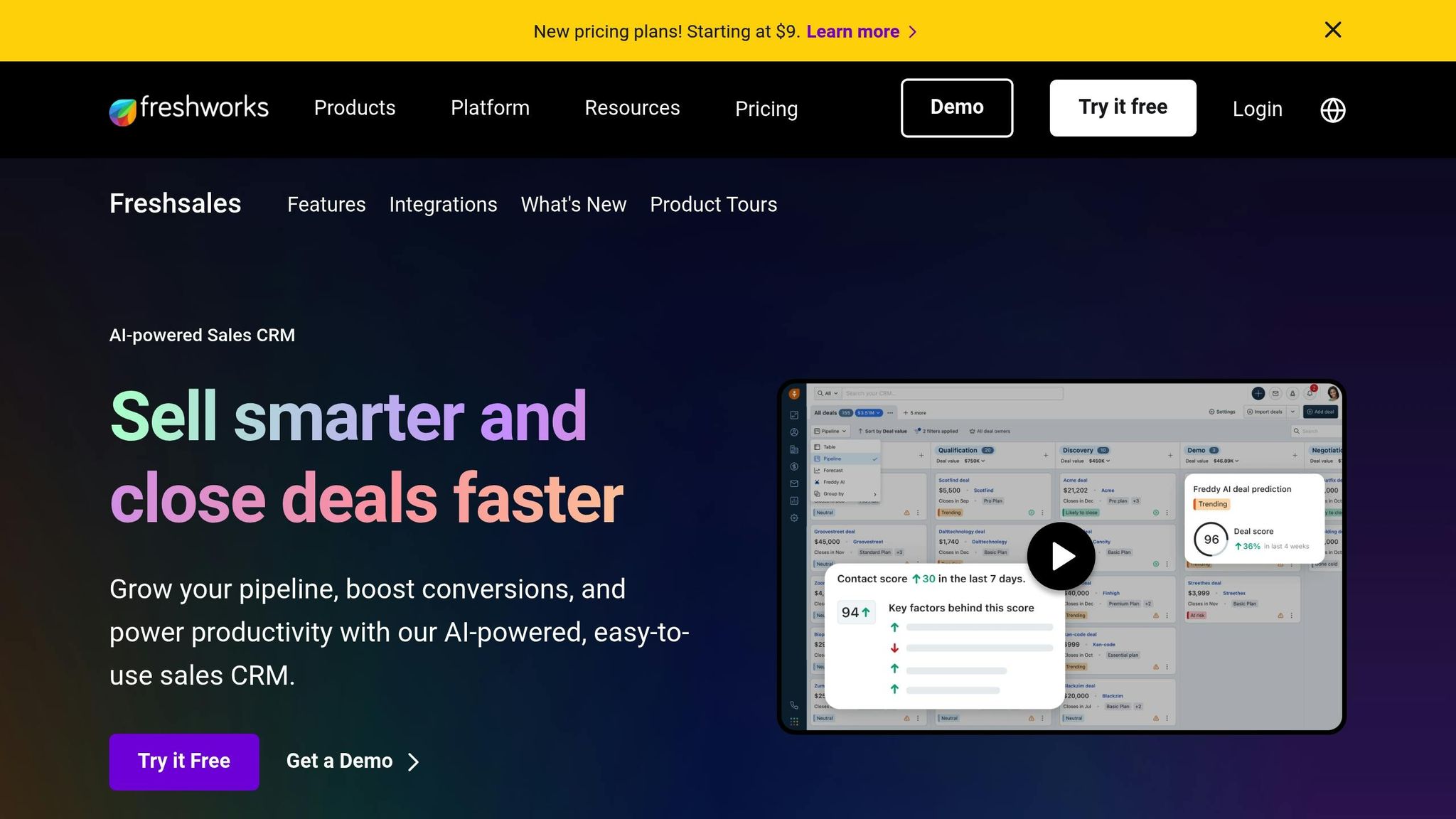
Freshsales is a CRM designed for micro-businesses that need a quick and easy setup. Its free plan supports up to three users and includes essential tools like contact management, built-in phone and chat options, and 24×5 customer support. For businesses looking to grow, the Growth plan starts at $9 per user per month (billed annually), which is about 35% less expensive than many competitors. The Pro plan, priced at $39 per user per month, introduces AI-powered lead scoring, while the Enterprise plan, at $59 per user per month, offers advanced customization options [11].
Every Freshsales tier comes with integrated phone and chat tools, so there’s no need for extra subscriptions. You can get started quickly - often within 24 hours - using the one-click spreadsheet import feature. Plus, Freshsales provides a 21-day free trial, and you won’t need to enter a credit card to test it out [11].
Now, let’s dive into how Freshsales helps with lead management.
Freshsales uses Freddy AI to rank leads by their likelihood of converting, making it easier for small teams to prioritize high-potential prospects. A comprehensive 360° view consolidates all customer interactions, such as website visits, email engagement, and purchase history. The platform also features a drag-and-drop Kanban pipeline, which simplifies the process of tracking deals. Mike Hopkins, Senior VP of Sales and Service at Blue Nile, shared:
"Reducing our no-show rate was important to have higher utilization of our sales team. With Freshsales, we brought it down to about 20%, and time is money" [11].
Even at the Growth plan level, Freshsales offers automation tools to handle tasks like lead assignment, field updates, and follow-up reminders. Sales sequences allow for multi-step outreach campaigns via email, SMS, or phone, triggered by specific actions or timing. Freddy AI also fills in missing contact details - such as company size, industry, and social profiles - by pulling data from public sources when you provide an email address. Alexandra, CRM Operations Manager at Humn, noted:
"Over the last year, we've acquired 10X more customers and are rapidly scaling. To our surprise and relief, through this busy phase, the time spent on administrative tasks by teams dropped by 20%" [11].
Freshsales adapts as your business grows.
Freshsales is built to scale with micro-businesses. Start with the free plan to manage basic contact information and email templates, then move to the Growth or Pro plans as your team and needs expand. The platform integrates seamlessly with tools like Gmail, Outlook, and Slack, and it also includes a mobile app for business owners who are always on the move. For businesses with more advanced requirements, the CPQ (Configure, Price, Quote) add-on, priced at $19 per user per month, automates the creation of quotes, invoices, and contracts. Additionally, research shows that small businesses using CRMs often see an average return of $8.71 for every dollar spent [12].
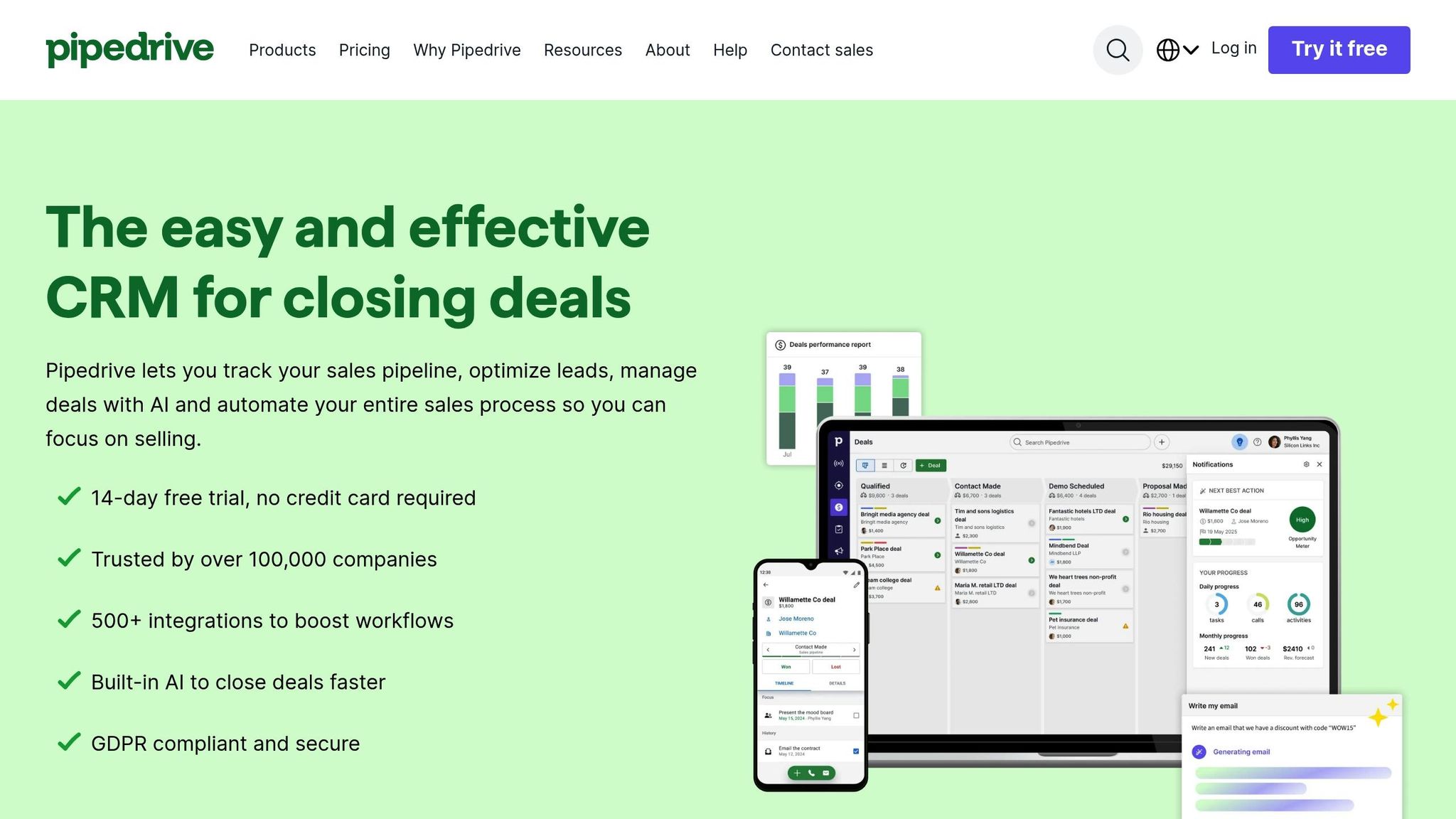
If you're running a micro-business and need a CRM that's both easy to use and packed with automation features, Pipedrive might be the solution you’re looking for. With its visual, drag-and-drop pipeline, Pipedrive is trusted by over 100,000 sales teams worldwide [13]. The Lite plan starts at $14 per user per month (billed annually) and even comes with a 14-day free trial - no credit card required.
Pipedrive offers four pricing plans, with discounts of up to 42% for annual billing [13]. Here’s a quick breakdown:
Additionally, Pipedrive offers add-ons like LeadBooster for chatbot functionality, starting at $32.50 per month per company.
Oliver Lee, Sales Director at CreativeRace, shared his experience:
"Pipedrive offers better value than other CRMs and has an easy-to-use interface. It became apparent that it was a great fit for our team at a cost we could afford." [14]
Pipedrive’s lead management tools help ensure you never lose track of a conversation. Its 360-degree Contact Timeline organizes all emails, calls, and meetings into one easy-to-navigate history. On top of that, the AI Sales Assistant analyzes your pipeline to identify deals with the highest chance of closing. This combination of visual clarity and smart prioritization makes it especially useful for smaller teams.
The Lite plan allows for 30 custom fields, while the Growth plan increases this to 100. For example, Accentuate Web Design & Marketing saw a 1,000% increase in annual revenue over four years after switching to Pipedrive from spreadsheets [16]. Eden Brownlee, Director at Accentuate, explained:
"If you want to scale and manage your client base effectively you need a CRM, like Pipedrive, simple as that." [14]
Automation is where Pipedrive really shines, especially for small teams looking to save time. The Growth plan automates tasks like assigning leads, sending follow-up reminders, and updating deal statuses. It also includes AI-powered email summaries, instant replies, and multi-step email sequences to keep prospects engaged.
For those needing document automation, the Smart Docs add-on simplifies creating quotes and contracts, complete with e-signature functionality. Luis Carlos Rojas, Sales Manager at Saleslatam México, shared:
"Pipedrive has made me a salesperson with good habits. And without a doubt I am much more organized than before." [14]
Pipedrive grows with your business, offering integrations with over 500 tools like Zapier, Slack, and Zoom. It also includes a fully functional mobile app for both iOS and Android, ensuring you can manage your pipeline on the go. Storage is unlimited, and their support team - tailored for micro-businesses - boasts an average response time of just two minutes [15][16]. Whether you’re just starting out or looking to expand, Pipedrive is built to keep up.
This section breaks down the strengths and weaknesses of four popular CRMs, focusing on pricing, lead management, automation, and their suitability for micro-businesses.
HubSpot CRM stands out with its generous free plan that supports unlimited users, making it an attractive option for businesses operating on a tight budget. Its user-friendly design and over 1,000 integrations make it a great fit for startups. However, as your needs grow, advanced features can drive costs above $450/month. While it offers a comprehensive solution, some users have noted persistent upselling tactics as a downside.[2]
Zoho CRM is a strong choice for teams looking to balance affordability with advanced features. It combines AI-driven insights with extensive customization options. CRM specialist Kevin Kiruri even highlights it as a top contender, though its steep learning curve might pose challenges for beginners.[17] Zoho’s free plan accommodates up to three users and integrates seamlessly with its larger ecosystem, but newcomers may find it less intuitive.
Freshsales excels in its built-in communication tools, which integrate phone, email, and chat, cutting down on the need for extra apps. Priced at $9/user/month, it’s the most budget-friendly entry-level option, and its Freddy AI helps prioritize leads efficiently. However, the base plan restricts users to a single sales pipeline, which could become a limitation as your business scales.[3]
Pipedrive is tailored for sales-focused teams, offering visually intuitive drag-and-drop pipelines, robust automation, and unlimited storage. That said, it lacks a free plan, offering only a 14-day trial. Additionally, some marketing features require extra paid add-ons. PCMag editors have noted that "you can get more features and support from alternatives that cost the same - or even less."[1]
Here’s a quick side-by-side comparison:
| CRM Platform | Starting Price | Free Version? | Best For | Main Weakness |
|---|---|---|---|---|
| HubSpot | $15/user/month | Yes (unlimited users) | All-in-one beginners | High costs for advanced features |
| Zoho | $14/user/month | Yes (up to 3 users) | Budget + customization | Steep learning curve |
| Freshsales | $9/user/month | Yes (up to 3 users) | Built-in communication | Single pipeline on base plan |
| Pipedrive | $14/user/month | No (trial only) | Visual sales pipelines | No free tier; extra costs for add-ons |
Across the board, these CRMs offer a strong return on investment. In fact, 83% of small businesses using a CRM report positive ROI, earning an average of $8.71 for every dollar spent.[12] When deciding, think about what matters most to your business - whether it’s ease of use, affordability, or a focus on sales tools.
Selecting the right CRM is all about finding a tool that matches your budget, team size, and growth plans. For solopreneurs, HubSpot's free plan is a great starting point, offering plenty of value without any cost. If your team has 2–3 members and needs more customization, Zoho CRM's free tier could be a strong choice with its 60+ pre-made reports - though it may take some time to get comfortable with its features.[18] For businesses requiring even more tailored options, platforms like Zoho and Freshsales might be a better fit.
When it's time to step beyond free plans, there are affordable options to consider. Freshsales, at $9 per user/month, stands out for its communication tools, while Pipedrive, at $14 per user/month, excels with its visual sales pipeline. Your decision should hinge on your main priority - whether it's improving communication or tracking sales more effectively.
Before committing, take advantage of free trials and test the CRM with your actual data to ensure it fits your workflow. Use this opportunity to clean up your customer data - standardize naming conventions and remove duplicates to avoid confusion later. It's also smart to choose a CRM that integrates with tools you already rely on, like Gmail or QuickBooks, to reduce manual data entry and keep everything running smoothly.
Ultimately, the best CRM is the one your team will actively use. Skip unnecessary advanced features and focus on simplicity and usability. Start by mapping out your sales process, then pick a tool that automates repetitive tasks and grows alongside your business. A system that’s easy to adopt will always deliver better results.
To pick the right CRM for your micro-business, consider three main factors: cost, ease of use, and essential features. Start by determining your budget - many affordable CRMs cost less than $20 per user per month - and rule out any options that exceed it. Then, focus on platforms with user-friendly designs, so you can easily add leads, track progress, and set reminders without spending hours learning the system. Lastly, make sure the CRM includes must-have features like lead management, email integration, basic automation, and compatibility with tools you already rely on, such as Gmail or accounting software.
If you're planning for growth, look for a CRM that offers a free plan or low-cost upgrades to support your expanding needs. Having a mobile app is another bonus, allowing you to manage contacts and tasks while on the move. By zeroing in on these factors, you can narrow your choices to a handful of reliable, budget-friendly CRMs tailored for small teams, helping you strengthen customer relationships and streamline your workflows.
Free CRM plans are a solid choice for micro-businesses just getting started. They provide essential tools like contact management, lead tracking, and basic workflows - all without any upfront cost. That said, these plans often come with limitations. You might get access to simple email marketing or contact tracking, but features like advanced automation, AI-driven insights, or multi-user collaboration are usually missing. Plus, the number of users and available support can be quite restricted.
Paid CRM plans, however, take things to the next level. They typically include advanced features like workflow automation, AI-powered analytics, integrated marketing tools, and higher user limits. On top of that, they often offer dedicated customer support and custom integration options, making them a better fit for businesses looking to scale. For example, paid plans generally start at around $25 USD per user per month, giving teams access to tools for sales, service, and marketing automation - perfect for growing businesses.
In essence, free CRM plans are ideal for small teams just starting out, while paid plans provide the tools and flexibility needed to grow and thrive over time.
A CRM system (Customer Relationship Management) can be a game-changer for your micro-business. It helps you stay on top of sales and customer interactions, cuts down on manual tasks, and saves you precious time. By centralizing contact details, tracking communications, and automating tasks like follow-ups, a CRM makes managing leads and customers far more efficient.
Even if you're running a two-person operation, you can take advantage of features like lead tracking, automated reminders, and a single, organized database for client information - all without breaking the bank. Many CRM platforms offer free or budget-friendly plans, giving you room to start small. As your business grows, you can easily add more advanced tools like workflow automation or sales reporting without the hassle of switching systems.
With a CRM in place, you'll streamline your processes, strengthen customer relationships, and have the tools to handle more clients - all while laying the groundwork for steady, long-term growth.
Discover strategies to elevate your business.


