

As a small or local business owner, you’re likely already juggling countless tasks, from managing operations to offering excellent customer service. Marketing often becomes an afterthought, but it’s critical to stand out in today’s digital landscape. If your business relies on local customers, optimizing your Google Business Profile (GBP) can be a game-changer - and there’s one underrated feature many businesses overlook: Google Business Profile Posts.
These posts allow you to share updates, offers, events, or relevant content directly within your business listing, giving you another tool to increase visibility and attract potential customers. This article unpacks the power of GBP posts, explains how to use them effectively, and highlights how they can boost your local SEO efforts.
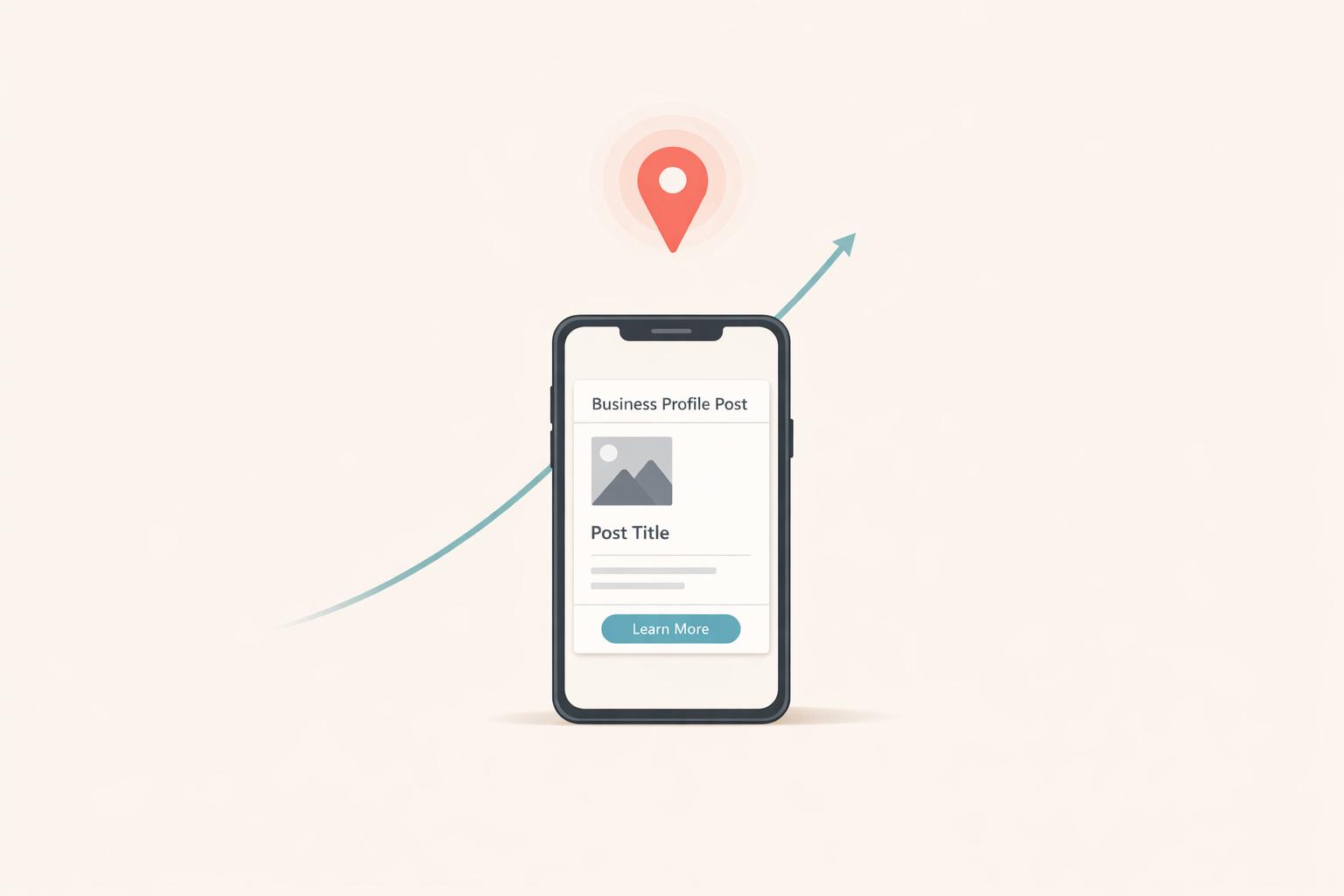
A Google Business Profile post is a short, content-rich update that appears directly on your business listing in Google Search and Maps. Think of it as a mini billboard, offering potential customers a snapshot of what your business offers. Posts can include descriptions, images, and call-to-action buttons like "Learn More" or "Order Now."
When used thoughtfully, GBP posts aren’t just a tool to share announcements - they can also improve your local search rankings by sending relevant signals to Google about your business’s activity, trustworthiness, and authority.
Many businesses don’t utilize GBP posts, and that’s a missed opportunity. Here’s why this feature is worth integrating into your marketing strategy:
Active posting shows Google that your business is engaged and open, which helps build trust. Google's algorithms favor businesses that consistently update their profiles and provide fresh content.
GBP posts allow you to include links to your site - whether it’s a blog post, a product page, or a booking form. This increases traffic and engagement on your website.
By strategically including keywords in your posts (e.g., "best plumber in Denver" or "event catering services"), you help Google associate your business with specific search terms, improving your chances of ranking for relevant local queries.
Posts are visually appealing and allow you to create a direct line of communication with potential customers by showcasing offers, events, or educational content.
With the rise of AI-driven tools like ChatGPT and Google’s AI search systems, having more online content tied to your business increases your visibility in AI-curated search results.
Google offers three primary post types to choose from:
For instance, if you’re sharing a blog post about "How to Choose the Best HVAC System", write a brief summary highlighting actionable insights.
Example: "Looking for the perfect HVAC system? Check out our guide to learn how to choose the right one for your home or business. Discover expert tips and avoid common pitfalls!"
Visuals grab attention, so ensure you upload an image that’s clean, professional, and relevant. If your post links to a blog or product page, use the featured image from that page for consistency.
Select an appropriate button based on the goal of your post. Options include:
Posting regularly reinforces your business’s activity and relevance. Whether you post weekly or bi-weekly, stick to a schedule that’s manageable for you.
Consistently posting to your GBP has direct and indirect effects on local search rankings. Here’s how:
Google looks for signs that your business is active and operational. A regularly updated GBP indicates that you’re engaged and responsive to customer needs.
When you share content like blog posts or industry insights in your GBP, it reinforces your authority on those topics. This helps Google associate your business with specific services or products.
Each post linking back to your website creates a new pathway for traffic. While GBP links are "no-follow" (they don’t pass link equity), they still contribute to overall visibility and relevance.
AI tools increasingly value businesses with a strong online presence. By posting regularly, you create more digital "breadcrumbs" for AI systems to verify and trust your business.
Google Business Profile posts are a simple yet effective tool to give your business a competitive edge in local search. With minimal effort, you can consistently engage with potential customers, improve your search visibility, and build trust with Google. Whether you’re sharing a helpful blog post, promoting a sale, or spotlighting an event, GBP posts should become a key component of your local SEO strategy. Start posting today and watch your local presence grow!
Source: "How To Post On Your Google Business Profile (Tutorial & Strategy)" - BKA Content, YouTube, Jan 29, 2026 - https://www.youtube.com/watch?v=QksoLr2nuqY
Discover strategies to elevate your business.


